
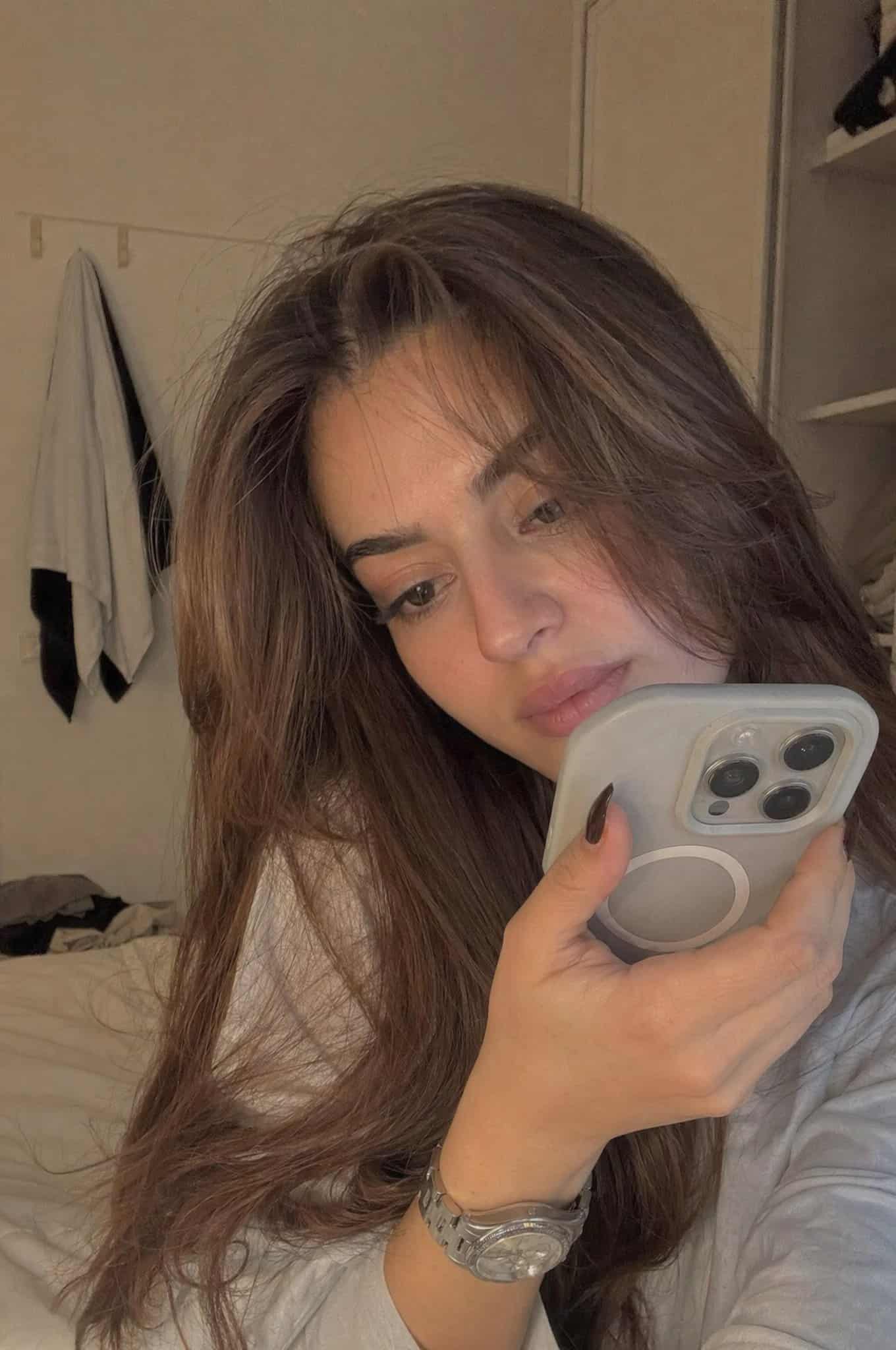
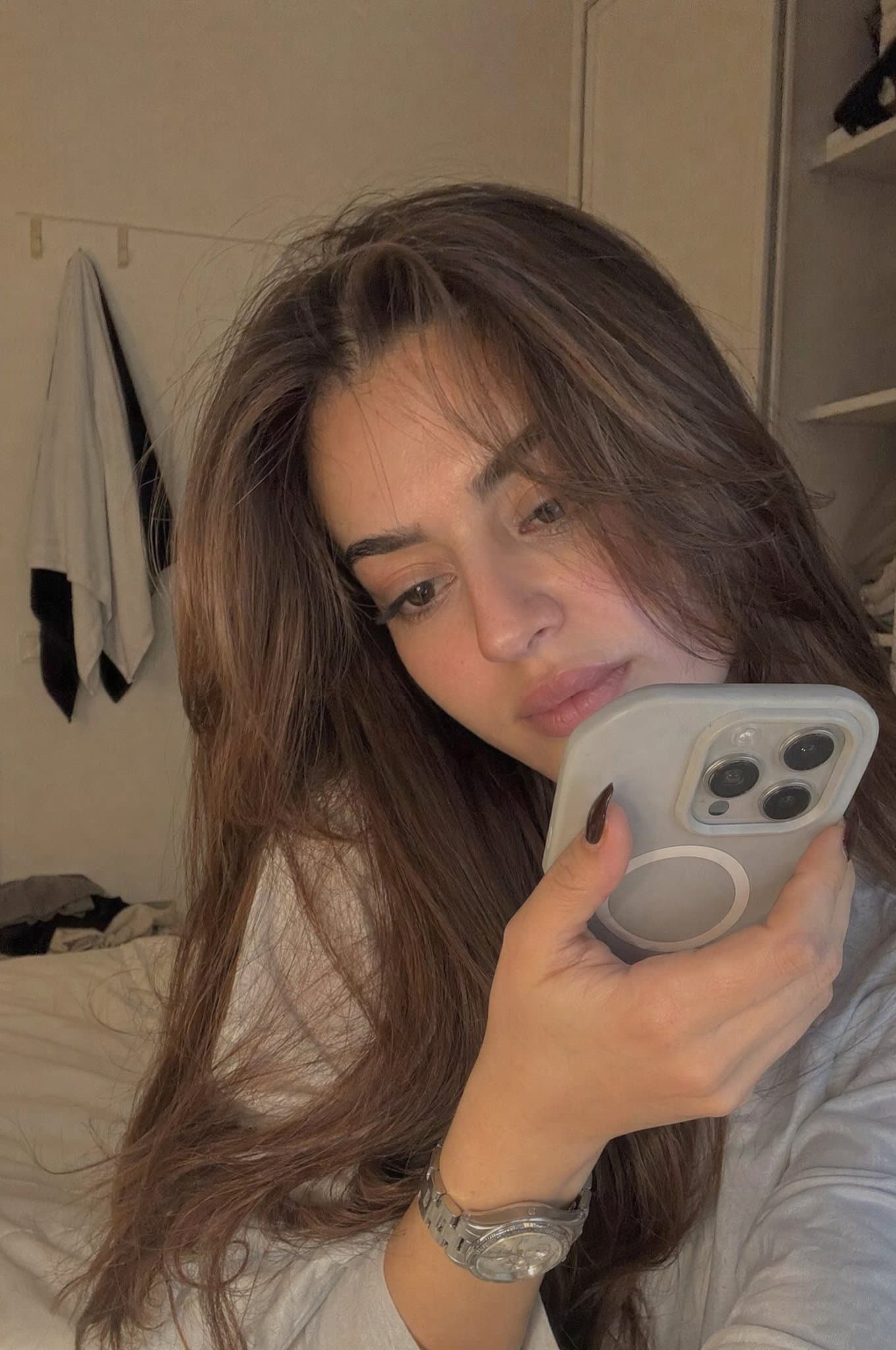
Retrato realista e sincero de gravação de quarto
Uma jovem realista sentada casualmente em um quarto suavemente iluminado no final da tarde. Ela está segurando o telefone bem perto do rosto, como se estivesse gravando um vídeo particular ou uma nota de voz. O enquadra…
Alerta
Uma jovem realista sentada casualmente em um quarto suavemente iluminado no final da tarde. Ela está segurando o telefone bem perto do rosto, como se estivesse gravando um vídeo particular ou uma nota de voz. O enquadramento é apertado e ligeiramente imperfeito. Expressão: pensativo, um pouco tímido, natural. Maquiagem mínima, textura natural da pele, roupas descontraídas. Iluminação: luz natural quente desaparecendo de uma janela, sombras suaves. Ambiente: quarto simples, calmo e habitado. Estilo: ultra-realista, parece uma gravação de telefone real, ligeiramente granulado, não cinematográfico.
Como usar este prompt
Leia o prompt Retrato realista e sincero de gravação de quarto completo e identifique o assunto, estilo, câmera, iluminação e requisitos de composição antes de gerar.
Substitua os espaços reservados entre colchetes ou em estilo de argumento pelos requisitos de produto, personagem, marca, cena, paleta de cores ou proporção de aspecto.
Abra https://www.gptimagehub.com/pt-BR/generate?promptId=cmogwsag80021zpdyy6yhu1n1, gere a imagem e refine o prompt com assunto, texto, layout ou restrições negativas mais específicos, se necessário.
Perguntas frequentes imediatas
Qual é a melhor utilização do prompt Retrato realista e sincero de gravação de quarto?
Este prompt é melhor usado para imagens retrato e fotografia onde você deseja uma estrutura reutilizável, direção visual detalhada e qualidade de saída consistente.
Posso editar o prompt antes de gerar?
Sim. O texto completo do prompt fica visível nesta página para que você possa alterar assuntos, nomes de produtos, cores, composição, termos da câmera, proporção de aspecto e notas de estilo antes da geração.
Qual modelo devo usar com este prompt?
Use o modelo mostrado nos metadados do prompt como ponto de partida padrão. Se outro modelo de imagem suportar a mesma proporção e estilo de instrução, você poderá adaptar o prompt e comparar os resultados.