
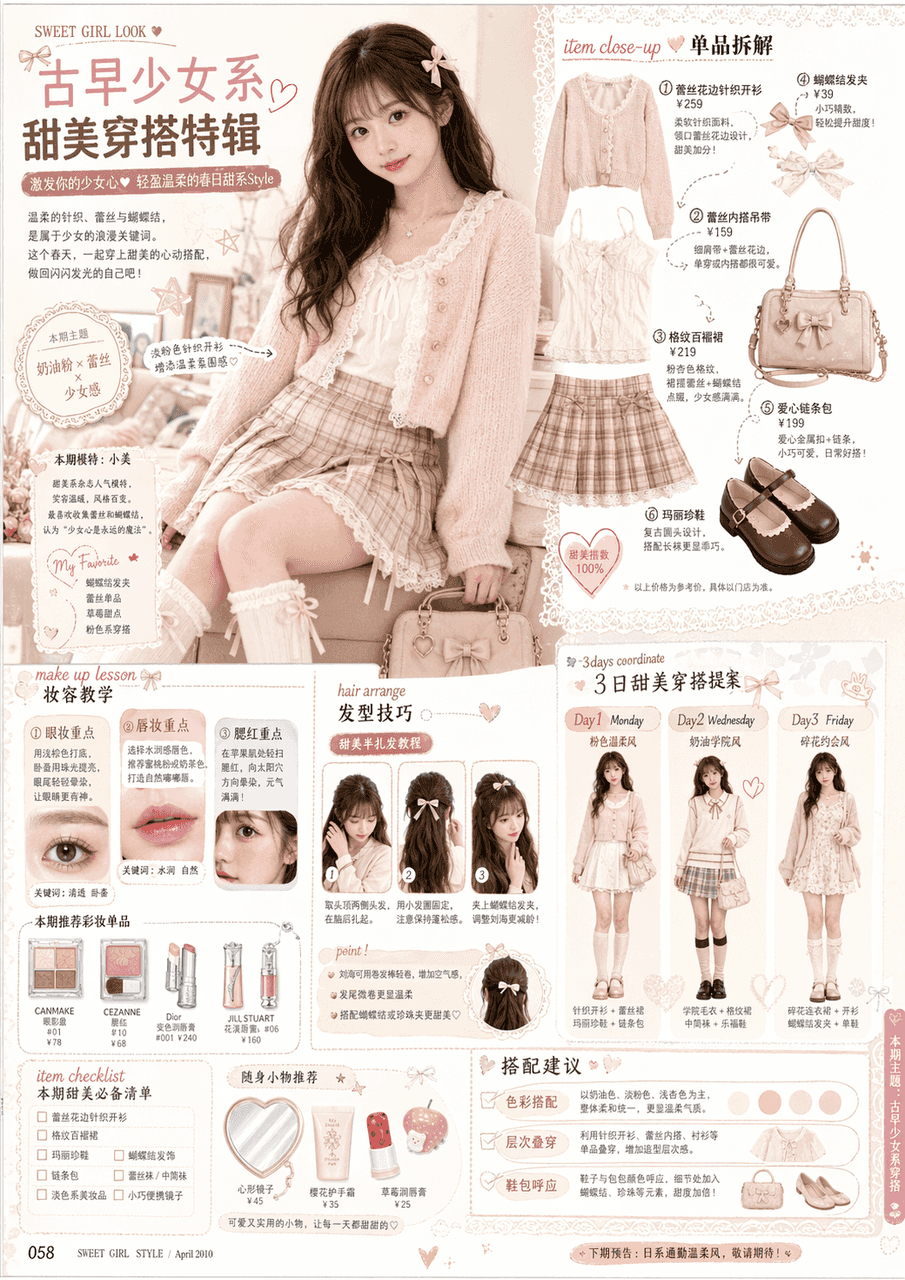
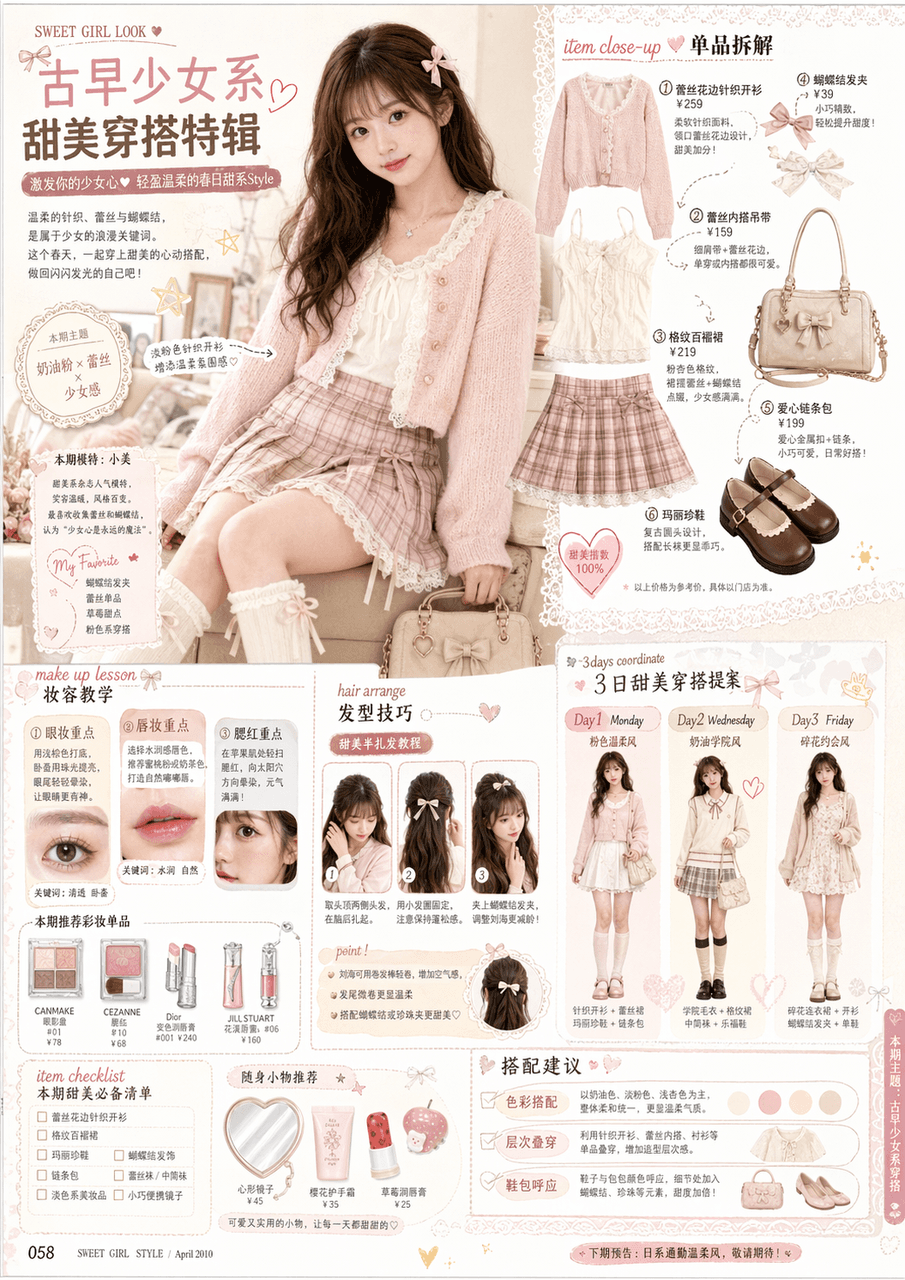
Inside pages of ancient girls’ fashion magazines
Refer to the facial features and hairstyles in the example to generate an inner page of an ancient girls' fashion magazine, similar to the style of early Japanese sweet outfit monthly magazines from 2000s to 2010s, and…
Prompt
Refer to the facial features and hairstyles in the example to generate an inner page of an ancient girls' fashion magazine, similar to the style of early Japanese sweet outfit monthly magazines from 2000s to 2010s, and a real magazine content page. The overall design is a high-level magazine layout design. The picture should include: ·Large picture of the main model (occupying the main body of the page) ·Multiple wear item disassembly modules ·Makeup tutorial frame (eye makeup, lip makeup, blush skills) ·Hair style skills frame/hairarrange Matching suggestions/3days coordinate/item Checklist·Several product pictures (clothes, bags, shoes, cosmetics)·Magazine title, subtitles, notes, price tags, explanatory text·Rich layout and large amount of information, but clear layout, like a real magazine, don’t feel like a poster, don’t have just one big picture of a character
How to use this prompt
Read the complete Inside pages of ancient girls’ fashion magazines prompt and identify the subject, style, camera, lighting, and composition requirements before generating.
Replace bracketed or argument-style placeholders with your product, character, brand, scene, color palette, or aspect ratio requirements.
Open https://www.gptimagehub.com/generate?promptId=cmogxsbxy00rlxt5gchm2pspg, generate the image, then refine the prompt with more specific subject, text, layout, or negative constraints if needed.
Prompt FAQ
What is the Inside pages of ancient girls’ fashion magazines prompt best used for?
This prompt is best used for poster & illustration images where you want a reusable structure, detailed visual direction, and consistent output quality.
Can I edit the prompt before generating?
Yes. The full prompt text is visible on this page so you can change subjects, product names, colors, composition, camera terms, aspect ratio, and style notes before generation.
Which model should I use with this prompt?
Use the model shown in the prompt metadata as the default starting point. If another image model supports the same aspect ratio and instruction style, you can adapt the prompt and compare results.