
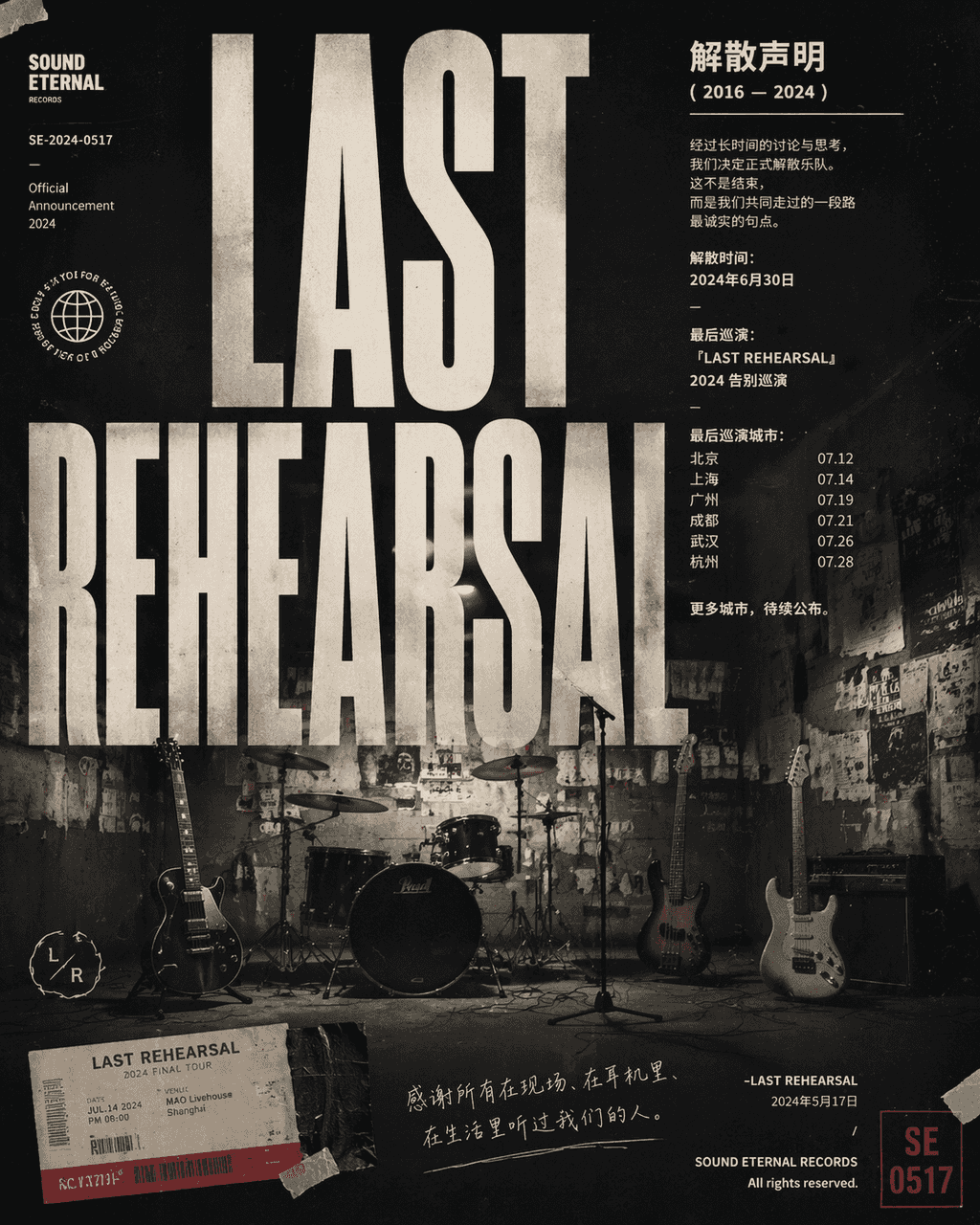
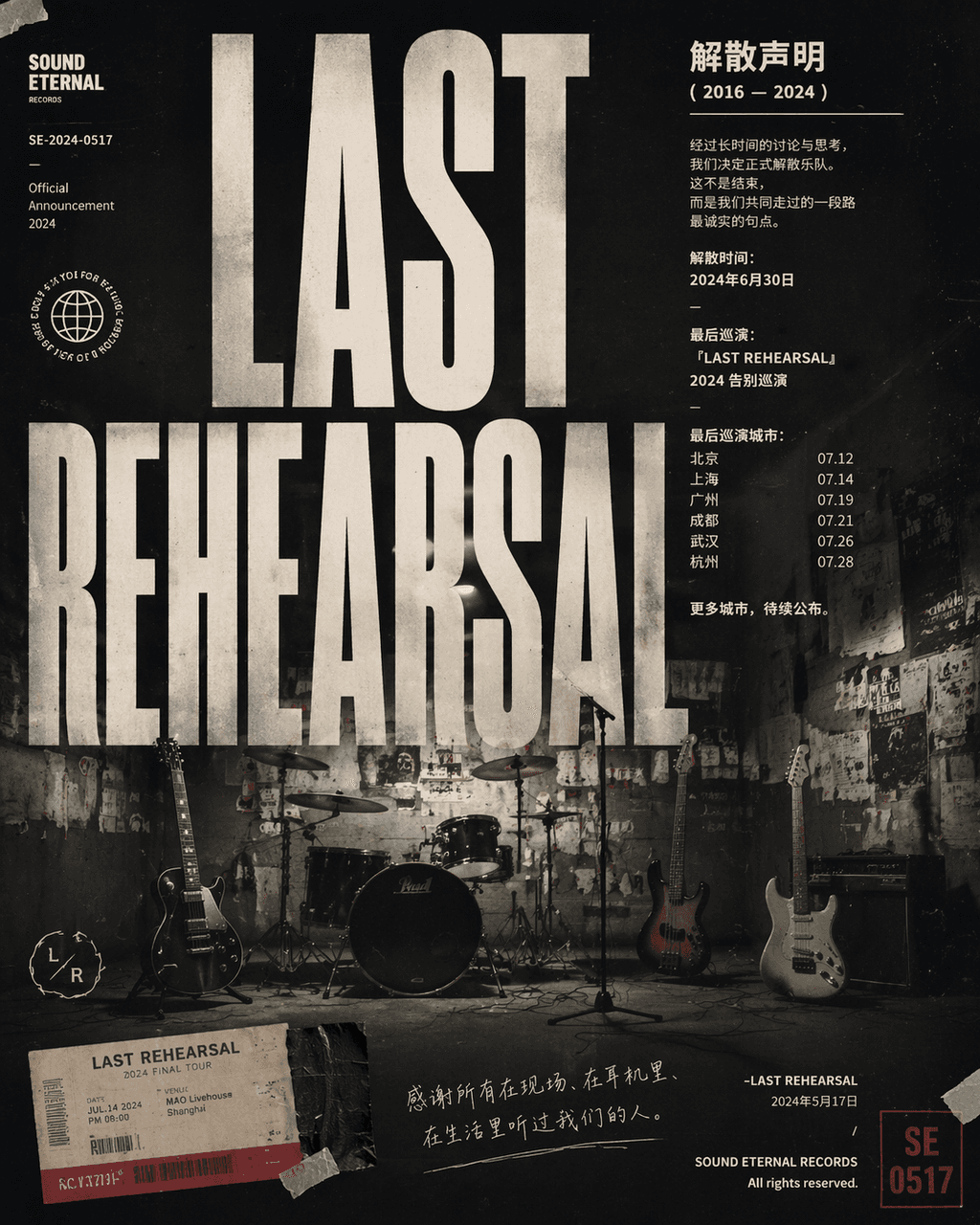
A rock band's disbandment announcement poster
"Poster announcing the dissolution of a rock band", a combination of emotional photography and typography poster design. In the center are four unused musical instruments lying in an empty practice room. The wall is cov…
Prompt
"Poster announcing the dissolution of a rock band", a combination of emotional photography and typography poster design. In the center are four unused musical instruments lying in an empty practice room. The wall is covered with old performance posters and torn tape, with the title "LAST" "REHEARSAL" uses a huge compressed sans serif to cover the screen. The main text area is like a formal statement with the disbandment time, final tour city and a restrained farewell. In the corner, a seal number, ticket stub, and handwritten notes are added. The overall image is like a crossover between a music label's visual system and a documentary photography magazine, with a ratio of 4:5.
How to use this prompt
Read the complete A rock band's disbandment announcement poster prompt and identify the subject, style, camera, lighting, and composition requirements before generating.
Replace bracketed or argument-style placeholders with your product, character, brand, scene, color palette, or aspect ratio requirements.
Open https://www.gptimagehub.com/generate?promptId=cmogxis5400h1xt5gbncwmbcb, generate the image, then refine the prompt with more specific subject, text, layout, or negative constraints if needed.
Prompt FAQ
What is the A rock band's disbandment announcement poster prompt best used for?
This prompt is best used for poster & illustration images where you want a reusable structure, detailed visual direction, and consistent output quality.
Can I edit the prompt before generating?
Yes. The full prompt text is visible on this page so you can change subjects, product names, colors, composition, camera terms, aspect ratio, and style notes before generation.
Which model should I use with this prompt?
Use the model shown in the prompt metadata as the default starting point. If another image model supports the same aspect ratio and instruction style, you can adapt the prompt and compare results.