
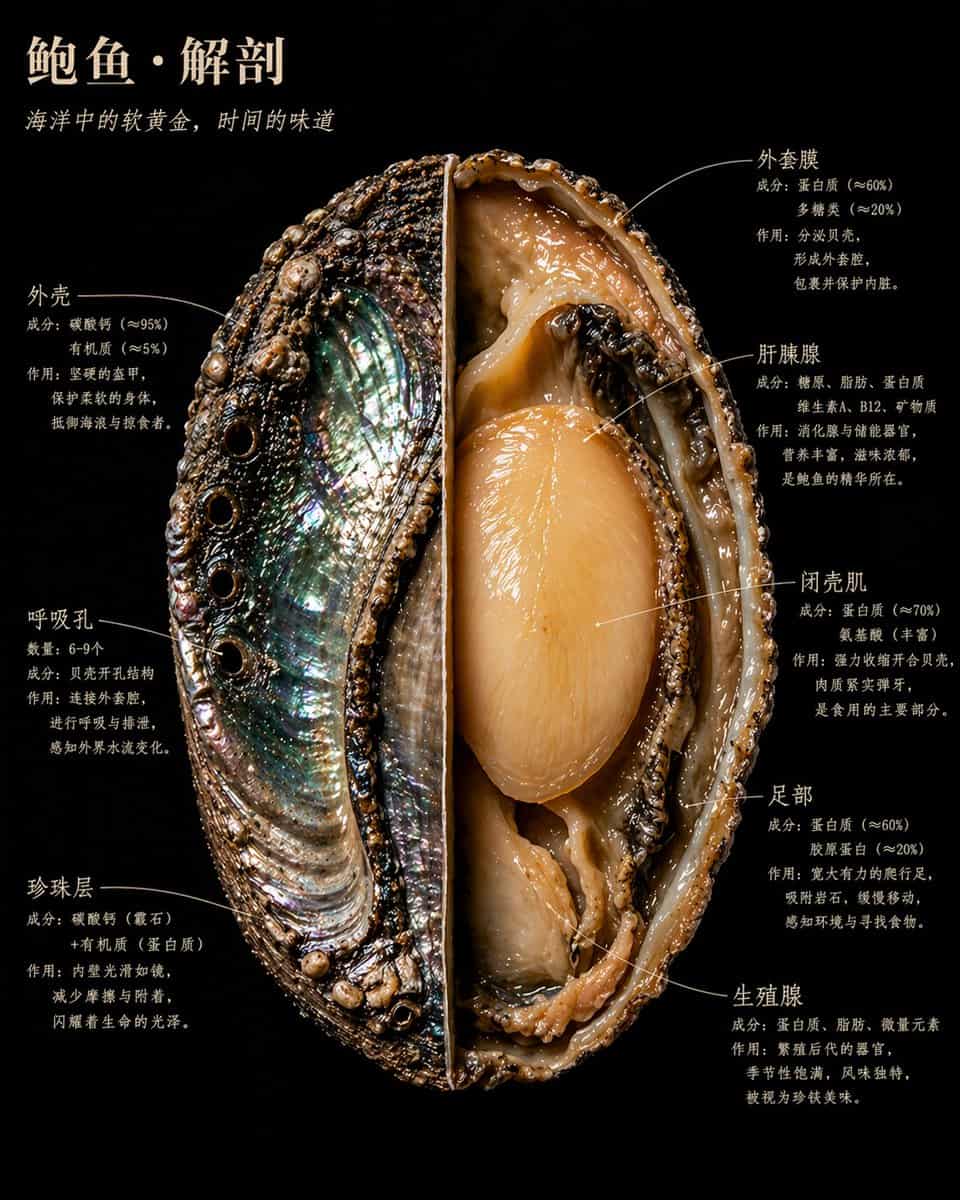
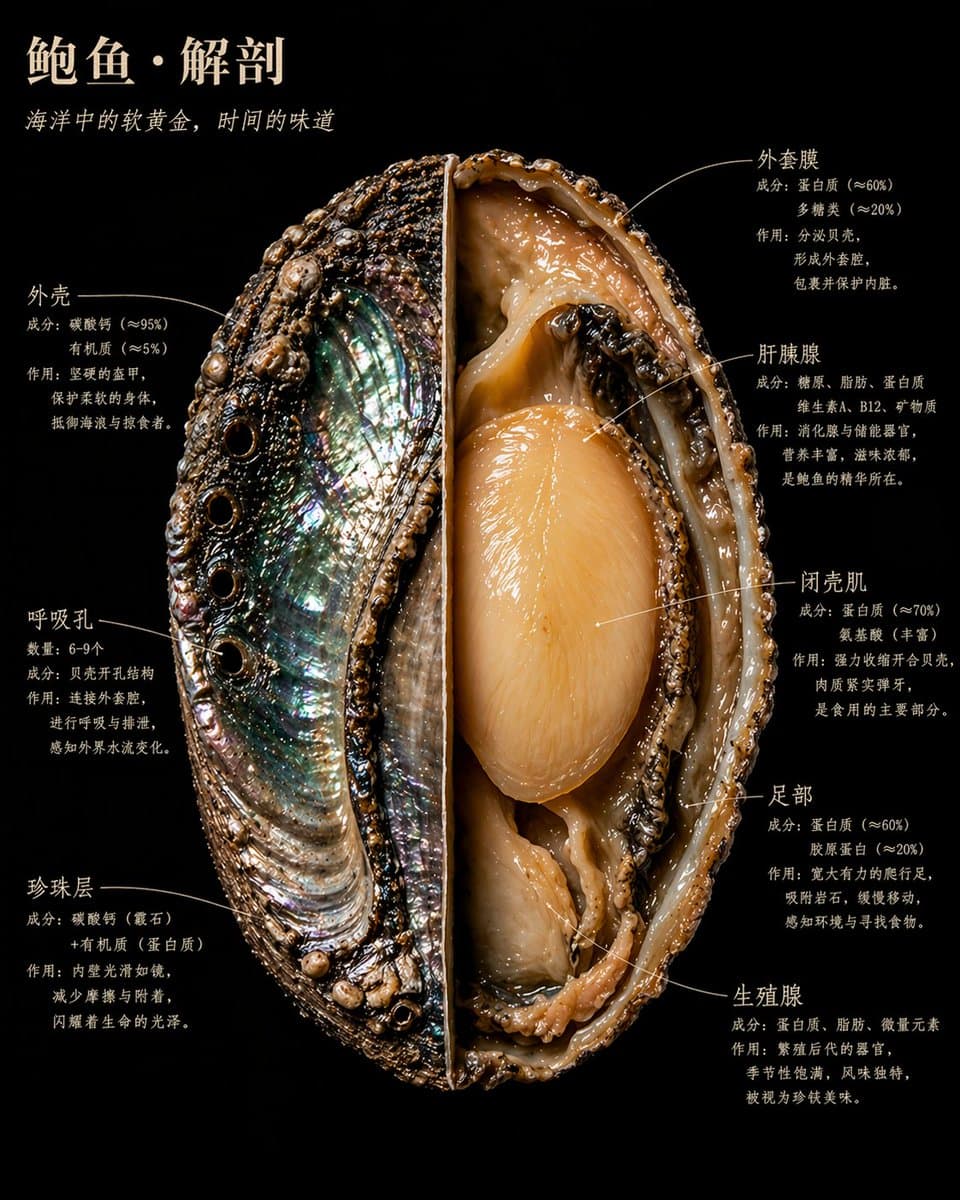
Naturalist Food Specimen Cross Section
GPT Image 2 naturalist food specimen cross-section sample
Prompt
A food specimen dissected and displayed like a museum naturalist discovery. One half preserves the outer surface with its natural texture and color; the other half is cut to the core, revealing the internal structure in sharp detail. The background is pure black velvet. The food floats in the frame like something precious and dangerous. Annotated labels hug the structural edges in handwritten serif typography, never floating. Each annotation has three lines: structure name, composition data, and a plain-language explanation. Main title in warm ivory uppercase at the top-left. Overall aesthetic: Audubon naturalist illustration meets Caravaggio lighting meets the most beautiful scientific photography ever made. 4K precision, specimen lighting, extreme internal detail. Realistic style, not diagram, not cartoon. Every material has true physical texture: rough, smooth, wet, dry, dense, porous.
How to use this prompt
Read the complete Naturalist Food Specimen Cross Section prompt and identify the subject, style, camera, lighting, and composition requirements before generating.
Replace bracketed or argument-style placeholders with your product, character, brand, scene, color palette, or aspect ratio requirements.
Open https://www.gptimagehub.com/generate?promptId=cmqf0qtqq001j13a7q2t010w9, generate the image, then refine the prompt with more specific subject, text, layout, or negative constraints if needed.
Prompt FAQ
What is the Naturalist Food Specimen Cross Section prompt best used for?
This prompt is best used for poster & illustration images where you want a reusable structure, detailed visual direction, and consistent output quality.
Can I edit the prompt before generating?
Yes. The full prompt text is visible on this page so you can change subjects, product names, colors, composition, camera terms, aspect ratio, and style notes before generation.
Which model should I use with this prompt?
Use the model shown in the prompt metadata as the default starting point. If another image model supports the same aspect ratio and instruction style, you can adapt the prompt and compare results.