
A professional product photography shot of a cold sparkling water
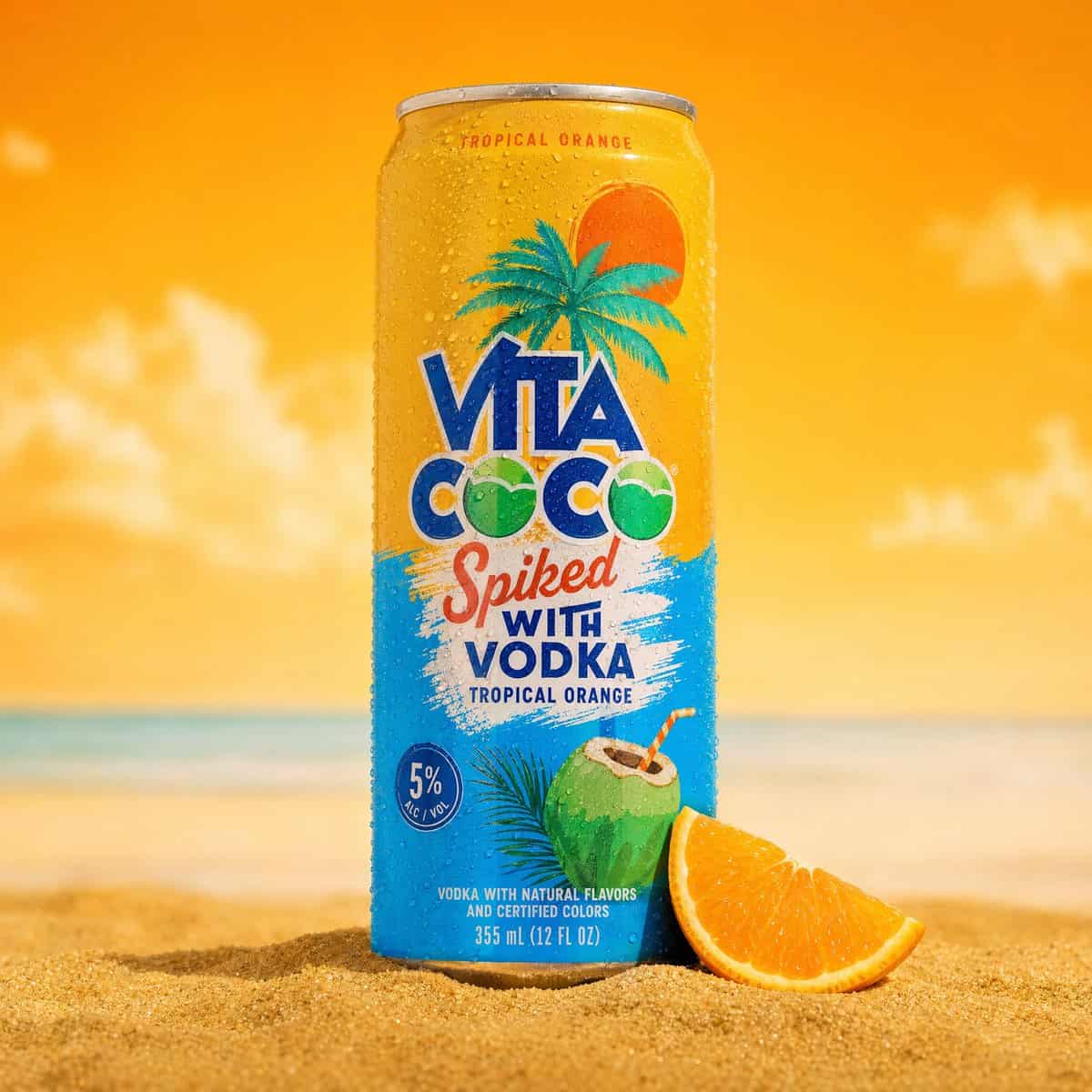
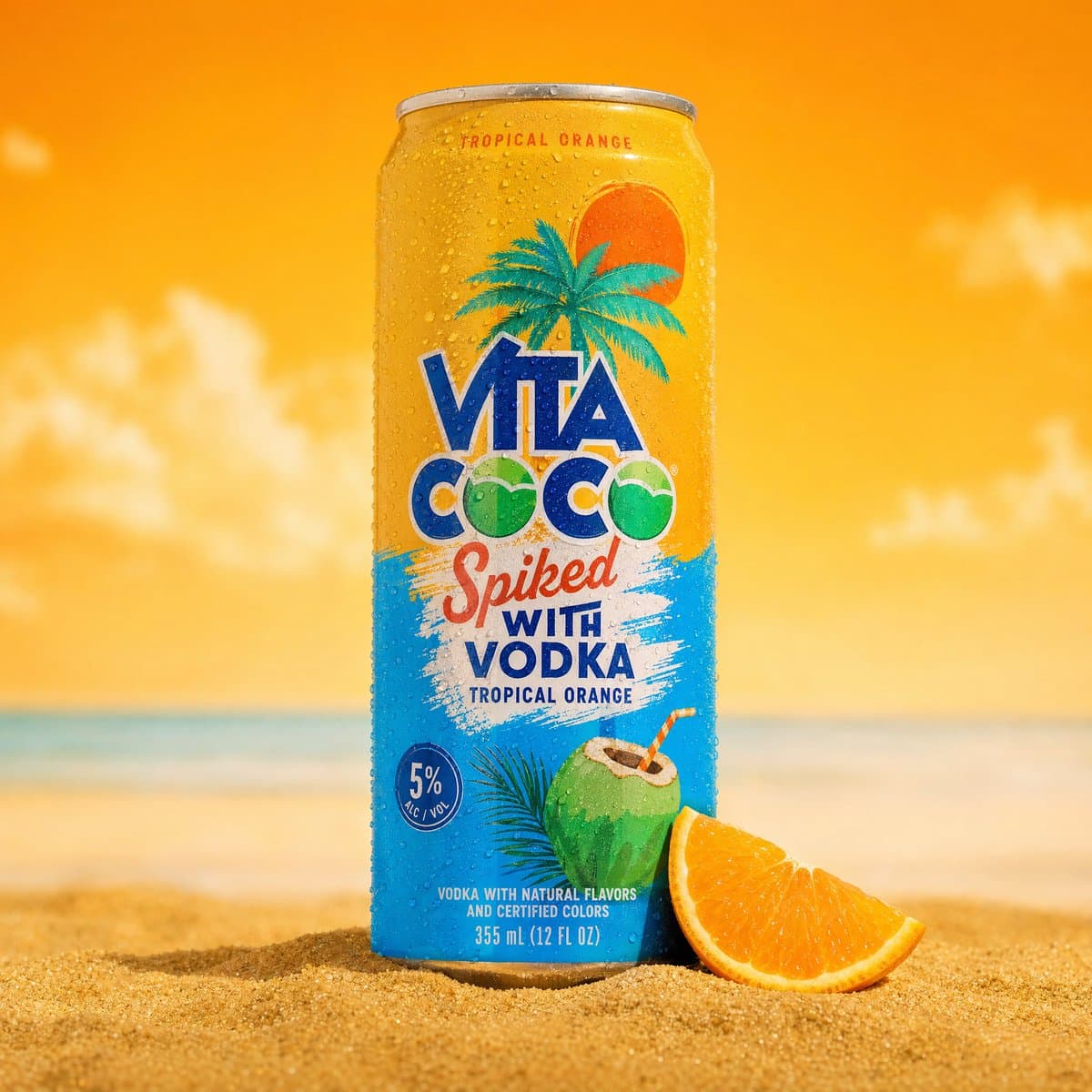
A professional product photography shot of a cold sparkling water can placed upright in golden beach sand. The can is silver and teal, covered in realistic water droplets condensation, with a pineapple illustration and…
Prompt
A professional product photography shot of a cold sparkling water can placed upright in golden beach sand. The can is silver and teal, covered in realistic water droplets condensation, with a pineapple illustration and tropical branding. The can is slightly tilted, planted in a small mound of fine golden sand with tiny white pebbles and small green tropical leaves/grass scattered around the base. Background features a bold split composition - bright sky-blue on the left and vivid yellow on the right, with a large blurred real pineapple placed behind the can on the right side. A blurred tropical palm leaf drapes in from the upper left corner, adding depth and framing. Macro-level water condensation droplets visible on the can surface. Lighting is bright, vibrant, commercial studio lighting with clean shadows. Shallow depth of field - can in sharp focus, background softly blurred. Mood: summer, tropical, fresh, refreshing. Commercial product photography, ultra-detailed, 8K.
How to use this prompt
Read the complete A professional product photography shot of a cold sparkling water prompt and identify the subject, style, camera, lighting, and composition requirements before generating.
Replace bracketed or argument-style placeholders with your product, character, brand, scene, color palette, or aspect ratio requirements.
Open https://www.gptimagehub.com/generate?promptId=cmogwukqz004bzpdyh35d9gmz, generate the image, then refine the prompt with more specific subject, text, layout, or negative constraints if needed.
Prompt FAQ
What is the A professional product photography shot of a cold sparkling water prompt best used for?
This prompt is best used for product & e-commerce images where you want a reusable structure, detailed visual direction, and consistent output quality.
Can I edit the prompt before generating?
Yes. The full prompt text is visible on this page so you can change subjects, product names, colors, composition, camera terms, aspect ratio, and style notes before generation.
Which model should I use with this prompt?
Use the model shown in the prompt metadata as the default starting point. If another image model supports the same aspect ratio and instruction style, you can adapt the prompt and compare results.