
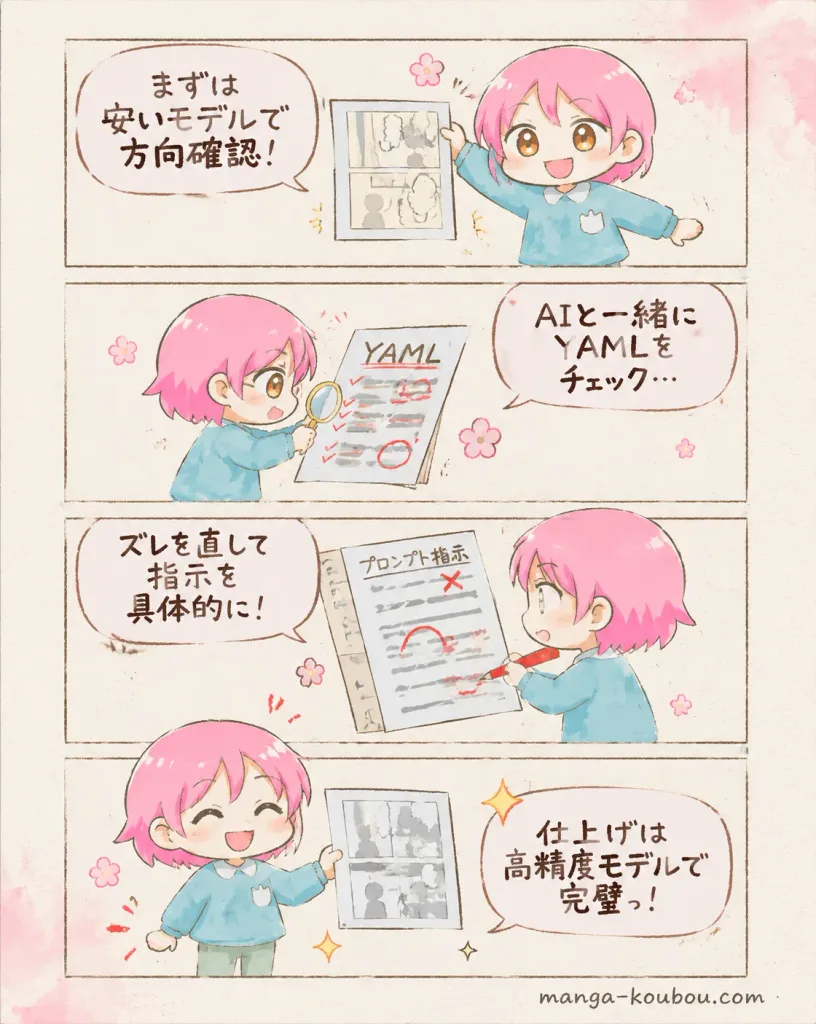
치비 캐릭터 AI 만화 제작 4컷 만화
프롬프트 최적화 과정을 설명하는 따뜻한 수채화풍 4컷 만화를 생성합니다. 머리색, 말풍선 대사, 서류 텍스트를 원하는 대로 변경해 보세요.
프롬프트
A soft watercolor-style vertical 4-panel manga explainer about an AI manga creation workflow, featuring a cute chibi mascot demonstrating prompt optimization. Style & Atmosphere: Warm Japanese children's picture book manga aesthetic, light ink outlines, delicate watercolor shading, off-white textured paper canvas, gentle pastel peach washes, with small pink cherry blossom doodles and sparkles scattered along the margins. No harsh shadows or photorealism. Layout: Exactly 4 horizontal rectangular comic panels stacked vertically, framed by thin, rough brown hand-drawn pencil borders. Exactly 1 speech bubble with handwritten Japanese text per panel. Character: A small chibi child mascot with toddler-like proportions, round face, large amber-brown eyes, short side-swept [bright pink] hair, wearing an oversized sky-blue sweater. The character appears once in each panel. Panel 1: The character stands on the right, cheerfully holding up an early manga draft printout with grayscale panels. Large speech bubble on the left: "[まずは 安いモデルで 方向確認!]". A tiny pink flower sits near the top center. Panel 2: Close-up composition. The character leans over a desk focused, examining a sheet titled "YAML" with a magnifying glass. The paper features red check marks, underlines, and a circled note. Speech bubble on the right: "[AIと一緒に YAMLを チェック…]". Panel 3: Side angle. The character intently marks a large prompt document titled "プロンプト指示" using a red pen, crossing out lines and adding corrections. Speech bubble on the left: "[ズレを直して 指示を 具体的に!]". Panel 4: The character stands proudly on the right, eyes closed in a happy smile, displaying a finished manga page with crisp line art and dialogue boxes, surrounded by golden sparkles and pink blossoms. Speech bubble on the right: "[仕上げは 高精度モデルで 完璧っ!]". Constraints: Exactly 4 vertical stacked panels, exactly 4 speech bubbles, clear legible Japanese lettering, no watermark.
바꿔 쓸 수 있는 부분
생성하기 전에 프롬프트의 이 부분을 원하는 주제나 문구로 바꿔 보세요.
[bright pink]자리 표시자“YAML”따옴표 안 문구“プロンプト指示”따옴표 안 문구
프롬프트 정보
- 카테고리
- 애니메이션 / 만화
- 모델
- GPT IMAGE 2
- 이미지당 비용
- 1K: 43 크레딧 · 2K: 86 크레딧 · 4K: 143 크레딧
- 화면 비율
- 4:5
- 추가일