
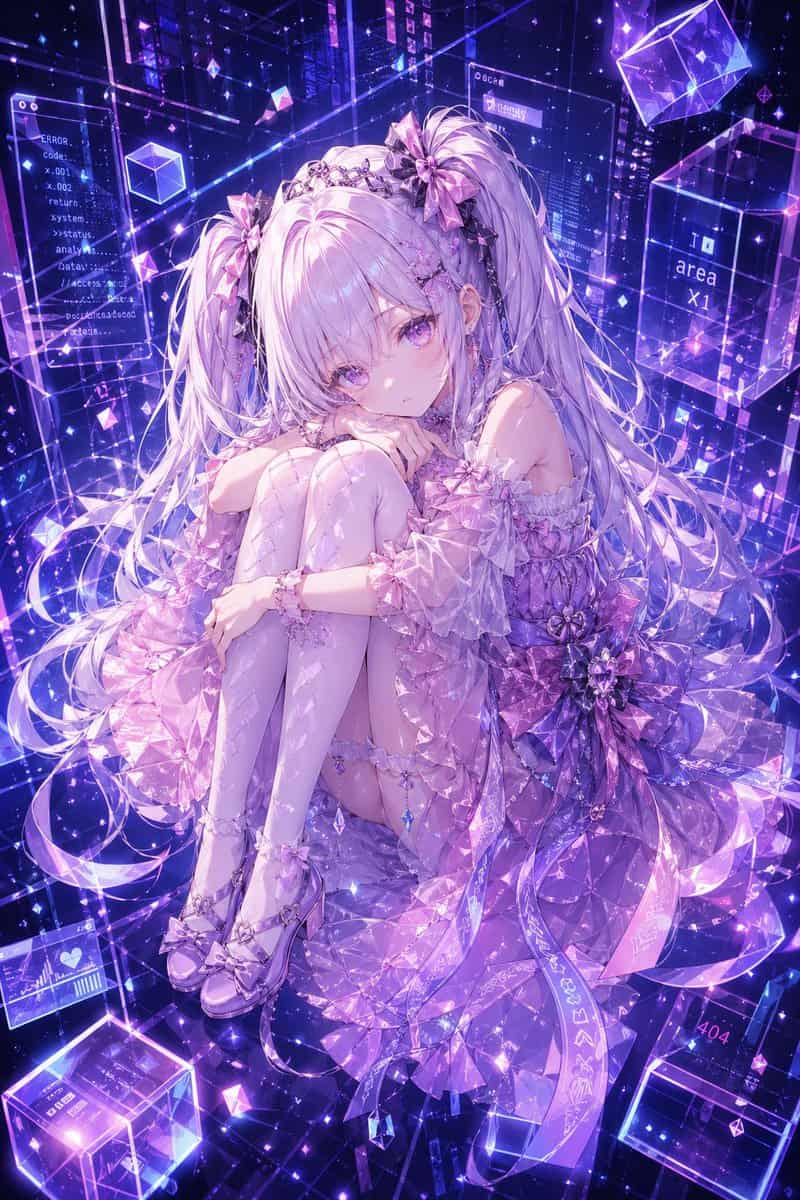
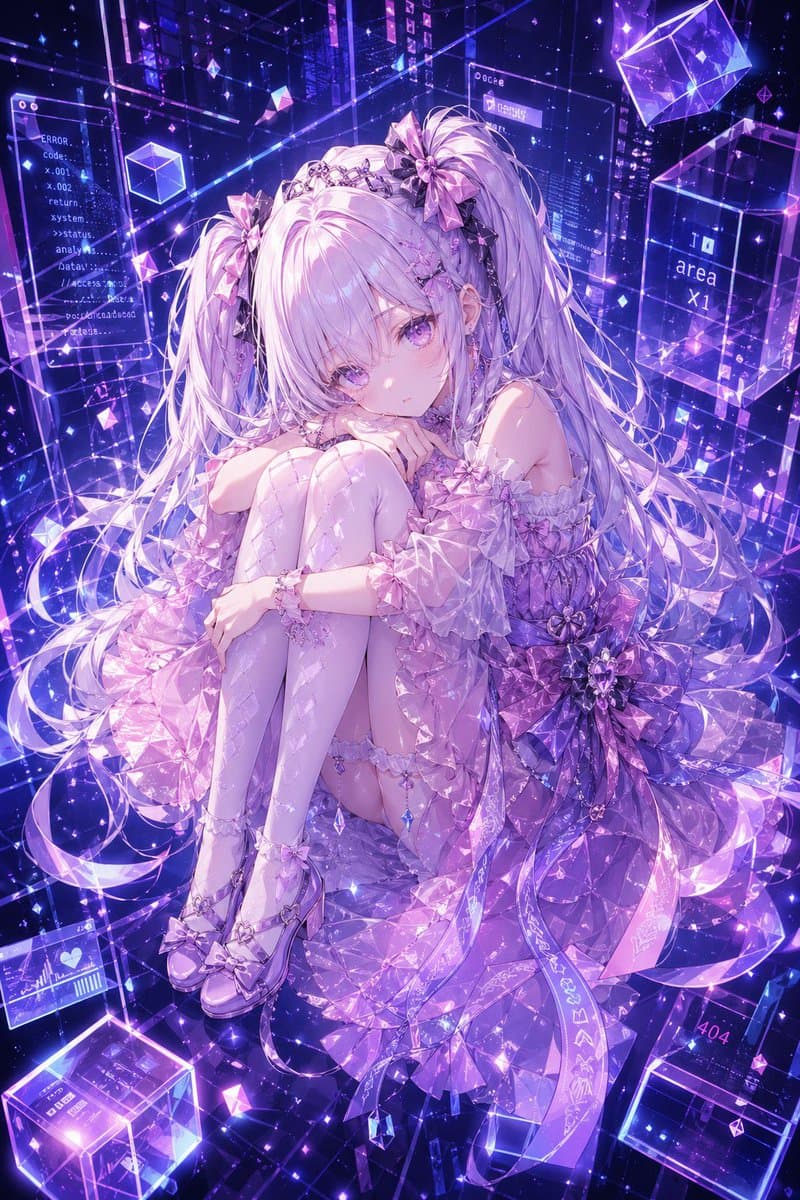
사이버 크리스탈 애니메이션 소녀 초상화
{argument name="character name" default="Hermes"}의 디테일이 매우 풍부한 애니메이션 스타일 전신 캐릭터 초상화로, 무릎을 가슴까지 끌어안고 웅크려 앉아 차분하고 약간 우울한 표정으로 부드럽게 관객을 응시하는 섬세한 미래적 소녀입니다. 그녀는 부드러운 앞머리와 함께 매우 긴 {argument name="hair color" default="silver-…
프롬프트
{argument name="character name" default="Hermes"}의 디테일이 매우 풍부한 애니메이션 스타일 전신 캐릭터 초상화로, 무릎을 가슴까지 끌어안고 웅크려 앉아 차분하고 약간 우울한 표정으로 부드럽게 관객을 응시하는 섬세한 미래적 소녀입니다. 그녀는 부드러운 앞머리와 함께 매우 긴 {argument name="hair color" default="silver-lilac"} 트윈 테일, 광택 있는 라벤더 눈, 도자기 같은 피부, 그리고 큰 리본 보우 3개와 보석 장식 티아라 같은 헤드피스를 포함한 화려한 크리스탈 헤어 액세서리를 갖추고 있습니다. 그녀의 의상은 {argument name="outfit color" default="pink, lavender, and violet"} 컬러의 정교한 반투명 아이돌 테크 드레스로, 오프 숄더 퍼프 슬리브, 레이어드 러플, 패싯 컷 보석 같은 패브릭, 허리에 거대한 플로럴 보우, 매달린 크리스탈 참, 가터 디테일, 패턴 있는 사이하이 스타킹, 그리고 광택 있는 보우 힐을 특징으로 합니다. {argument name="background palette" default="neon violet and electric blue"} 컬러의 빛나는 사이버 드림스케이프로 그녀를 둘러쌉니다: 투명한 홀로그래픽 패널, 떠다니는 글래스 큐브, 반짝이는 입자, 기하학적 프리즘, 빛나는 와이어프레임 라인, 그리고 공간에 떠 있는 디지털 UI 윈도우. 배경 곳곳에 흩어진 5개의 읽기 가능한 인터페이스 텍스트 요소를 포함합니다: "ERROR.", "Code-", "return", "area x1", "404". 전체 이미지는 신비로운 판타지와 사이버스페이스 미학을 결합한 럭셔리 AI 아바타 레퍼런스 일러스트처럼 보여야 하며, 결정질 빛 굴절, 드라마틱한 글로우, 높은 디테일, 정교한 레이스 및 보석 텍스처, 그리고 정제된 프리미엄 gpt-image-2 애니메이션 렌더링을 갖추어야 합니다.
이 프롬프트를 사용하는 방법
전체 사이버 크리스탈 애니메이션 소녀 초상화 프롬프트를 읽고 생성하기 전에 피사체, 스타일, 카메라, 조명 및 구성 요구 사항을 식별하십시오.
괄호로 묶인 자리 표시자나 인수 스타일 자리 표시자를 제품, 캐릭터, 브랜드, 장면, 색상 팔레트 또는 화면 비율 요구 사항으로 바꾸세요.
https://www.gptimagehub.com/ko/generate?promptId=cmogwyyb000a9zpdygs6eu4ef을 열고 이미지를 생성한 다음 필요한 경우 보다 구체적인 주제, 텍스트, 레이아웃 또는 제외 제약 조건을 사용하여 프롬프트를 구체화합니다.
프롬프트 FAQ
사이버 크리스탈 애니메이션 소녀 초상화 프롬프트는 어떤 용도로 가장 잘 사용되나요?
이 프롬프트는 재사용 가능한 구조, 상세한 시각적 방향 및 일관된 출력 품질을 원하는 애니메이션 / 만화 이미지에 가장 적합합니다.
프롬프트를 생성하기 전에 편집할 수 있나요?
그렇습니다. 전체 프롬프트 텍스트가 이 페이지에 표시되므로 생성 전에 주제, 제품 이름, 색상, 구성, 카메라 용어, 종횡비 및 스타일 노트를 변경할 수 있습니다.
이 메시지에는 어떤 모델을 사용해야 합니까?
프롬프트 메타데이터에 표시된 모델을 기본 시작점으로 사용합니다. 다른 이미지 모델이 동일한 종횡비와 지침 스타일을 지원하는 경우 프롬프트를 조정하고 결과를 비교할 수 있습니다.