
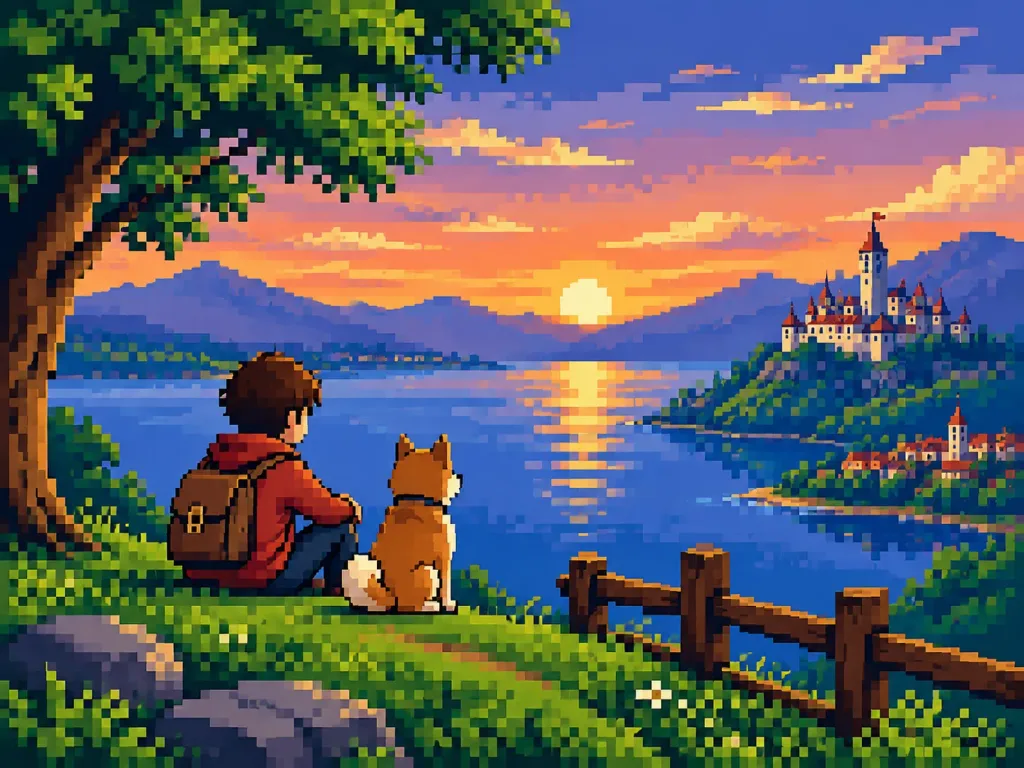
Conversion en Pixel Art Rétro
Transformez une photo de référence en capture d'écran rétro 16 bits en préservant la composition. Modifiez la profondeur de bits ou l'ère pour varier le style.
Prompt
Transform the reference photo into clean, high-quality retro pixel art while strictly preserving the original composition, subject placement, camera angle, proportions, pose, clothing, and overall scene structure. - Composition: Maintain the reference photo's aspect ratio, visual hierarchy, framing, and camera angle. Do not crop, zoom, or reposition elements. - Subject: Preserve recognizable silhouettes, facial directions, outfits, body proportions, and key visual features while simplifying fine details. - Style: Premium [16-bit] retro pixel art on a strict, uniform low-resolution pixel grid. Large visible pixels, clean pixel-perfect geometry, and crisp hard edges. No semi-realistic rendering, blur, anti-aliasing, or smudging. - Color & Shading: Limited retro gaming color palette with [carefully selected colors with excellent readability] and strong contrast between shapes. Simplified flat shading with one to two tones per surface, minimal highlights, and no smooth gradients. - Environment: Convert all background elements, architecture, vegetation, props, and lighting into pixel-art equivalents while preserving spatial depth. - Final Look: A polished [SNES-era] retro game screenshot, faithful to the reference photo.
Ce que vous pouvez personnaliser
Avant de générer, remplacez ces parties du prompt par votre propre sujet ou texte.
[16-bit]espace réservé[carefully selected colors with excellent readability]espace réservé[SNES-era]espace réservé
Détails du prompt
- Catégorie
- Assets de jeu
- Modèle
- Seedream 5.0 Pro
- Coût par image
- 1K : 37 crédits · 2K : 73 crédits
- Format
- 4:3
- Ajouté le