
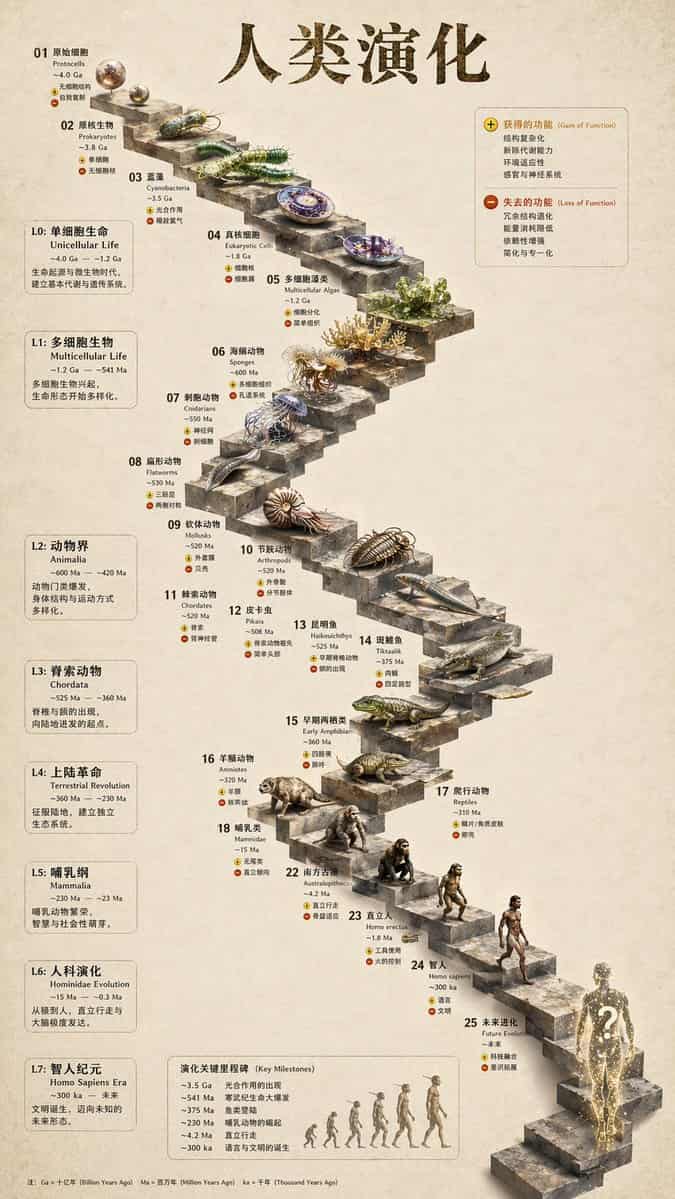
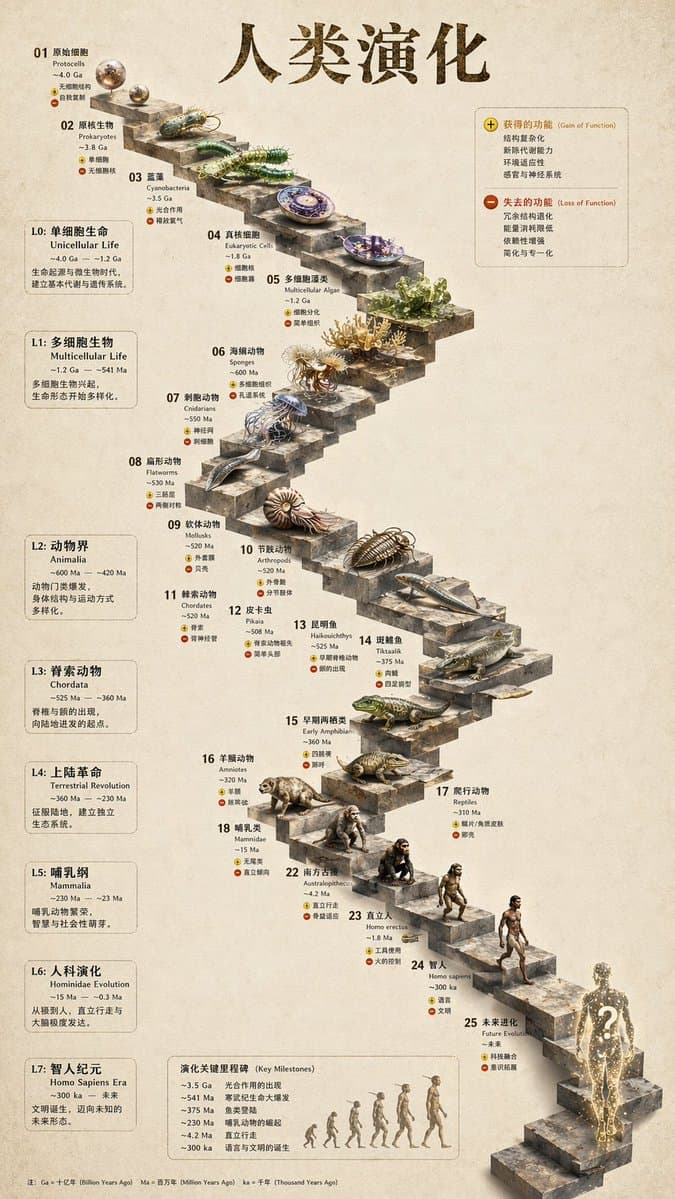
Infografía 3D Evolución en Escalera de Piedra
{ "type": "infografía de cronología evolutiva", "instruction": "Usando REFERENCE_0 como base estructural, transforma el diseño vectorial plano en una infografía 3D altamente realista. Reemplaza las rampas suaves con esc…
rápido
{ "type": "infografía de cronología evolutiva", "instruction": "Usando REFERENCE_0 como base estructural, transforma el diseño vectorial plano en una infografía 3D altamente realista. Reemplaza las rampas suaves con escalones de piedra distintos y mejora todos los organismos a modelos 3D fotorrealistas.", "style": { "background": "{argument name=\"background style\" default=\"vintage textured parchment paper\"}", "staircase": "{argument name=\"staircase material\" default=\"realistic textured stone blocks\"}", "subjects": "{argument name=\"organism style\" default=\"highly detailed photorealistic 3D renders\"}" }, "layout": { "main_title": "{argument name=\"main title\" default=\"人类演化\"}", "sections": [ { "position": "barra lateral izquierda", "count": 8, "labels": ["L0: 单细胞生命", "L1: 多细胞生物", "L2: 动物界", "L3: 脊索动物", "L4: 上陆革命", "L5: 哺乳纲", "L6: 人科演化", "L7: 智人纪元"] }, { "position": "superior derecha", "title": "获得的功能 / 失去的功能", "description": "Leyenda con iconos de más y menos" }, { "position": "centro inferior", "title": "演化关键里程碑", "count": 6, "description": "Línea de tiempo con un gráfico de silueta de 6 figuras mostrando la evolución de simio a humano" } ], "centerpiece": { "description": "Escalera de piedra serpenteante con 25 escalones numerados que presentan organismos específicos.", "count": 25, "notable_elements": [ "Escalón 07: Medusa", "Escalón 09: Amonita", "Escalón 10: Trilobite", "Escalón 24: Humano caminando", "Escalón 25: {argument name=\"future evolution concept\" default=\"glowing cosmic silhouette with a question mark\"}" ] } } }
Cómo utilizar este mensaje
Lea el mensaje Infografía 3D Evolución en Escalera de Piedra completo e identifique los requisitos del tema, el estilo, la cámara, la iluminación y la composición antes de generarlo.
Reemplace los marcadores de posición entre corchetes o estilo argumento con sus requisitos de producto, personaje, marca, escena, paleta de colores o relación de aspecto.
Abra https://www.gptimagehub.com/es/generate?promptId=cmogwy3me009lzpdyd0vcxqra, genere la imagen y luego refine el mensaje con un tema, texto, diseño o restricciones negativas más específicas si es necesario.
Preguntas frecuentes inmediatas
¿Para qué se utiliza mejor el mensaje Infografía 3D Evolución en Escalera de Piedra?
Este mensaje se utiliza mejor para imágenes infografía / educación donde desea una estructura reutilizable, una dirección visual detallada y una calidad de salida consistente.
¿Puedo editar el mensaje antes de generarlo?
Sí. El texto completo del mensaje está visible en esta página para que pueda cambiar temas, nombres de productos, colores, composición, términos de la cámara, relación de aspecto y notas de estilo antes de la generación.
¿Qué modelo debo usar con este mensaje?
Utilice el modelo que se muestra en los metadatos del mensaje como punto de partida predeterminado. Si otro modelo de imagen admite la misma relación de aspecto y estilo de instrucción, puede adaptar el mensaje y comparar los resultados.