
Produkt und E-Commerce
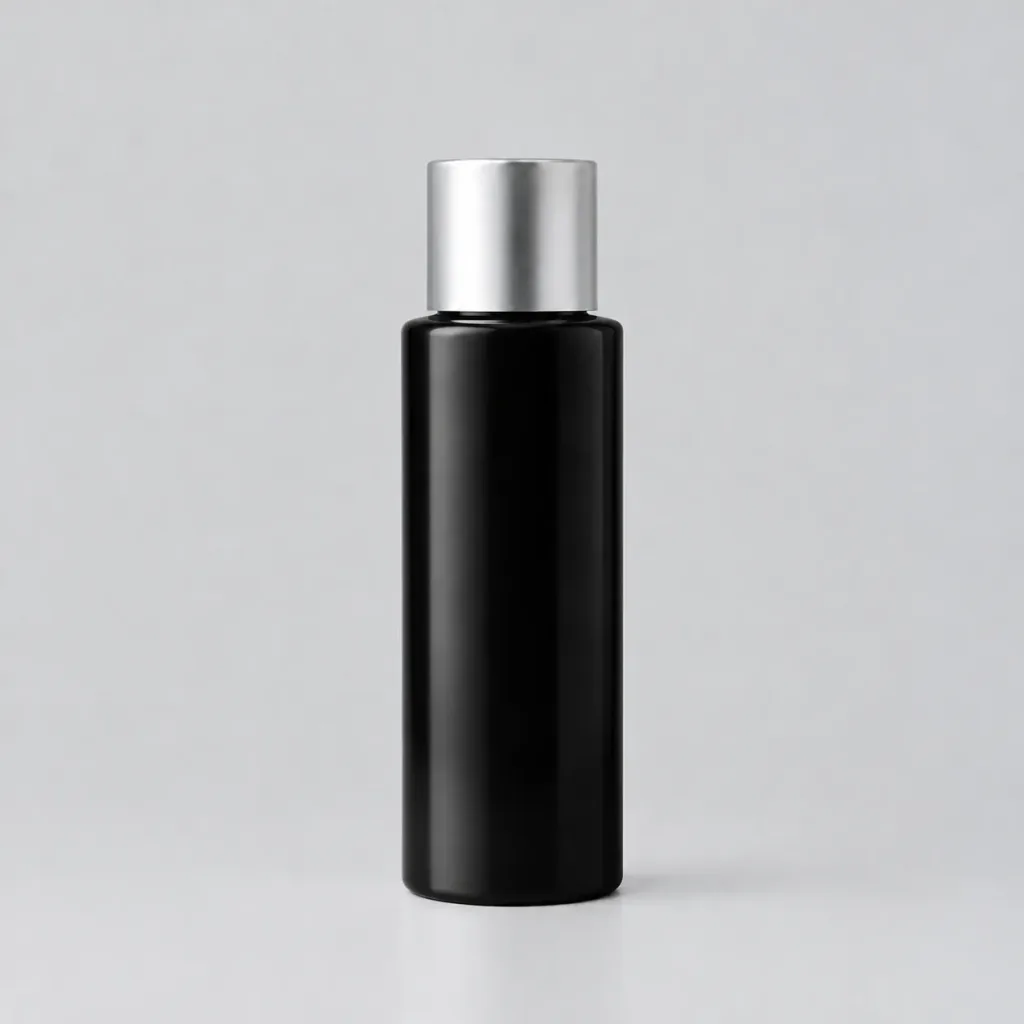
Präzise Objekt-Umfärbung
Ändern Sie die Farbe eines Objekts unter Beibehaltung von Licht, Reflexionen und Texturen. Passen Sie Objekt und Zielfarbe in den Klammern beliebig an.
fotobearbeitungumfärbenobjektumfärbungproduktfotografiebildoptimierungfarbwechsel
Prompt
In the reference photo, change the color of the [car] from its current color to [Neon Black]. Preserve the original shape, texture, material, highlights, shadows, reflections, and fine details of the object. Ensure the new color blends naturally with the existing scene lighting. Do not modify the background or any other part of the image.
Was Sie anpassen können
Ersetzen Sie diese Teile des Prompts vor dem Generieren durch Ihr eigenes Motiv oder Ihren eigenen Text.
[car]Platzhalter[Neon Black]Platzhalter
Prompt-Details
- Kategorie
- Produkt und E-Commerce
- Modell
- GPT IMAGE 2.5 Flare
- Kosten pro Bild
- 1K: 11 Credits · 2K: 22 Credits · 4K: 36 Credits
- Seitenverhältnis
- 1:1
- Hinzugefügt