
Design der Benutzeroberfläche für Familienfotoalben im Showa-Stil
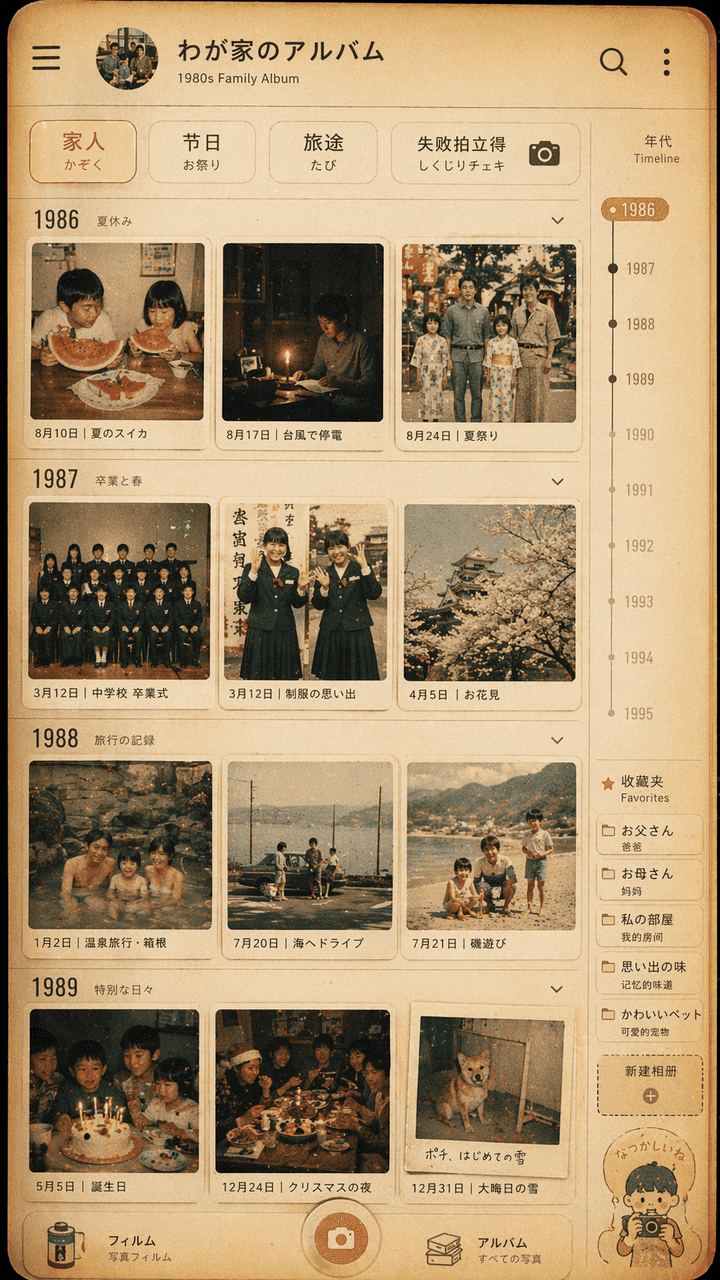
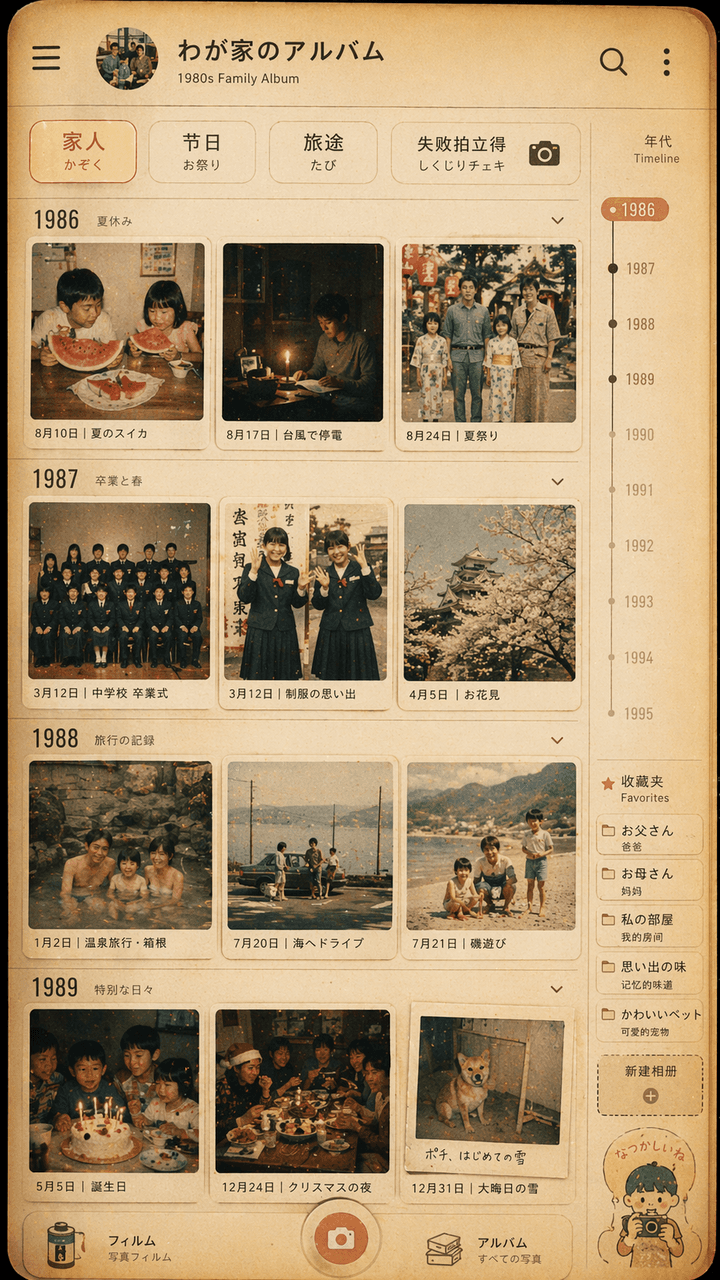
„Interface-Design für Familienfotoalben im Showa-Stil“, die Retro-Fotowand ist in die Benutzeroberfläche der modernen Fotoalbum-App integriert. Der Bildschirm simuliert die Timeline-Seite einer Fotoverwaltungsanwendung,…
Prompt
„Interface-Design für Familienfotoalben im Showa-Stil“, die Retro-Fotowand ist in die Benutzeroberfläche der modernen Fotoalbum-App integriert. Der Bildschirm simuliert die Timeline-Seite einer Fotoverwaltungsanwendung, aber jedes Miniaturbild stammt aus den 1980er Jahren. Alltag einer japanischen Familie in den 1970er Jahren: Wassermelone im Sommer, Stromausfall durch Taifun, Abschlussfoto in Schuluniform, Ausflug zu heißen Quellen, Weihnachtsessen. Auf dem oberen Filter steht „Family/Festival/Travel/Failure Polaroid“. Auf der rechten Seite befinden sich eine Jahresskala und ein Favoritenetikett. Die Gesamtfarbe ist filmartig, warmgelb und leicht verblasst. Das Bild ist sowohl wie eine echte Mobiltelefonoberfläche als auch eine sanfte Darstellung von Familienerinnerungen. Das Verhältnis beträgt 9:16.
So verwenden Sie diese Eingabeaufforderung
Lesen Sie die vollständige Design der Benutzeroberfläche für Familienfotoalben im Showa-Stil-Eingabeaufforderung und ermitteln Sie die Anforderungen an Thema, Stil, Kamera, Beleuchtung und Komposition, bevor Sie sie erstellen.
Ersetzen Sie Platzhalter in Klammern oder im Argumentstil durch Ihre Anforderungen an Produkt, Charakter, Marke, Szene, Farbpalette oder Seitenverhältnis.
Öffnen Sie https://www.gptimagehub.com/de/generate?promptId=cmogxipx300gzxt5gbicukrta, generieren Sie das Bild und verfeinern Sie die Eingabeaufforderung bei Bedarf mit spezifischeren Betreff-, Text-, Layout- oder negativen Einschränkungen.
Schnelle FAQ
Wofür eignet sich die Eingabeaufforderung Design der Benutzeroberfläche für Familienfotoalben im Showa-Stil am besten?
Diese Eingabeaufforderung eignet sich am besten für ui-/ux-design-Bilder, bei denen Sie eine wiederverwendbare Struktur, eine detaillierte visuelle Ausrichtung und eine konsistente Ausgabequalität wünschen.
Kann ich die Eingabeaufforderung vor dem Generieren bearbeiten?
Ja. Der vollständige Aufforderungstext ist auf dieser Seite sichtbar, sodass Sie Betreff, Produktnamen, Farben, Komposition, Kamerabegriffe, Seitenverhältnis und Stilhinweise vor der Generierung ändern können.
Welches Modell soll ich mit dieser Aufforderung verwenden?
Verwenden Sie das in den Metadaten der Eingabeaufforderung angezeigte Modell als Standardstartpunkt. Wenn ein anderes Bildmodell dasselbe Seitenverhältnis und denselben Anweisungsstil unterstützt, können Sie die Eingabeaufforderung anpassen und die Ergebnisse vergleichen.