
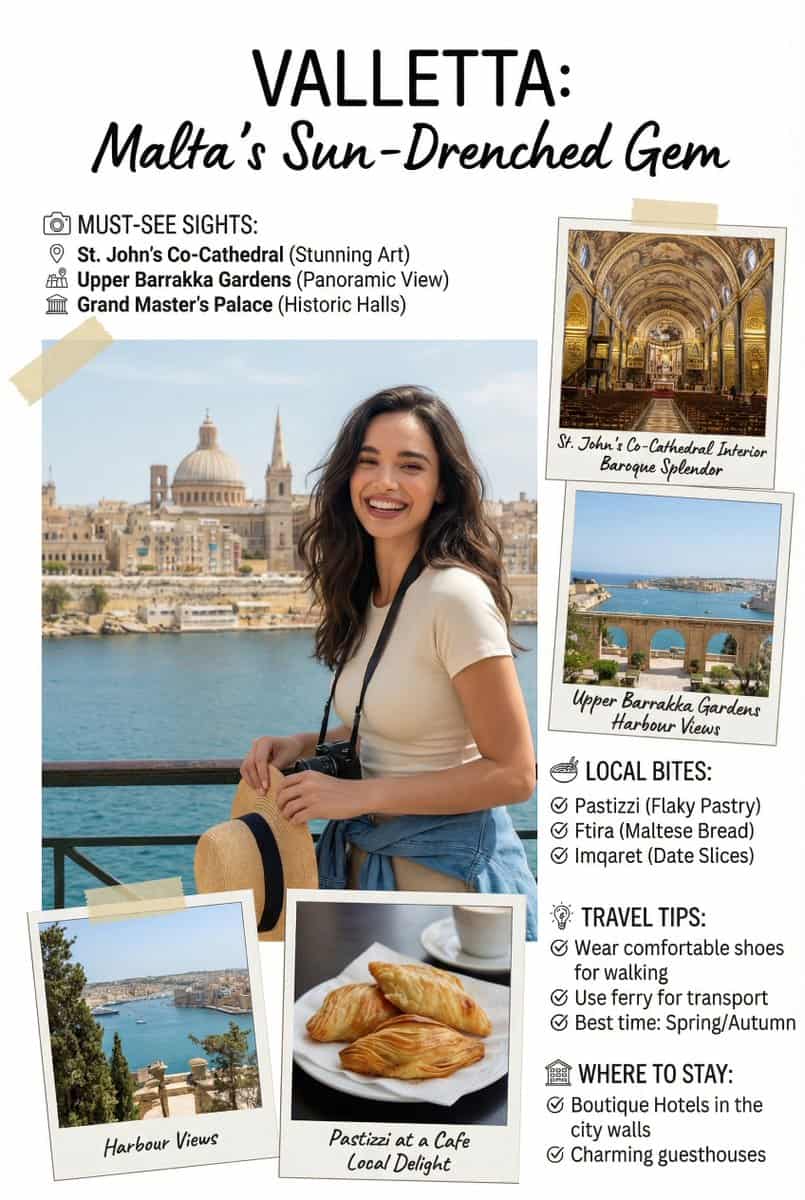
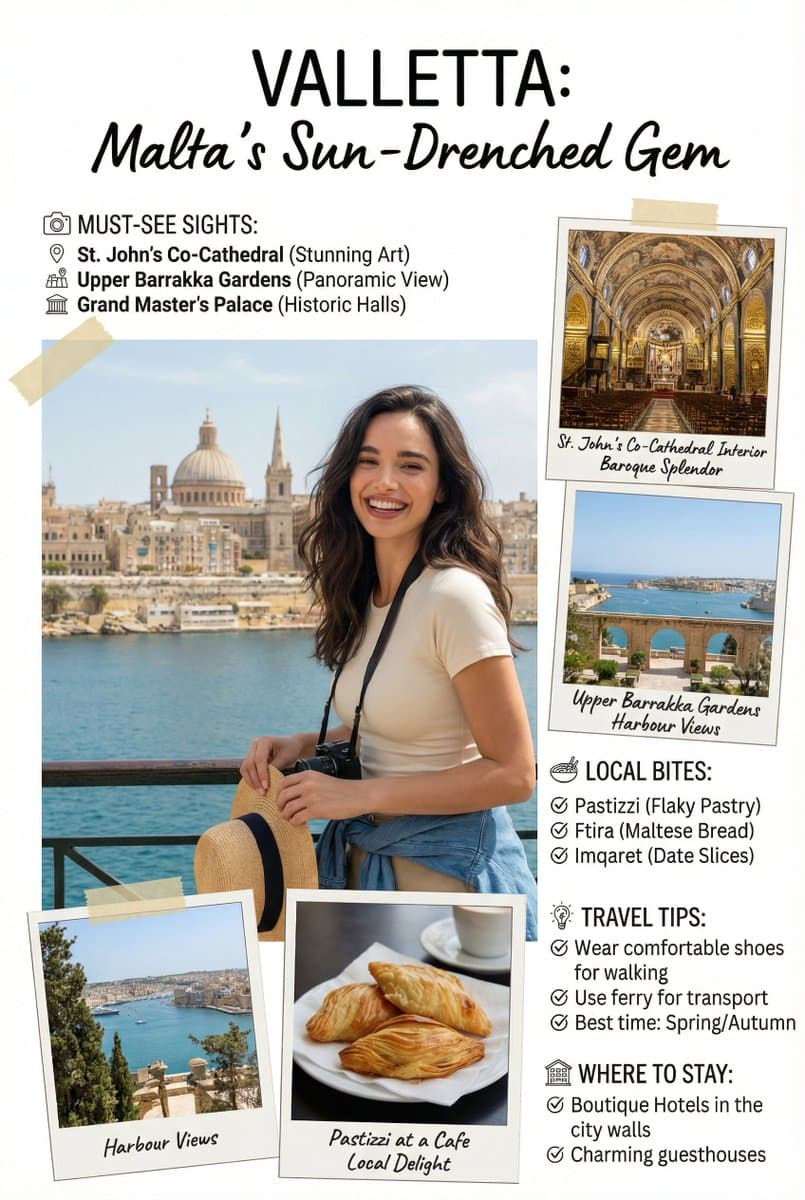
Feature-Artikel im Reiseführer des Magazins
Erstellen Sie ein Bild der Leitartikelseite des Magazins [Reiseführer], niedliche, informationsreiche Seite mit dem Leitartikel eines Magazins im Fotobuchstil. Fügen Sie alle notwendigen Abschnitte, Tipps, Empfehlungen…
Prompt
Erstellen Sie ein Bild der Leitartikelseite des Magazins [Reiseführer], niedliche, informationsreiche Seite mit dem Leitartikel eines Magazins im Fotobuchstil. Fügen Sie alle notwendigen Abschnitte, Tipps, Empfehlungen und Informationen hinzu. Fügen Sie Fotos für beliebige Abschnitte und Empfehlungen hinzu, wenn Sie möchten. Platzieren Sie die angehängte Person am genauen Standort von [Stadt, Land]. Blenden Sie die verbundene Person nahtlos ein, als ob sie eine Besichtigungstour machen würde. Gehen Sie diese Aufgabe mit dem Verständnis an, dass es sich um eine wichtige, informationsreiche Seite handelt, die die Besucherzahlen erheblich beeinflussen wird. Textgenauigkeit ist wichtig. Nutzen Sie die gesamte Seite [9:16] vollständig. NEGATIVE PROMPT: Texte koordinieren @swiat_ai @ProfitAII
So verwenden Sie diese Eingabeaufforderung
Lesen Sie die vollständige Feature-Artikel im Reiseführer des Magazins-Eingabeaufforderung und ermitteln Sie die Anforderungen an Thema, Stil, Kamera, Beleuchtung und Komposition, bevor Sie sie erstellen.
Ersetzen Sie Platzhalter in Klammern oder im Argumentstil durch Ihre Anforderungen an Produkt, Charakter, Marke, Szene, Farbpalette oder Seitenverhältnis.
Öffnen Sie https://www.gptimagehub.com/de/generate?promptId=cmogws0f6001hzpdyu51qlbbd, generieren Sie das Bild und verfeinern Sie die Eingabeaufforderung bei Bedarf mit spezifischeren Betreff-, Text-, Layout- oder negativen Einschränkungen.
Schnelle FAQ
Wofür eignet sich die Eingabeaufforderung Feature-Artikel im Reiseführer des Magazins am besten?
Diese Eingabeaufforderung eignet sich am besten für ui-/ux-design-Bilder, bei denen Sie eine wiederverwendbare Struktur, eine detaillierte visuelle Ausrichtung und eine konsistente Ausgabequalität wünschen.
Kann ich die Eingabeaufforderung vor dem Generieren bearbeiten?
Ja. Der vollständige Aufforderungstext ist auf dieser Seite sichtbar, sodass Sie Betreff, Produktnamen, Farben, Komposition, Kamerabegriffe, Seitenverhältnis und Stilhinweise vor der Generierung ändern können.
Welches Modell soll ich mit dieser Aufforderung verwenden?
Verwenden Sie das in den Metadaten der Eingabeaufforderung angezeigte Modell als Standardstartpunkt. Wenn ein anderes Bildmodell dasselbe Seitenverhältnis und denselben Anweisungsstil unterstützt, können Sie die Eingabeaufforderung anpassen und die Ergebnisse vergleichen.