
Luxus-Studio-Outfit-Transformation
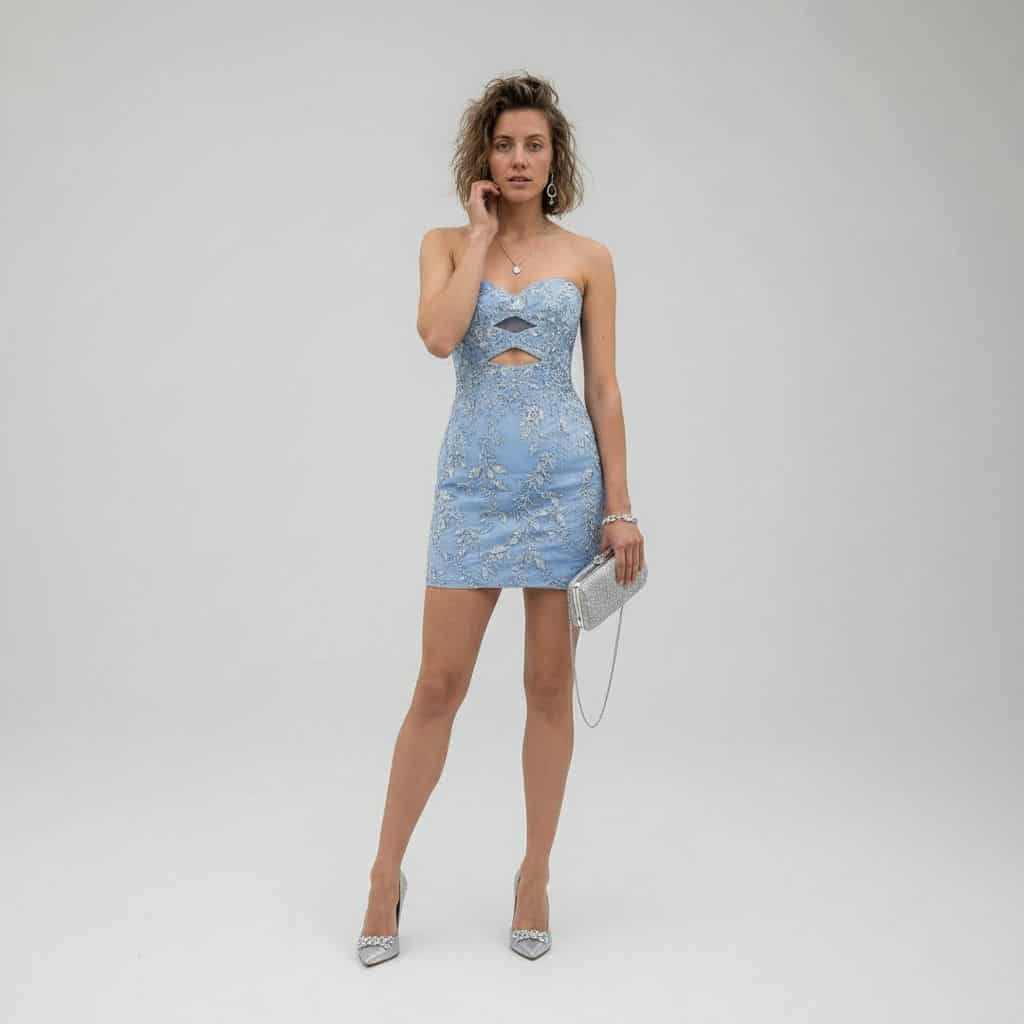
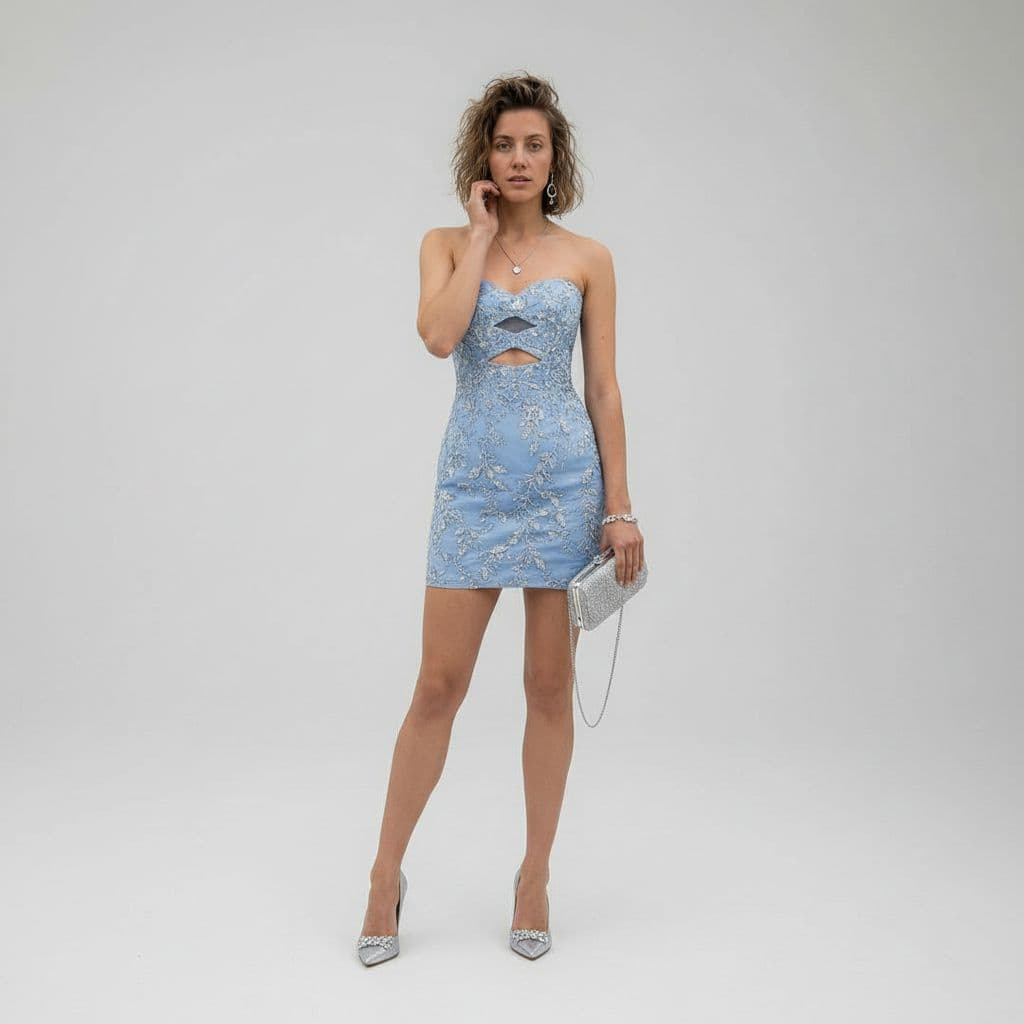
Verwandeln Sie mit REFERENCE_0 als Motivbasis den lässigen Wüstenschnappschuss in ein Ganzkörperporträt eines Luxusmodestudios. Ersetzen Sie die Jeansjacke, das Tanktop und die Shorts durch ein figurbetontes, trägerlose…
Prompt
Verwandeln Sie mit REFERENCE_0 als Motivbasis den lässigen Wüstenschnappschuss in ein Ganzkörperporträt eines Luxusmodestudios. Ersetzen Sie die Jeansjacke, das Tanktop und die Shorts durch ein figurbetontes, trägerloses Mini-Cocktailkleid in {argument name="dress color" default="powder blue"} mit kunstvoller silberner Blumenstickerei und genau zwei geometrischen Ausschnitten an der Brust und der oberen Taille. Ändern Sie die Umgebung in einen sauberen, nahtlosen hellgrauen Studiohintergrund mit poliertem, redaktionellem High-End-Stil. Fügen Sie 1 silberne Clutch mit dünnem Kettenriemen in der rechten Hand der Person und 1 Paar spitze silberne High Heels hinzu. Verfeinern Sie die Pose in eine elegante stehende Modepose mit einer Hand nahe dem Gesicht, behalten Sie die gleiche Personen- und Haaridentität bei und wenden Sie sanfte, filmische Luxusbeleuchtung mit gestochen scharfen 8K-Modefotografiedetails an.
So verwenden Sie diese Eingabeaufforderung
Lesen Sie die vollständige Luxus-Studio-Outfit-Transformation-Eingabeaufforderung und ermitteln Sie die Anforderungen an Thema, Stil, Kamera, Beleuchtung und Komposition, bevor Sie sie erstellen.
Ersetzen Sie Platzhalter in Klammern oder im Argumentstil durch Ihre Anforderungen an Produkt, Charakter, Marke, Szene, Farbpalette oder Seitenverhältnis.
Öffnen Sie https://www.gptimagehub.com/de/generate?promptId=cmogwymuj00a1zpdyp8242o9t, generieren Sie das Bild und verfeinern Sie die Eingabeaufforderung bei Bedarf mit spezifischeren Betreff-, Text-, Layout- oder negativen Einschränkungen.
Schnelle FAQ
Wofür eignet sich die Eingabeaufforderung Luxus-Studio-Outfit-Transformation am besten?
Diese Eingabeaufforderung eignet sich am besten für ui-/ux-design-Bilder, bei denen Sie eine wiederverwendbare Struktur, eine detaillierte visuelle Ausrichtung und eine konsistente Ausgabequalität wünschen.
Kann ich die Eingabeaufforderung vor dem Generieren bearbeiten?
Ja. Der vollständige Aufforderungstext ist auf dieser Seite sichtbar, sodass Sie Betreff, Produktnamen, Farben, Komposition, Kamerabegriffe, Seitenverhältnis und Stilhinweise vor der Generierung ändern können.
Welches Modell soll ich mit dieser Aufforderung verwenden?
Verwenden Sie das in den Metadaten der Eingabeaufforderung angezeigte Modell als Standardstartpunkt. Wenn ein anderes Bildmodell dasselbe Seitenverhältnis und denselben Anweisungsstil unterstützt, können Sie die Eingabeaufforderung anpassen und die Ergebnisse vergleichen.