
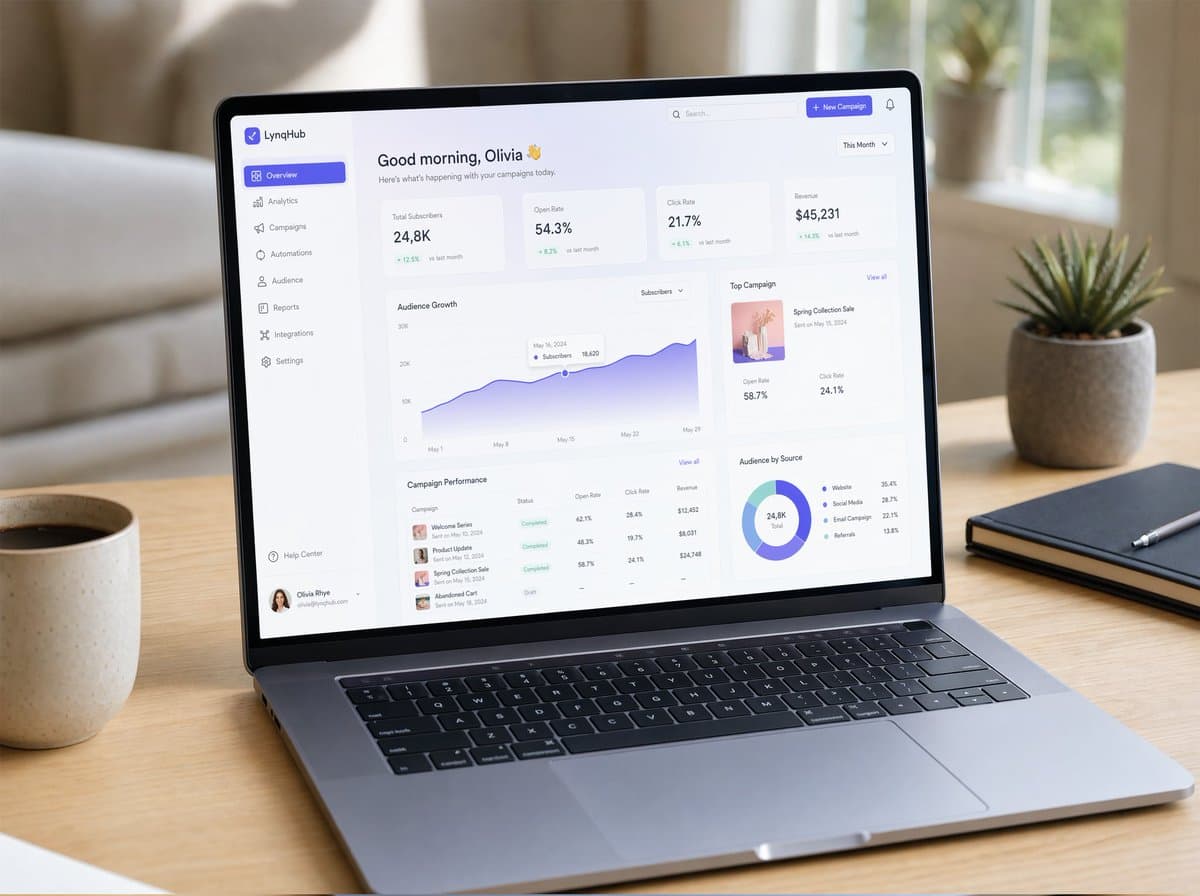
Mockup Laptop SaaS Dashboard
Mẫu mockup laptop SaaS dashboard của GPT Image 2
Prompt
Một bản mockup UI/UX siêu thực được hiển thị trên một chiếc laptop hiện đại mỏng đặt trên bàn gỗ tối giản với ánh sáng ban ngày tự nhiên êm dịu. Màn hình hiển thị một SaaS dashboard gọn gàng với nghệ thuật chữ thanh lịch, các thẻ glassmorphism, dải màu gradient mượt mà, bóng đổ tinh tế và các thành phần được căn lề đều đặn. Hiển thị rõ các biểu đồ, bảng phân tích, thanh điều hướng sidebar và micro-interactions. Khung cửa sổ mang phong cách macOS chân thực, hình ảnh phản chiếu nhẹ trên màn hình, độ sâu trường ảnh nông (shallow depth of field), không gian làm việc ấm cúng, được chụp theo phong cách nhiếp ảnh sản phẩm siêu thực (photorealistic), cực kỳ chi tiết.
Hình ảnh mẫu
Ví dụ về bố cục và phong cách được tạo bằng công cụ hình ảnh tích hợp.
Hướng dẫn sử dụng
Hướng dẫn này hiện được cung cấp bằng tiếng Anh.
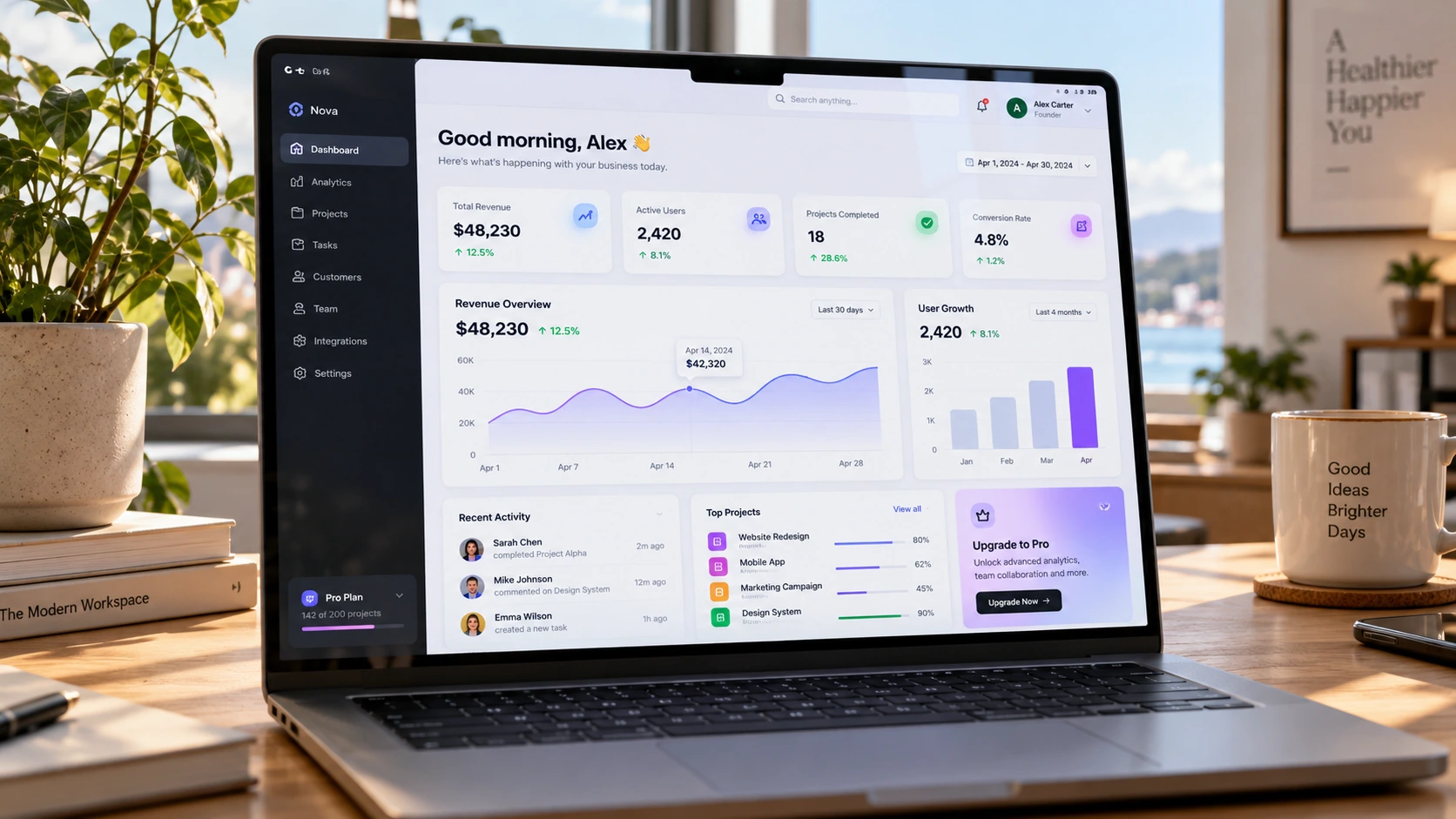
A SaaS interface presented through a realistic laptop photograph. It combines product credibility with a warm workspace, so screen readability and photographic atmosphere need to be balanced.
When to use
Landing-page hero concepts, product launch decks, and portfolio presentations. Use a front-facing screen for UI communication and a stronger angle only when the hardware photograph is the priority.
What the existing example shows
The example places a laptop on a wooden desk with plants and a bright workspace behind it. The dashboard has visible cards and charts, while the surrounding room supplies the photographic context.
Suggested setup
- Aspect ratio
- 16:9 · Keep the laptop screen large and nearly frontal; reserve one side of the desk for later marketing copy rather than filling it with props.
- Reference images
- Recommended if the dashboard must match an existing product. A clean interface screenshot is more useful than asking the model to invent exact analytics data.
What to customize
- Dashboard domainSubscription revenue overview
- Replace all chart titles and summary cards with one coherent product domain rather than mixing unrelated metrics.
- Screen emphasisThree summary cards and one large trend chart
- Specify a small, legible hierarchy; too many widgets reduce the screen to texture.
- WorkspaceLight oak desk beside a north-facing window
- Keep reflections soft and props outside the screen area so the interface stays visible.
View a complete adaptation
Subscription analytics laptop scene
A simplified dashboard layout with deliberate room for a landing-page headline.
This adaptation has not been generated. The existing image belongs to the original illustration record.
Create a 16:9 photorealistic product presentation of a slim laptop on a light-oak desk beside a softly lit window. Show the screen almost frontally and large enough to read the interface structure. The fictional SaaS dashboard is titled "Subscription overview" and contains a left sidebar, three summary cards labeled "Revenue", "Active plans", and "Churn", plus one wide blue revenue trend chart below. Use a clean white interface, dark navy type, generous spacing, and restrained blue accents. Leave the right third of the composition as a quiet desk-and-wall area for later headline placement. Keep window reflections faint, the keyboard realistic, and the background softly out of focus. Any chart data is illustrative. No floating interface panels or claims of visible animation.
Troubleshooting
- The screen looks like random tiny widgets
- Reduce the panel count and enlarge one main chart. Supply a real screenshot when specific product information matters.
- Reflections hide the interface
- Ask for a nearly frontal screen, a slightly offset window, and low-intensity reflections instead of removing all material reflections.
Editorial notes and generation record
AI-assisted editorial analysis of the source prompt and existing illustration. Settings are starting suggestions; the new adaptation is not a model test.
The existing illustration was generated with the built-in image tool. Its provider model is not disclosed. Actual image size: 1672 × 941.
Original illustration input
Create one finished image illustrating this image prompt.
Aspect ratio: 16:9.
A hyper-realistic UI/UX mockup displayed on a slim modern laptop placed on a minimal wooden desk with soft natural daylight. The screen shows a clean SaaS dashboard with elegant typography, glassmorphism cards, smooth gradients, subtle drop shadows, and neatly spaced components. Visible charts, analytics panels, sidebar navigation, and micro-interactions. Realistic macOS-style window frame, soft reflections on the screen, shallow depth of field, cozy workspace atmosphere, shot in photorealistic product photography style, ultra-detailed.
Chi tiết prompt
- Danh mục
- Thiết kế UI / UX
- Mô hình
- GPT IMAGE 2
- Chi phí mỗi ảnh
- 1K: 43 tín dụng · 2K: 86 tín dụng · 4K: 143 tín dụng
- Tỷ lệ khung hình
- 16:9
- Tác giả
- @ZaraIrahh
- Ngày thêm
- Cập nhật