
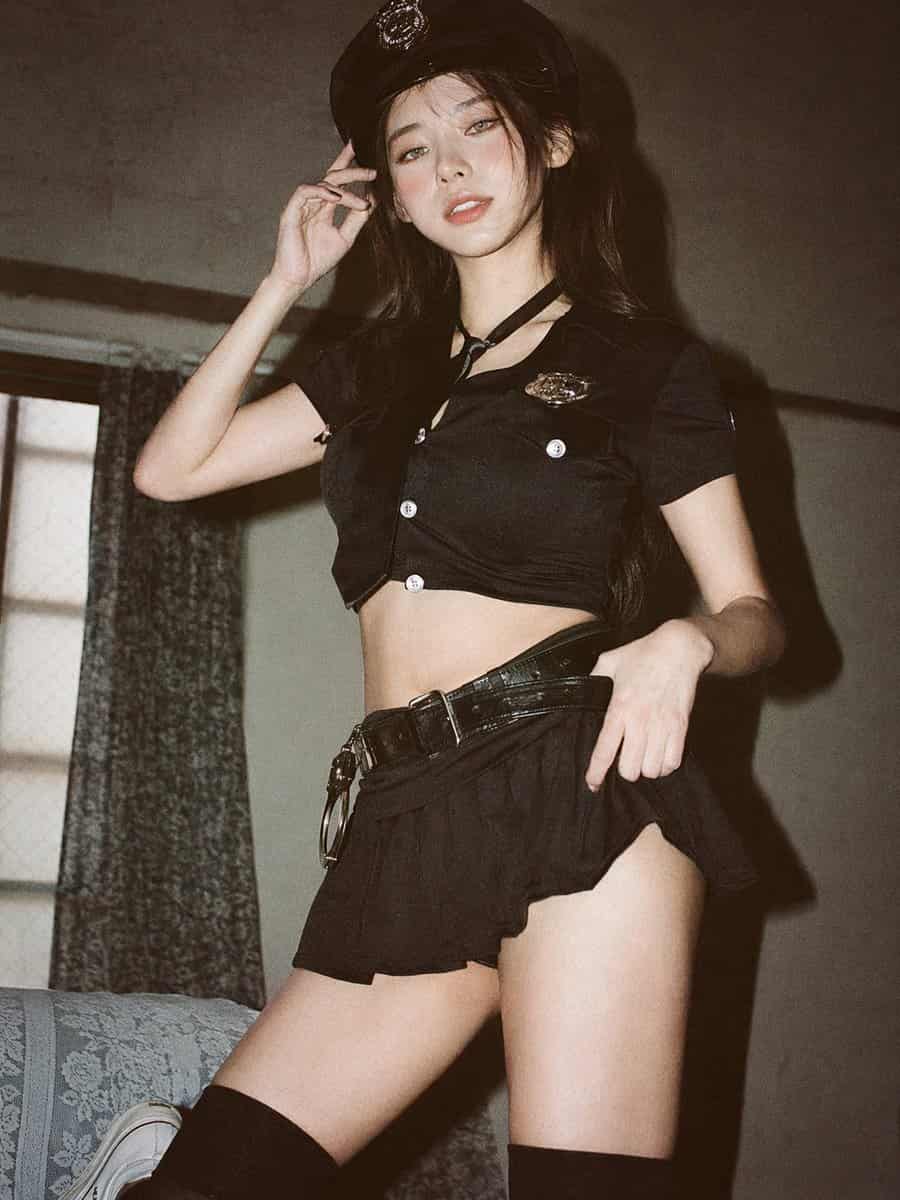
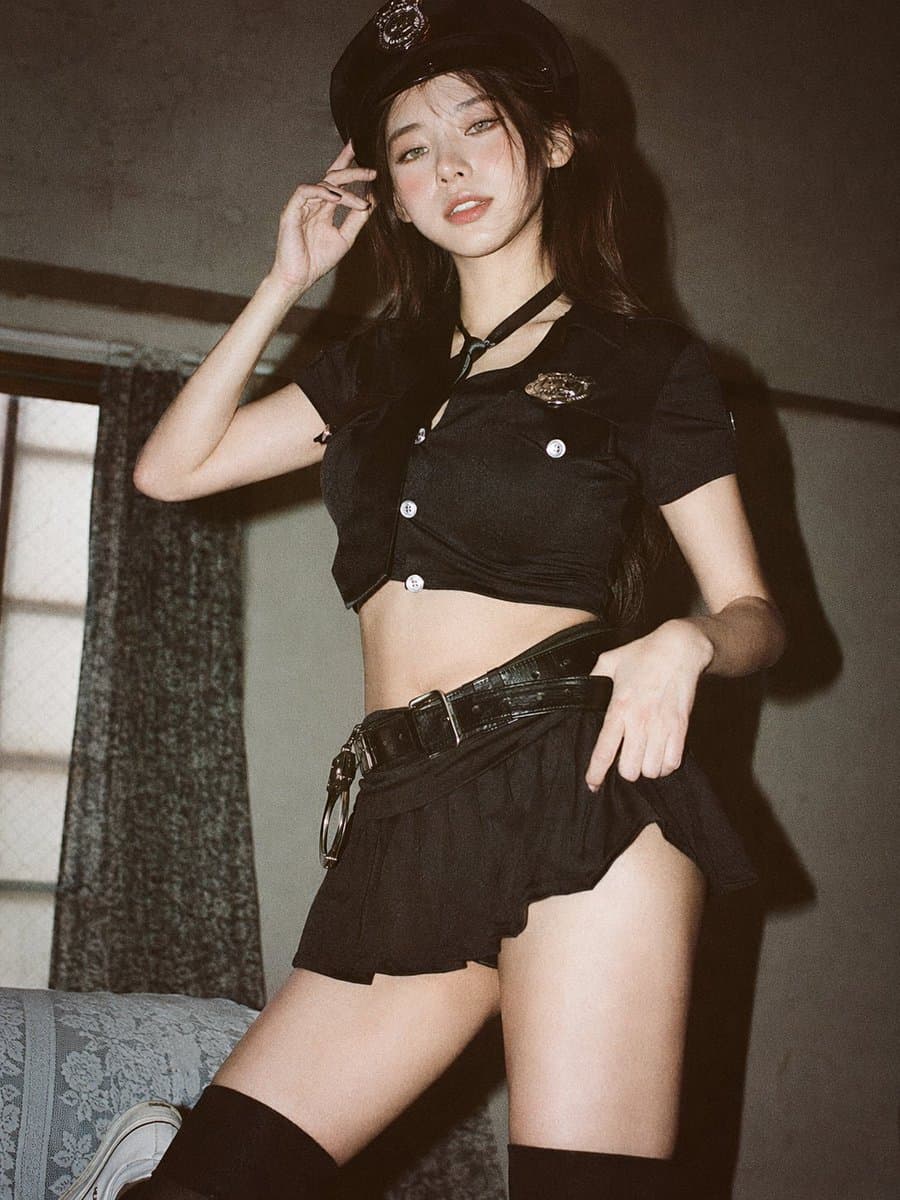
Chân dung 35mm thoáng mát mềm mại
Chụp ảnh phim analog 35mm, thẩm mỹ kiểu Nhật nhẹ nhàng, thoáng đãng, ánh sáng cửa sổ tự nhiên khuếch tán nhẹ nhàng, phơi sáng nhẹ, tông màu pastel, độ tương phản thấp, điểm nhấn nhẹ, bối cảnh trong nhà tối giản gần cửa…
Lời nhắc
Chụp ảnh phim analog 35mm, thẩm mỹ kiểu Nhật nhẹ nhàng, thoáng đãng, ánh sáng cửa sổ tự nhiên khuếch tán nhẹ nhàng, phơi sáng nhẹ, tông màu pastel, độ tương phản thấp, điểm nhấn nhẹ, bối cảnh trong nhà tối giản gần cửa sổ với rèm trắng, tường sáng màu, bố cục tự nhiên, vừa tầm mắt, khung toàn thân hơi gần (từ giữa đùi đến đầu), phụ nữ Đông Á trẻ, trang điểm tối giản tự nhiên, kết cấu da mềm mại như thật, tóc đen dài hơi rối, áo sơ mi trắng oversized, quần short giản dị, chân trần, kiểu dáng đơn giản và thoải mái, đứng một cách tự nhiên với tư thế thoải mái, cánh tay thả lỏng ở hai bên hoặc hơi ra sau, hướng về phía camera, nụ cười dịu dàng, sự tĩnh lặng tinh tế, tập trung vào ánh sáng, không khí và tâm trạng yên tĩnh hàng ngày, hạt phim mềm mại, bầu không khí mơ màng và nhẹ nhàng --ar 9:16
Cách sử dụng lời nhắc này
Đọc lời nhắc Chân dung 35mm thoáng mát mềm mại hoàn chỉnh và xác định các yêu cầu về chủ đề, phong cách, máy ảnh, ánh sáng và bố cục trước khi tạo.
Thay thế phần giữ chỗ trong ngoặc hoặc kiểu đối số bằng các yêu cầu về sản phẩm, nhân vật, thương hiệu, cảnh, bảng màu hoặc tỷ lệ khung hình của bạn.
Mở https://www.gptimagehub.com/vi/generate?promptId=cmogwrehv000pzpdyhdrs7isz, tạo hình ảnh, sau đó tinh chỉnh lời nhắc với chủ đề, văn bản, bố cục hoặc ràng buộc phủ định cụ thể hơn nếu cần.
Câu hỏi thường gặp
Lời nhắc Chân dung 35mm thoáng mát mềm mại được sử dụng tốt nhất để làm gì?
Lời nhắc này được sử dụng tốt nhất cho các hình ảnh điện ảnh / khung hình phim mà bạn muốn có cấu trúc có thể sử dụng lại, hướng trực quan chi tiết và chất lượng đầu ra nhất quán.
Tôi có thể chỉnh sửa lời nhắc trước khi tạo không?
Vâng. Văn bản nhắc nhở đầy đủ hiển thị trên trang này để bạn có thể thay đổi chủ đề, tên sản phẩm, màu sắc, bố cục, thuật ngữ máy ảnh, tỷ lệ khung hình và ghi chú kiểu dáng trước khi tạo.
Tôi nên sử dụng mô hình nào với lời nhắc này?
Sử dụng mô hình hiển thị trong siêu dữ liệu lời nhắc làm điểm bắt đầu mặc định. Nếu một mô hình hình ảnh khác hỗ trợ cùng tỷ lệ khung hình và kiểu hướng dẫn, bạn có thể điều chỉnh lời nhắc và so sánh kết quả.