
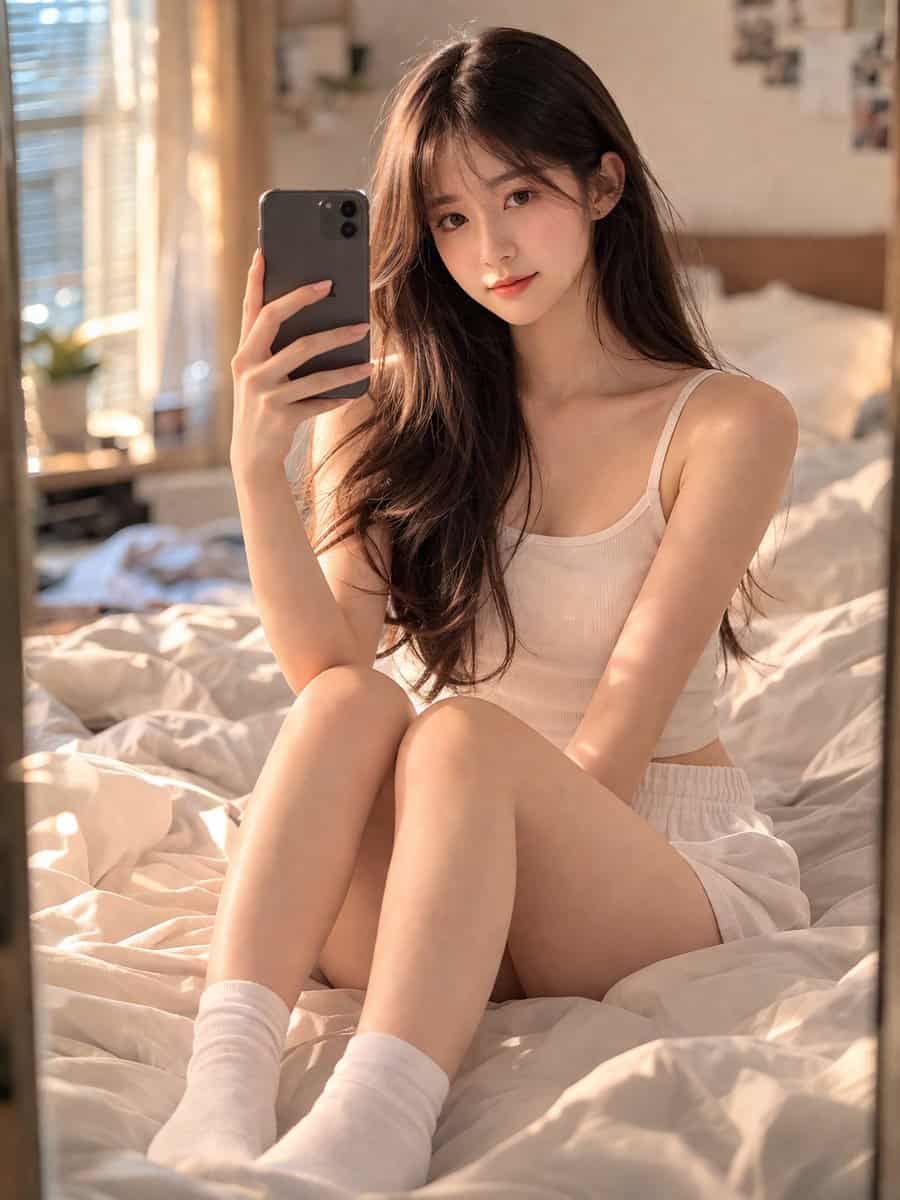
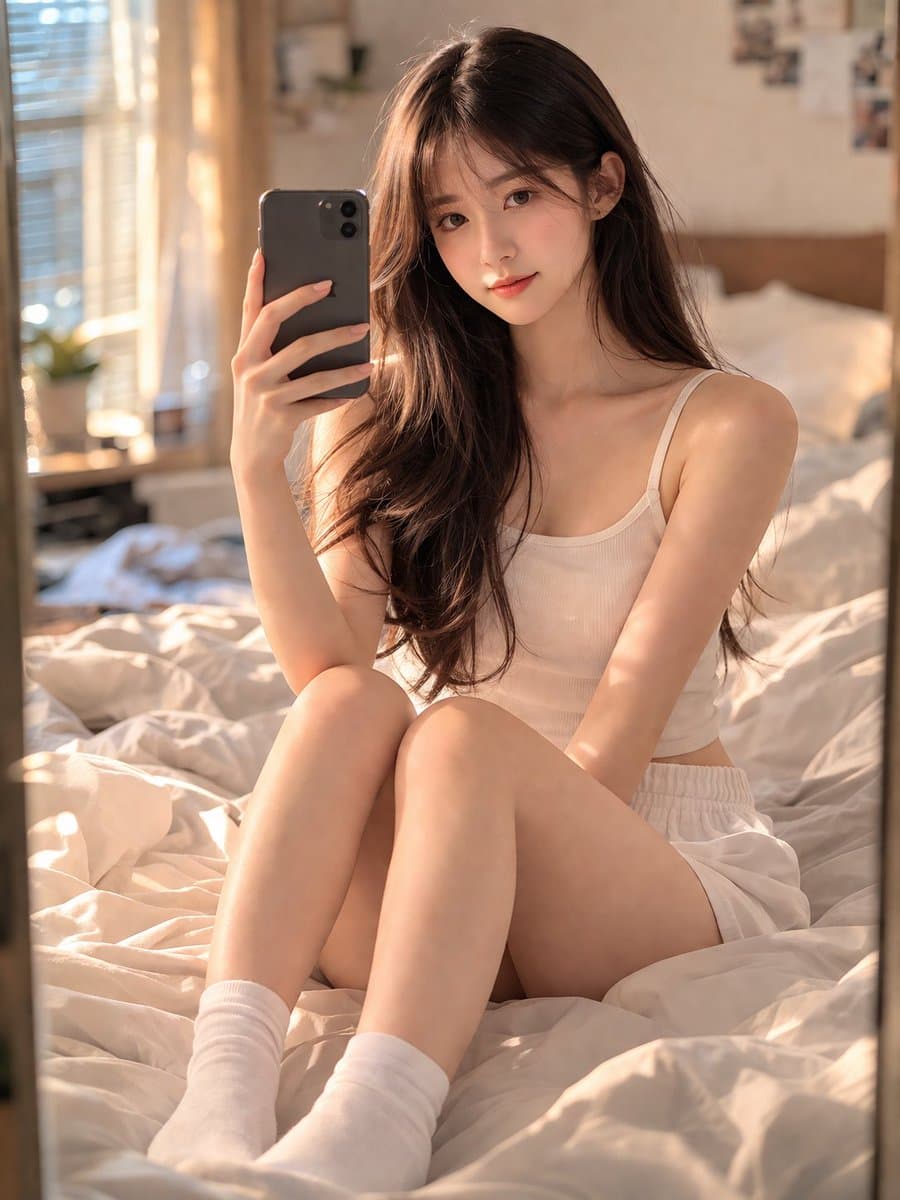
Chân dung phòng ngủ Selfie bằng gương
Một cô gái Trung Quốc 18 tuổi xinh đẹp với khuôn mặt trẻ trung, trong sáng và làn da chân thực, đang ngồi trên chiếc giường ấm cúng, hơi bừa bộn trong phòng ngủ của mình. Cô đang selfie trước gương bằng điện thoại thông…
Lời nhắc
Một cô gái Trung Quốc 18 tuổi xinh đẹp với khuôn mặt trẻ trung, trong sáng và làn da chân thực, đang ngồi trên chiếc giường ấm cúng, hơi bừa bộn trong phòng ngủ của mình. Cô đang selfie trước gương bằng điện thoại thông minh, ghi lại khoảnh khắc tự nhiên và thân mật. Mặc bộ đồ mặc thường ngày màu xám và đi tất trắng gọn gàng. Ánh sáng tự nhiên dịu nhẹ (giờ vàng) chiếu vào từ cửa sổ bên, tạo ra bầu không khí ấm áp, buồn bã và đậm chất điện ảnh. Ống kính 35mm, lấy nét sắc nét vào chủ thể trong gương, độ sâu trường ảnh với hậu cảnh mờ (bokeh) đẹp mắt. Photorealistic, 8K, độ phân giải cao, chất lượng studio, kiệt tác. Lời nhắc tiêu cực: không có chân tay thừa, không có bàn tay bị biến dạng, không bị mờ, không có tiếng ồn, không có hình mờ, không có văn bản, không có phong cách hoạt hình/anime. Tỷ lệ khung hình: 3:4.
Cách sử dụng lời nhắc này
Đọc lời nhắc Chân dung phòng ngủ Selfie bằng gương hoàn chỉnh và xác định các yêu cầu về chủ đề, phong cách, máy ảnh, ánh sáng và bố cục trước khi tạo.
Thay thế phần giữ chỗ trong ngoặc hoặc kiểu đối số bằng các yêu cầu về sản phẩm, nhân vật, thương hiệu, cảnh, bảng màu hoặc tỷ lệ khung hình của bạn.
Mở https://www.gptimagehub.com/vi/generate?promptId=cmogwrblz000nzpdyj445l6rw, tạo hình ảnh, sau đó tinh chỉnh lời nhắc với chủ đề, văn bản, bố cục hoặc ràng buộc phủ định cụ thể hơn nếu cần.
Câu hỏi thường gặp
Lời nhắc Chân dung phòng ngủ Selfie bằng gương được sử dụng tốt nhất để làm gì?
Lời nhắc này được sử dụng tốt nhất cho các hình ảnh chân dung và nhiếp ảnh mà bạn muốn có cấu trúc có thể sử dụng lại, hướng trực quan chi tiết và chất lượng đầu ra nhất quán.
Tôi có thể chỉnh sửa lời nhắc trước khi tạo không?
Vâng. Văn bản nhắc nhở đầy đủ hiển thị trên trang này để bạn có thể thay đổi chủ đề, tên sản phẩm, màu sắc, bố cục, thuật ngữ máy ảnh, tỷ lệ khung hình và ghi chú kiểu dáng trước khi tạo.
Tôi nên sử dụng mô hình nào với lời nhắc này?
Sử dụng mô hình hiển thị trong siêu dữ liệu lời nhắc làm điểm bắt đầu mặc định. Nếu một mô hình hình ảnh khác hỗ trợ cùng tỷ lệ khung hình và kiểu hướng dẫn, bạn có thể điều chỉnh lời nhắc và so sánh kết quả.