
Anime Trận chiến võ thuật Minh họa
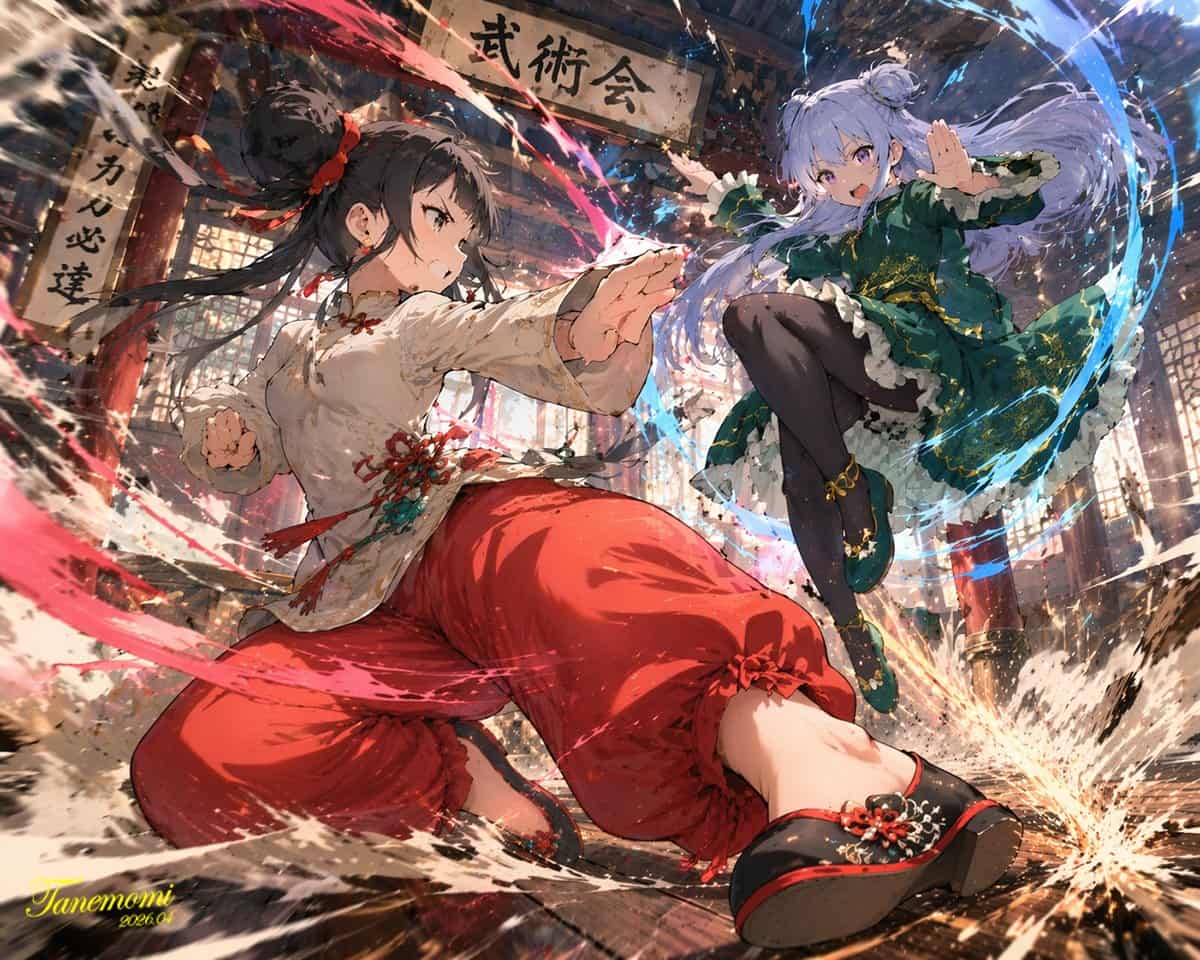
Hình minh họa theo phong cách anime về {argument name="action type" default="high-impact martial arts battle"} giữa hai nữ chiến binh trẻ trên {argument name="setting" default="traditional wooden martial arts dojo"}. Ở…
Lời nhắc
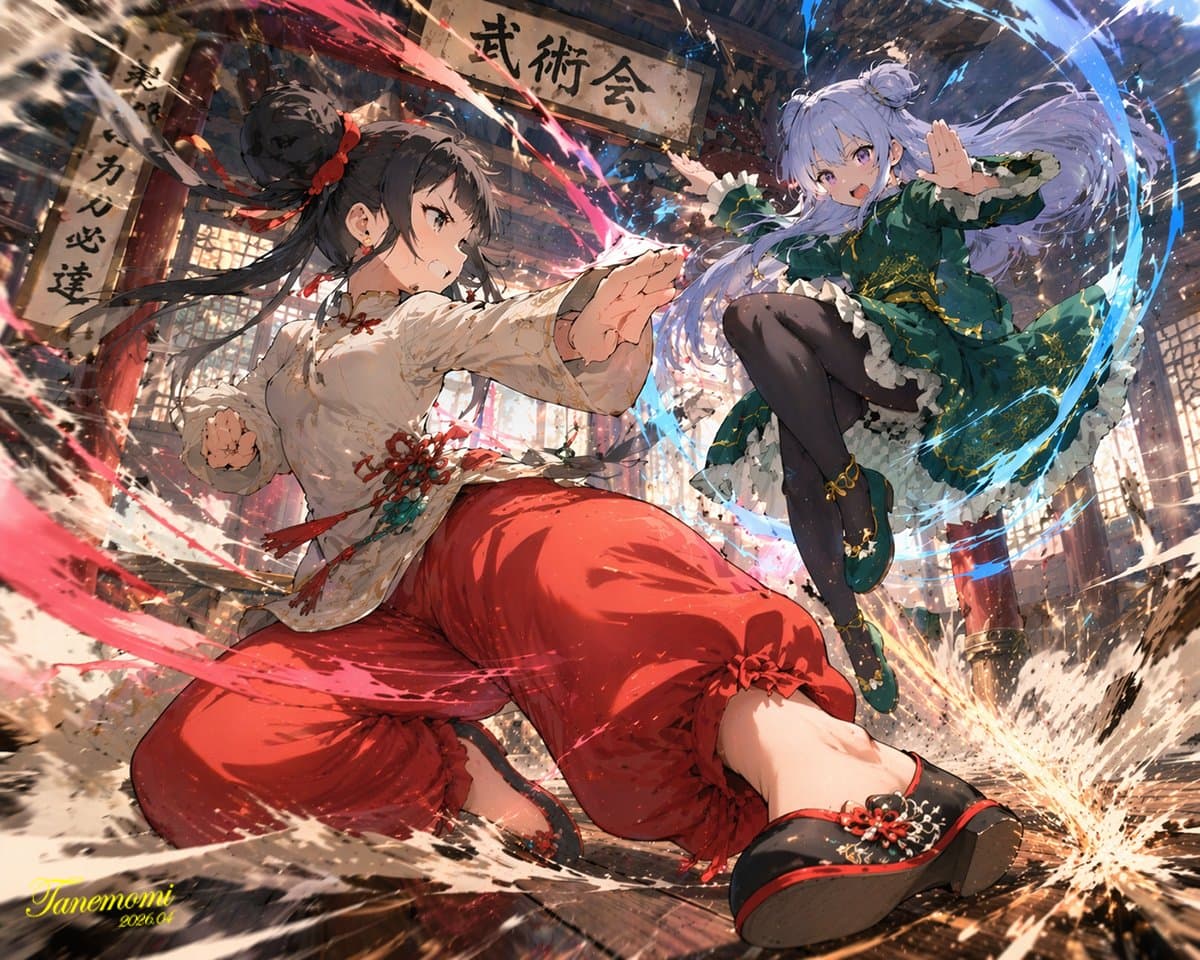
Hình minh họa theo phong cách anime về {argument name="action type" default="high-impact martial arts battle"} giữa hai nữ chiến binh trẻ trên {argument name="setting" default="traditional wooden martial arts dojo"}. Ở phía trước, một cô gái với mái tóc đen búi cao mặc bộ võ phục kiểu Trung Quốc {argument name="character 1 color theme" default="red and white"} với quần rộng thùng thình. Cô ấy ở trong tư thế năng động, thấp, lao về phía trước, được bao quanh bởi năng lượng đỏ xoáy và những tia nước. Ở phía sau bên phải, một cô gái với mái tóc tím nhạt búi đôi mặc chiếc váy Trung Quốc {argument name="character 2 color theme" default="green and purple"} có thêu vàng và quần bó màu đen. Cô ấy đang nhảy lên không trung trong tư thế đá bay, được bao quanh bởi năng lượng xanh xoáy. Ván sàn gỗ vỡ vụn sau cú va chạm mạnh, với các mảnh vụn và bụi bay trong không khí. Phía trên họ treo một tấm biển bằng gỗ bị phong hóa với dòng chữ "{argument name="sign text" default="武術会"}". Khung cảnh có ánh sáng ấn tượng, phối cảnh động góc thấp và hiệu ứng hành động mãnh liệt.
Cách sử dụng lời nhắc này
Đọc lời nhắc Anime Trận chiến võ thuật Minh họa hoàn chỉnh và xác định các yêu cầu về chủ đề, phong cách, máy ảnh, ánh sáng và bố cục trước khi tạo.
Thay thế phần giữ chỗ trong ngoặc hoặc kiểu đối số bằng các yêu cầu về sản phẩm, nhân vật, thương hiệu, cảnh, bảng màu hoặc tỷ lệ khung hình của bạn.
Mở https://www.gptimagehub.com/vi/generate?promptId=cmogwy0pn009jzpdymbkmynpv, tạo hình ảnh, sau đó tinh chỉnh lời nhắc với chủ đề, văn bản, bố cục hoặc ràng buộc phủ định cụ thể hơn nếu cần.
Câu hỏi thường gặp
Lời nhắc Anime Trận chiến võ thuật Minh họa được sử dụng tốt nhất để làm gì?
Lời nhắc này được sử dụng tốt nhất cho các hình ảnh áp phích và minh họa mà bạn muốn có cấu trúc có thể sử dụng lại, hướng trực quan chi tiết và chất lượng đầu ra nhất quán.
Tôi có thể chỉnh sửa lời nhắc trước khi tạo không?
Vâng. Văn bản nhắc nhở đầy đủ hiển thị trên trang này để bạn có thể thay đổi chủ đề, tên sản phẩm, màu sắc, bố cục, thuật ngữ máy ảnh, tỷ lệ khung hình và ghi chú kiểu dáng trước khi tạo.
Tôi nên sử dụng mô hình nào với lời nhắc này?
Sử dụng mô hình hiển thị trong siêu dữ liệu lời nhắc làm điểm bắt đầu mặc định. Nếu một mô hình hình ảnh khác hỗ trợ cùng tỷ lệ khung hình và kiểu hướng dẫn, bạn có thể điều chỉnh lời nhắc và so sánh kết quả.