
โปสเตอร์การสื่อสารเหตุการณ์
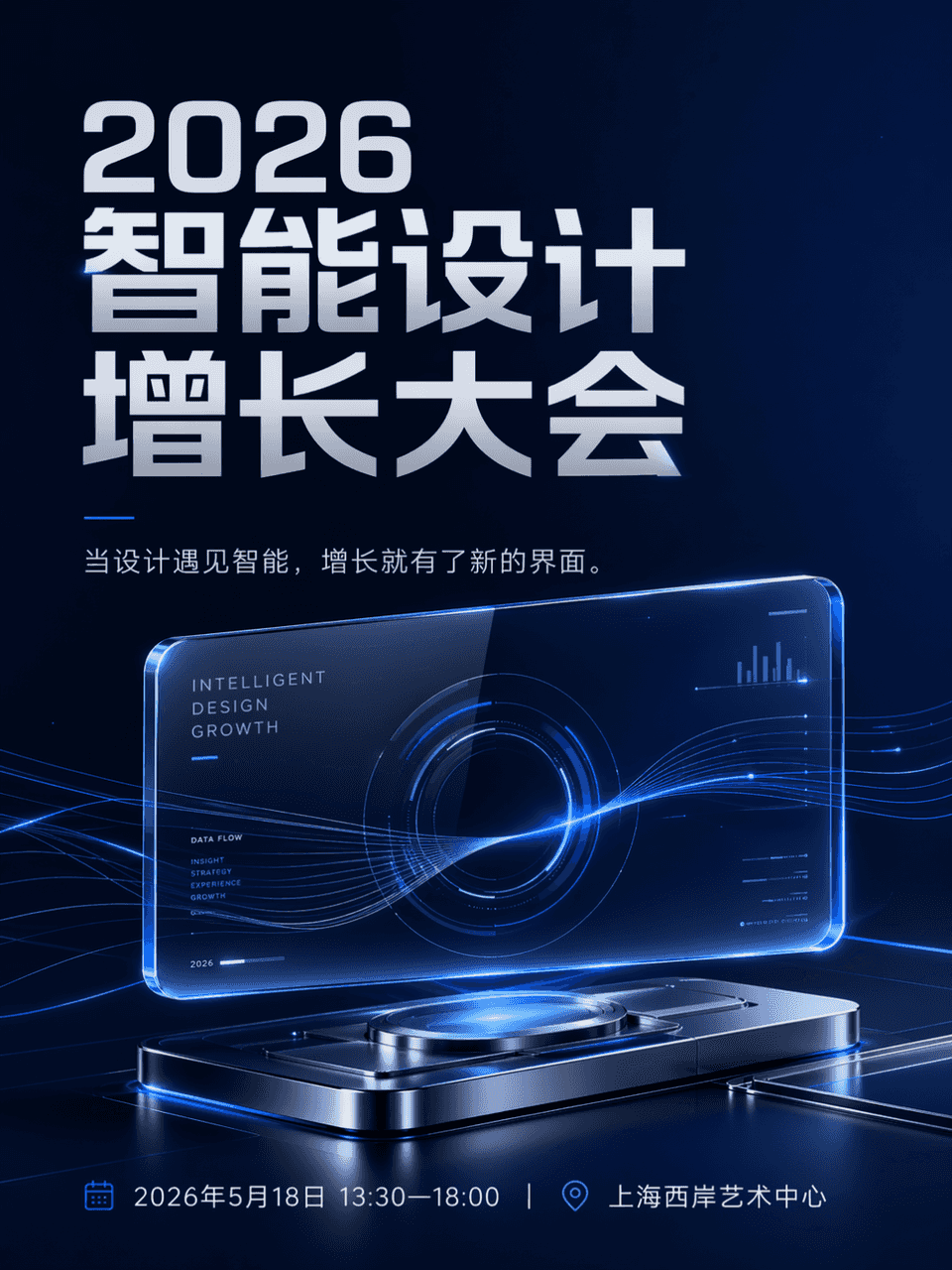
ขนาดเฟรมคือ 3:4 และสร้างโปสเตอร์กิจกรรมแล้ว ชื่องานคือ 2026 Intelligent Design Growth Conference เวลาและสถานที่: 18 พฤษภาคม 2569 เวลา 13:30-18:00 น. | Shanghai West Bund Art Center ลำดับชั้นชัดเจน ชื่อกิจกรรมใหญ่ที่สุด…
พรอมต์
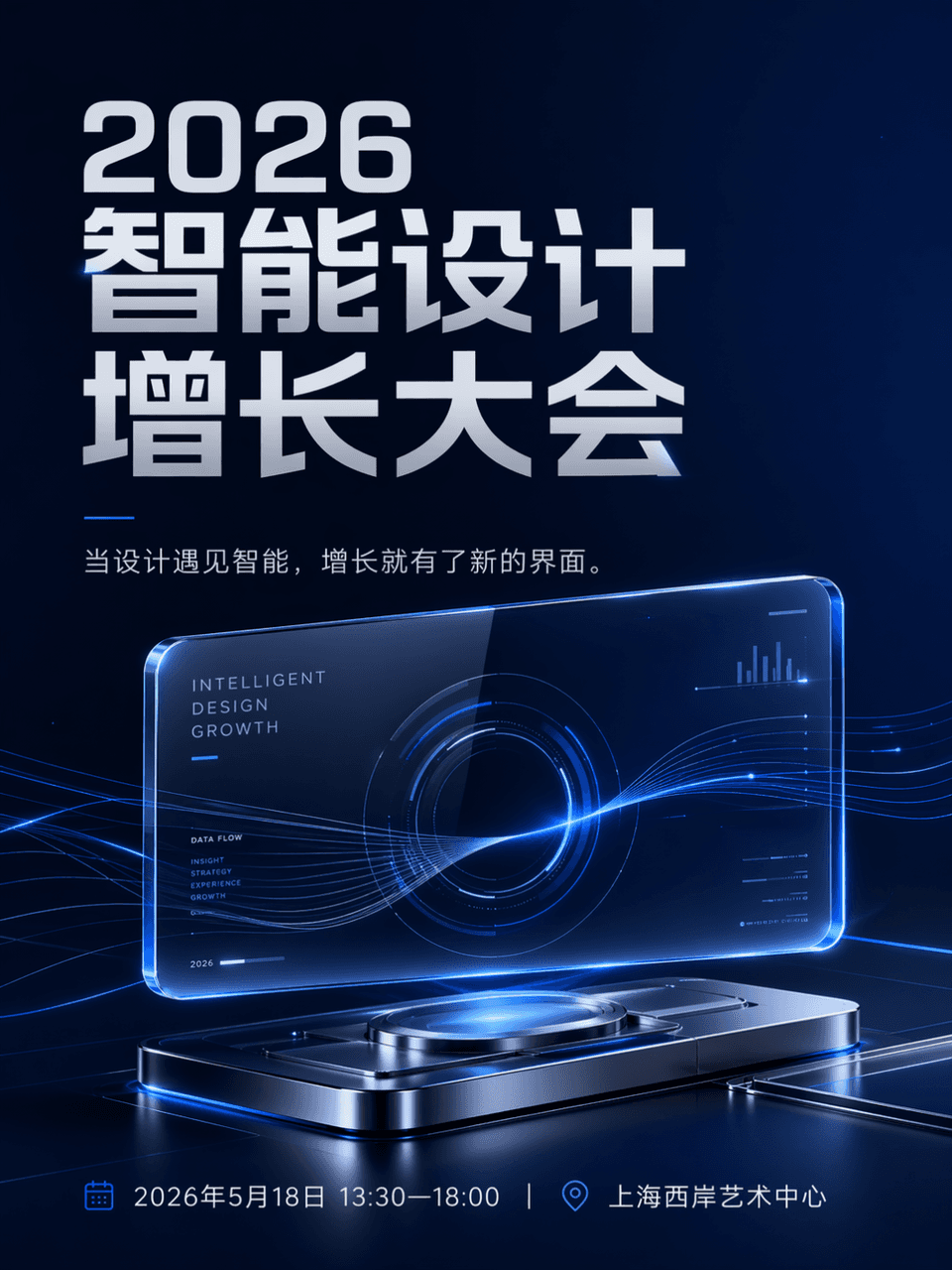
ขนาดเฟรมคือ 3:4 และสร้างโปสเตอร์กิจกรรมแล้ว ชื่องานคือ 2026 Intelligent Design Growth Conference เวลาและสถานที่: 18 พฤษภาคม 2569 เวลา 13:30-18:00 น. | Shanghai West Bund Art Center ลำดับชั้นชัดเจน ชื่อกิจกรรมใหญ่ที่สุด และข้อมูลข้างเคียงชัดเจนและเป็นระเบียบ ตัวเครื่องหลักเป็นอินเทอร์เฟซกระจกโปร่งใสแบบแขวนและเรืองแสง ซึ่งรวมกับเส้นข้อมูลที่ไหลลื่นจำนวนเล็กน้อยและอุปกรณ์สะท้อนแสงโลหะเพื่อสร้างศูนย์ภาพแห่งอนาคต สำเนาคือ เมื่อการออกแบบพบกับความชาญฉลาด การเติบโตจึงมีอินเทอร์เฟซใหม่ สไตล์นี้เป็นเทคโนโลยี และโดยรวมแล้วเหมาะสำหรับบัญชีสาธารณะและการสื่อสารบนโซเชียลมีเดีย ส่วนควบคุมสีคือสีน้ำเงินเข้ม สีเทาเงิน และสีน้ำเงินไฟฟ้า องค์ประกอบสะอาด พื้นที่สีขาวเพียงพอ และการจัดวางข้อมูลเป็นระเบียบ มันเหมือนกับภาพหลักของงานประจำปีของแบรนด์เทคโนโลยีที่เป็นผู้ใหญ่ ไม่มีพื้นหลังการประชุมราคาถูกหรือเอฟเฟกต์แสงที่เกะกะ
วิธีการใช้งานพร้อมท์นี้
อ่านข้อความแจ้ง โปสเตอร์การสื่อสารเหตุการณ์ ฉบับสมบูรณ์ และระบุวัตถุ สไตล์ กล้อง แสง และข้อกำหนดองค์ประกอบก่อนสร้าง
แทนที่ตัวยึดตำแหน่งแบบวงเล็บเหลี่ยมหรือแบบอาร์กิวเมนต์ด้วยข้อกำหนดเกี่ยวกับผลิตภัณฑ์ ตัวละคร แบรนด์ ฉาก ชุดสี หรืออัตราส่วนภาพ
เปิด https://www.gptimagehub.com/th/generate?promptId=cmogxljcy00mbxt5g046dtqar สร้างรูปภาพ จากนั้นปรับแต่งข้อความแจ้งด้วยหัวข้อ ข้อความ เค้าโครง หรือข้อจำกัดเชิงลบที่เฉพาะเจาะจงมากขึ้น หากจำเป็น
คำถามที่พบบ่อยพร้อมท์
พรอมต์ โปสเตอร์การสื่อสารเหตุการณ์ ใช้ทำอะไรได้ดีที่สุด
ข้อความแจ้งนี้เหมาะที่สุดสำหรับอิมเมจ โปสเตอร์และภาพประกอบ ที่คุณต้องการโครงสร้างที่นำมาใช้ซ้ำได้ ทิศทางของภาพโดยละเอียด และคุณภาพเอาต์พุตที่สม่ำเสมอ
ฉันสามารถแก้ไขพรอมต์ก่อนสร้างได้หรือไม่
ใช่ ข้อความแจ้งแบบเต็มจะปรากฏบนหน้านี้ เพื่อให้คุณสามารถเปลี่ยนชื่อเรื่อง ชื่อผลิตภัณฑ์ สี องค์ประกอบ ข้อกำหนดของกล้อง อัตราส่วนภาพ และหมายเหตุสไตล์ก่อนการสร้าง
ฉันควรใช้รุ่นใดกับข้อความแจ้งนี้
ใช้โมเดลที่แสดงในข้อมูลเมตาของพรอมต์เป็นจุดเริ่มต้นเริ่มต้น หากรูปภาพรุ่นอื่นรองรับอัตราส่วนภาพและรูปแบบคำสั่งเดียวกัน คุณสามารถปรับข้อความแจ้งและเปรียบเทียบผลลัพธ์ได้