
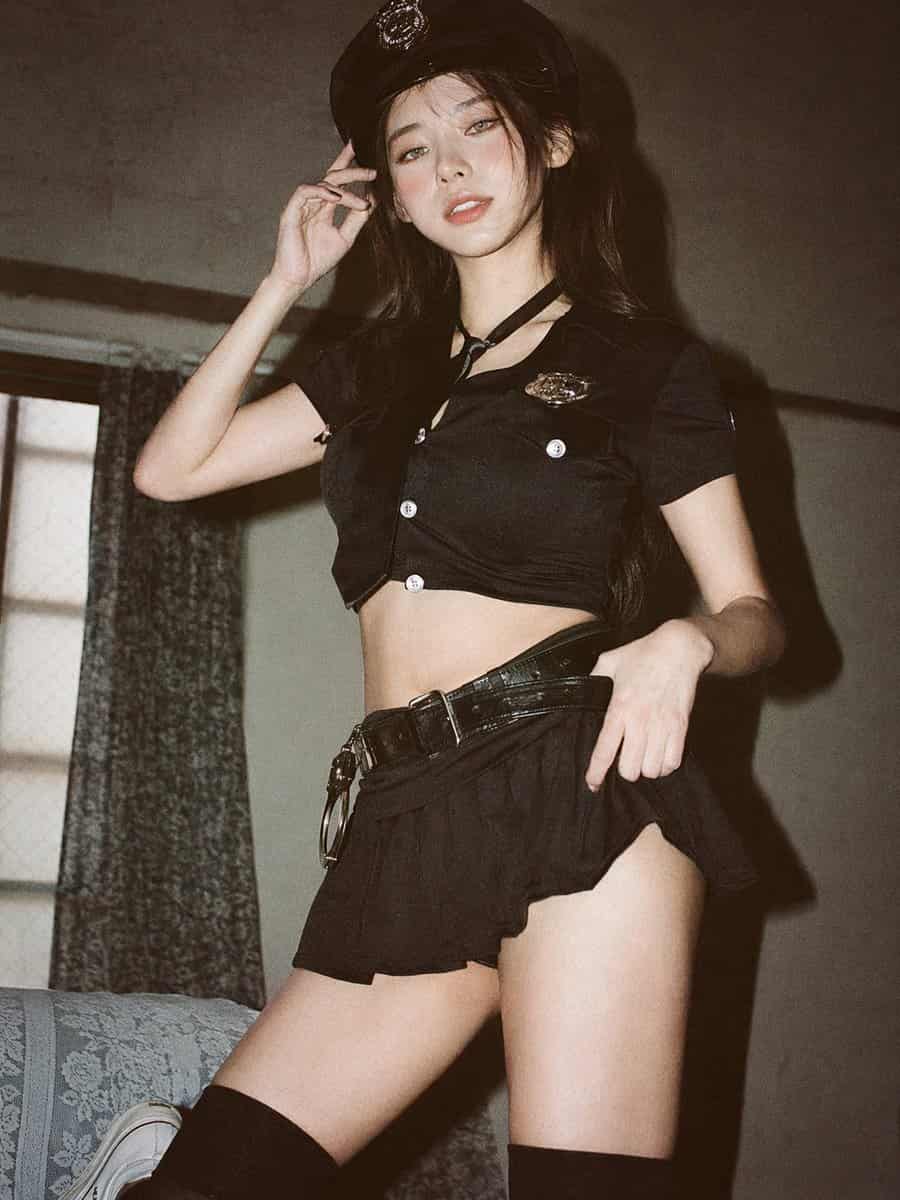
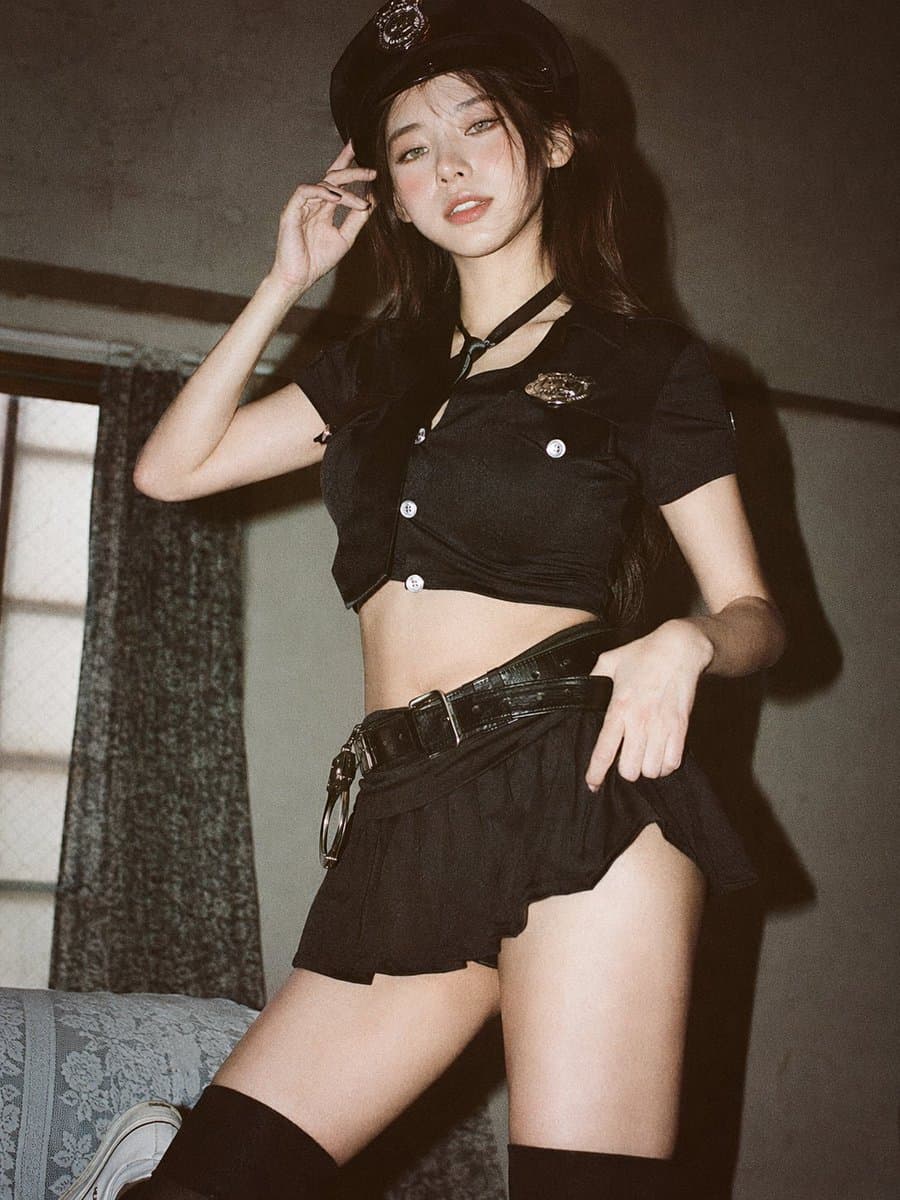
ภาพพอร์ตเทรต 35 มม. ที่นุ่มนวลและโปร่งสบาย
การถ่ายภาพด้วยฟิล์ม 35 มม. แบบอะนาล็อก, ความงามสไตล์ญี่ปุ่นที่โปร่งสบาย, แสงจากหน้าต่างธรรมชาติที่กระจายอย่างอ่อนโยน, การเปิดรับแสงมากเกินไปเล็กน้อย, โทนสีพาสเทล, คอนทราสต์ต่ำ, ไฮไลท์ที่นุ่มนวล, การตั้งค่าในร่มน้อยที่สุ…
พรอมต์
การถ่ายภาพด้วยฟิล์ม 35 มม. แบบอะนาล็อก, ความงามสไตล์ญี่ปุ่นที่โปร่งสบาย, แสงจากหน้าต่างธรรมชาติที่กระจายอย่างอ่อนโยน, การเปิดรับแสงมากเกินไปเล็กน้อย, โทนสีพาสเทล, คอนทราสต์ต่ำ, ไฮไลท์ที่นุ่มนวล, การตั้งค่าในร่มน้อยที่สุดใกล้หน้าต่างที่มีผ้าม่านสีขาว, ผนังสีอ่อนสะอาด, องค์ประกอบที่เป็นธรรมชาติ, ระดับสายตา, การวางกรอบแบบเต็มตัวให้ชิดขึ้นเล็กน้อย (กลางต้นขาถึงศีรษะ), หญิงสาวชาวเอเชียตะวันออก, การแต่งหน้าแบบมินิมัลตามธรรมชาติ, พื้นผิวที่สมจริงที่นุ่มนวล, ผมสีเข้มยาวยุ่งเล็กน้อย, เสื้อเชิ้ตติดกระดุมสีขาวขนาดใหญ่, กางเกงขาสั้นลำลองแบบเบา ๆ, เท้าเปล่า, เรียบง่ายและ สไตล์ผ่อนคลาย ยืนอย่างเป็นธรรมชาติด้วยอิริยาบถที่ผ่อนคลาย แขนหลวมๆ ข้างหรือหลังเล็กน้อย หันหน้าไปทางกล้อง ยิ้มอ่อนโยน เงียบสงบ เน้นแสง อากาศ และอารมณ์ในชีวิตประจำวันที่เงียบสงบ ฟิล์มเกรนที่นุ่มนวล บรรยากาศชวนฝันและเรียบง่าย --ar 9:16
วิธีการใช้งานพร้อมท์นี้
อ่านข้อความแจ้ง ภาพพอร์ตเทรต 35 มม. ที่นุ่มนวลและโปร่งสบาย ฉบับสมบูรณ์ และระบุวัตถุ สไตล์ กล้อง แสง และข้อกำหนดองค์ประกอบก่อนสร้าง
แทนที่ตัวยึดตำแหน่งแบบวงเล็บเหลี่ยมหรือแบบอาร์กิวเมนต์ด้วยข้อกำหนดเกี่ยวกับผลิตภัณฑ์ ตัวละคร แบรนด์ ฉาก ชุดสี หรืออัตราส่วนภาพ
เปิด https://www.gptimagehub.com/th/generate?promptId=cmogwrehv000pzpdyhdrs7isz สร้างรูปภาพ จากนั้นปรับแต่งข้อความแจ้งด้วยหัวข้อ ข้อความ เค้าโครง หรือข้อจำกัดเชิงลบที่เฉพาะเจาะจงมากขึ้น หากจำเป็น
คำถามที่พบบ่อยพร้อมท์
พรอมต์ ภาพพอร์ตเทรต 35 มม. ที่นุ่มนวลและโปร่งสบาย ใช้ทำอะไรได้ดีที่สุด
ข้อความแจ้งนี้เหมาะที่สุดสำหรับอิมเมจ ซีนภาพยนตร์ / ภาพนิ่งจากหนัง ที่คุณต้องการโครงสร้างที่นำมาใช้ซ้ำได้ ทิศทางของภาพโดยละเอียด และคุณภาพเอาต์พุตที่สม่ำเสมอ
ฉันสามารถแก้ไขพรอมต์ก่อนสร้างได้หรือไม่
ใช่ ข้อความแจ้งแบบเต็มจะปรากฏบนหน้านี้ เพื่อให้คุณสามารถเปลี่ยนชื่อเรื่อง ชื่อผลิตภัณฑ์ สี องค์ประกอบ ข้อกำหนดของกล้อง อัตราส่วนภาพ และหมายเหตุสไตล์ก่อนการสร้าง
ฉันควรใช้รุ่นใดกับข้อความแจ้งนี้
ใช้โมเดลที่แสดงในข้อมูลเมตาของพรอมต์เป็นจุดเริ่มต้นเริ่มต้น หากรูปภาพรุ่นอื่นรองรับอัตราส่วนภาพและรูปแบบคำสั่งเดียวกัน คุณสามารถปรับข้อความแจ้งและเปรียบเทียบผลลัพธ์ได้