
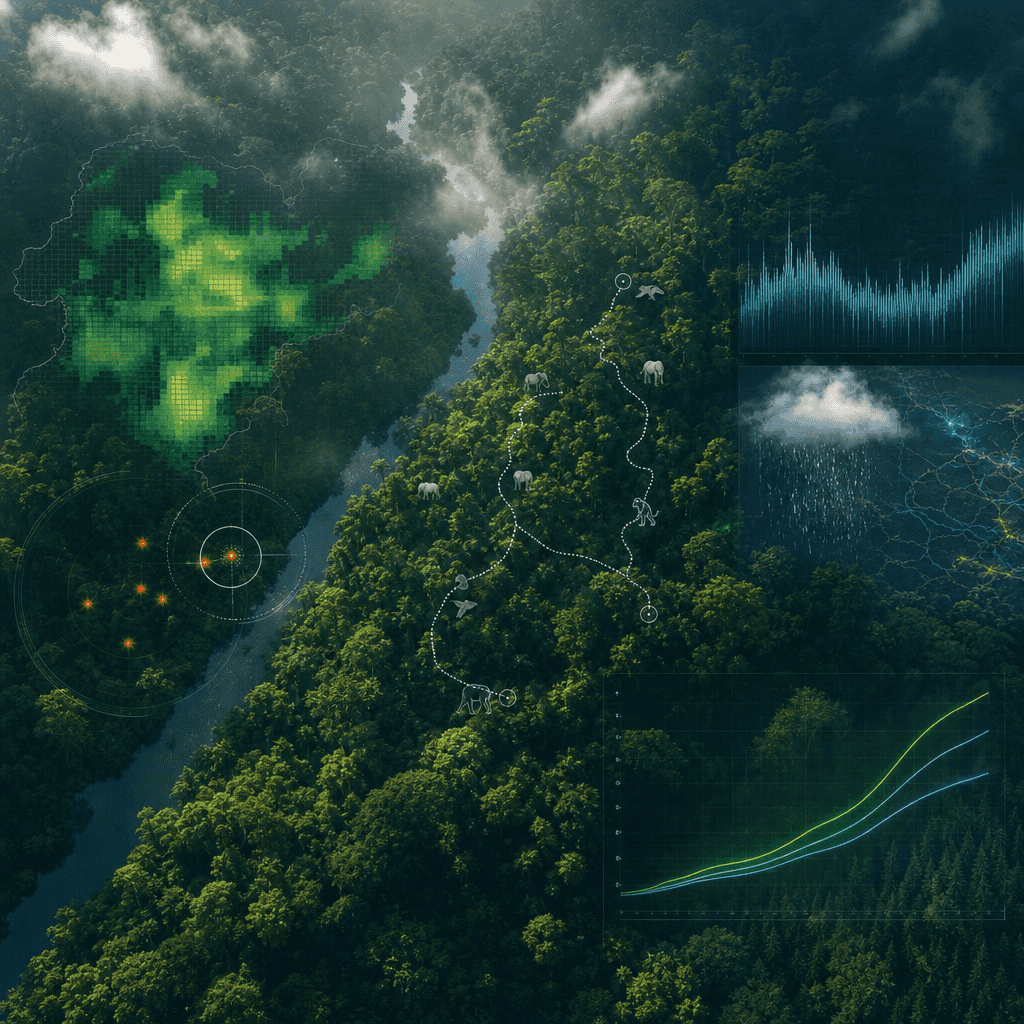
„Ekran przeglądu monitorowania rezerwatu lasu deszczowego”
„Ekran przeglądu monitorowania rezerwatu lasu deszczowego” integruje pulpit nawigacyjny badań naukowych w zakresie ekologii i wciągającą fotografię naturalną. Głównym tłem zdjęcia jest wspaniała scena z widokiem na bald…
Podpowiedź
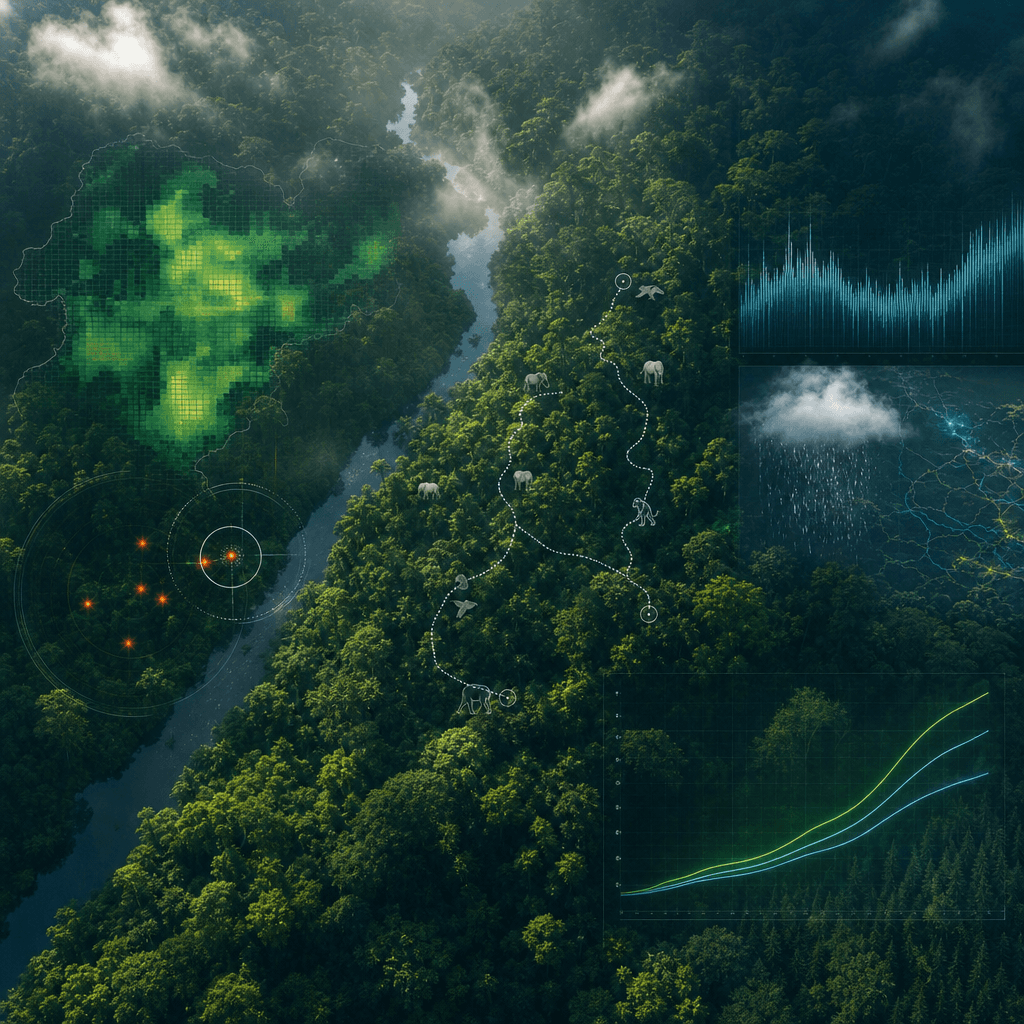
„Ekran przeglądu monitorowania rezerwatu lasu deszczowego” integruje pulpit nawigacyjny badań naukowych w zakresie ekologii i wciągającą fotografię naturalną. Głównym tłem zdjęcia jest wspaniała scena z widokiem na baldachim tropikalnego lasu deszczowego. Na pierwszy plan nałożona jest przezroczysta warstwa danych: gęstość koron drzew, trajektorie aktywności zagrożonych zwierząt, ostrzeżenia o kłusownictwie, opady deszczu i krzywe pochłaniania dwutlenku węgla. Tytuł przypomina wizję projektu ONZ dotyczącego ochrony środowiska. Temperament jest profesjonalny i uroczysty, kolory są jasne, ale nie przesadnie nasycone, a proporcja wynosi 16:9.
Jak korzystać z tego monitu
Przed wygenerowaniem przeczytaj cały monit „Ekran przeglądu monitorowania rezerwatu lasu deszczowego” i określ temat, styl, wymagania dotyczące aparatu, oświetlenia i kompozycji.
Zastąp symbole zastępcze w nawiasach lub w stylu argumentów swoim produktem, postacią, marką, sceną, paletą kolorów lub wymaganiami dotyczącymi proporcji.
Otwórz https://www.gptimagehub.com/pl/generate?promptId=cmogxkpwn00inxt5gb8m75jh8, wygeneruj obraz, a następnie w razie potrzeby doprecyzuj monit, podając bardziej szczegółowy temat, tekst, układ lub ograniczenia negatywne.
Szybkie często zadawane pytania
Do czego najlepiej używać podpowiedzi „Ekran przeglądu monitorowania rezerwatu lasu deszczowego”?
Tego monitu najlepiej używać w przypadku obrazów inne, w przypadku których wymagana jest struktura wielokrotnego użytku, szczegółowy kierunek wizualny i stała jakość wyjściowa.
Czy mogę edytować monit przed wygenerowaniem?
Tak. Pełny tekst podpowiedzi jest widoczny na tej stronie, dzięki czemu możesz zmieniać tematy, nazwy produktów, kolory, kompozycję, warunki dotyczące aparatu, proporcje i uwagi dotyczące stylu przed wygenerowaniem.
Którego modelu powinienem użyć w przypadku tego monitu?
Użyj modelu pokazanego w metadanych zachęty jako domyślnego punktu początkowego. Jeśli inny model obrazu obsługuje ten sam współczynnik proporcji i styl instrukcji, możesz dostosować monit i porównać wyniki.