
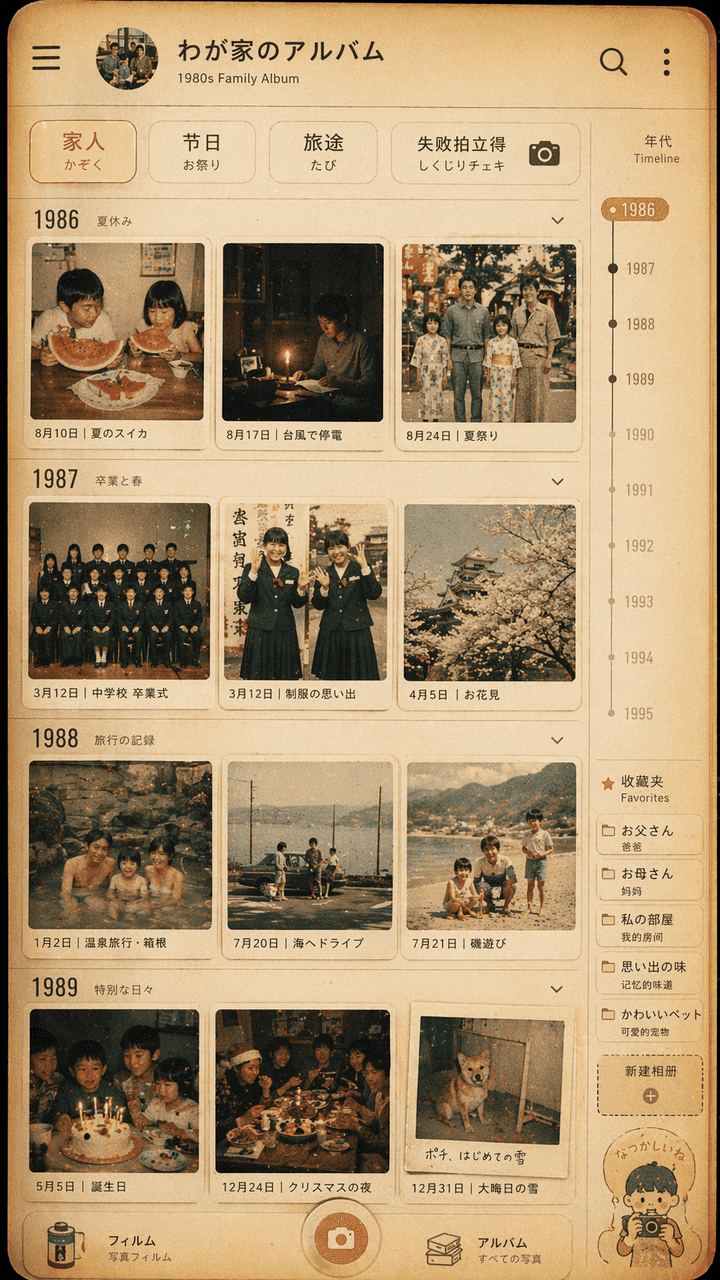
Projekt interfejsu rodzinnego albumu fotograficznego w stylu Showa
„Projekt interfejsu rodzinnego albumu ze zdjęciami w stylu Showa”, fototapeta w stylu retro jest zintegrowana z nowoczesnym interfejsem aplikacji albumu fotograficznego. Ekran symuluje stronę osi czasu aplikacji do zarz…
Podpowiedź
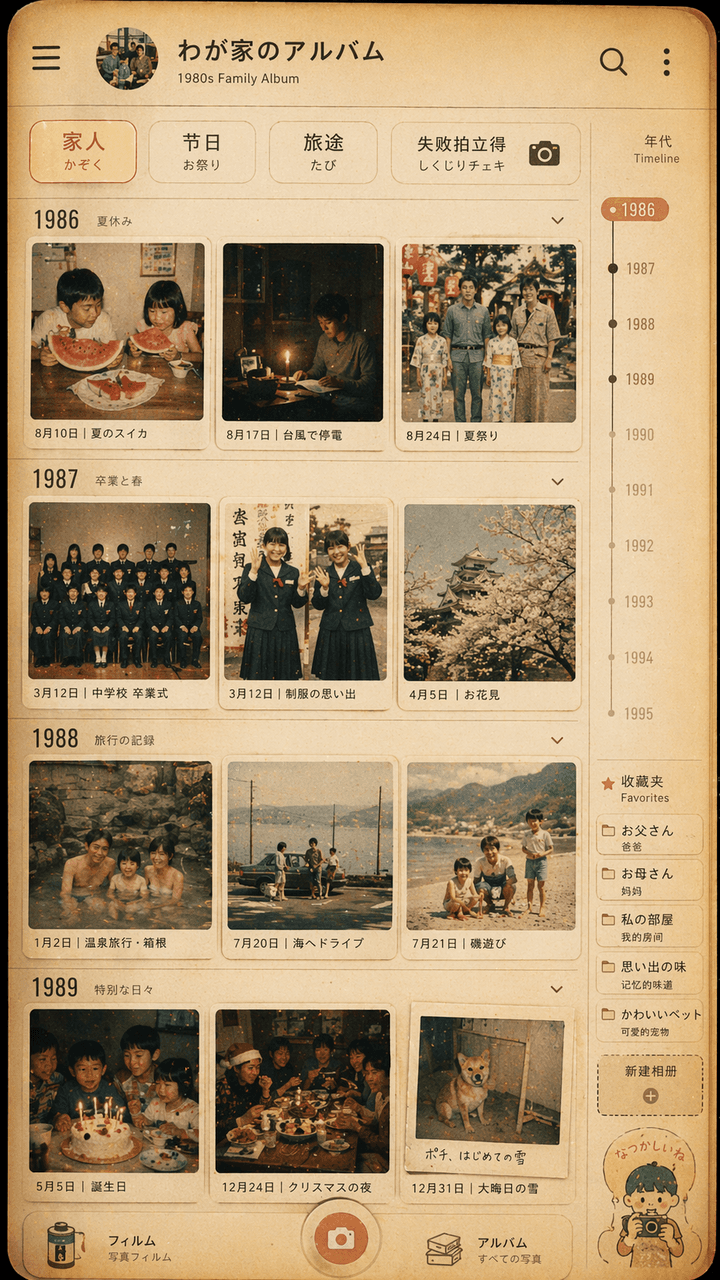
„Projekt interfejsu rodzinnego albumu ze zdjęciami w stylu Showa”, fototapeta w stylu retro jest zintegrowana z nowoczesnym interfejsem aplikacji albumu fotograficznego. Ekran symuluje stronę osi czasu aplikacji do zarządzania zdjęciami, ale każda miniatura pochodzi z lat 80. XX wieku. Życie codzienne japońskiej rodziny w latach 70.: letni arbuz, przerwa w dostawie prądu podczas tajfunu, zdjęcie z zakończenia mundurka szkolnego, wycieczka do gorących źródeł, świąteczny stół. Górny filtr brzmi „Rodzina/Festiwal/Podróż/Polaroid niepowodzenia”. Po prawej stronie znajduje się skala lat i etykieta ulubionych. Ogólny kolor jest filmowy, ciepły żółty i lekko wyblakły. Obraz przypomina interfejs prawdziwego telefonu komórkowego i delikatny pokaz rodzinnych wspomnień. Proporcja wynosi 9:16.
Jak korzystać z tego monitu
Przed wygenerowaniem przeczytaj cały monit Projekt interfejsu rodzinnego albumu fotograficznego w stylu Showa i określ temat, styl, wymagania dotyczące aparatu, oświetlenia i kompozycji.
Zastąp symbole zastępcze w nawiasach lub w stylu argumentów swoim produktem, postacią, marką, sceną, paletą kolorów lub wymaganiami dotyczącymi proporcji.
Otwórz https://www.gptimagehub.com/pl/generate?promptId=cmogxipx300gzxt5gbicukrta, wygeneruj obraz, a następnie w razie potrzeby doprecyzuj monit, podając bardziej szczegółowy temat, tekst, układ lub ograniczenia negatywne.
Szybkie często zadawane pytania
Do czego najlepiej używać podpowiedzi Projekt interfejsu rodzinnego albumu fotograficznego w stylu Showa?
Tego monitu najlepiej używać w przypadku obrazów projekt ui / ux, w przypadku których wymagana jest struktura wielokrotnego użytku, szczegółowy kierunek wizualny i stała jakość wyjściowa.
Czy mogę edytować monit przed wygenerowaniem?
Tak. Pełny tekst podpowiedzi jest widoczny na tej stronie, dzięki czemu możesz zmieniać tematy, nazwy produktów, kolory, kompozycję, warunki dotyczące aparatu, proporcje i uwagi dotyczące stylu przed wygenerowaniem.
Którego modelu powinienem użyć w przypadku tego monitu?
Użyj modelu pokazanego w metadanych zachęty jako domyślnego punktu początkowego. Jeśli inny model obrazu obsługuje ten sam współczynnik proporcji i styl instrukcji, możesz dostosować monit i porównać wyniki.