
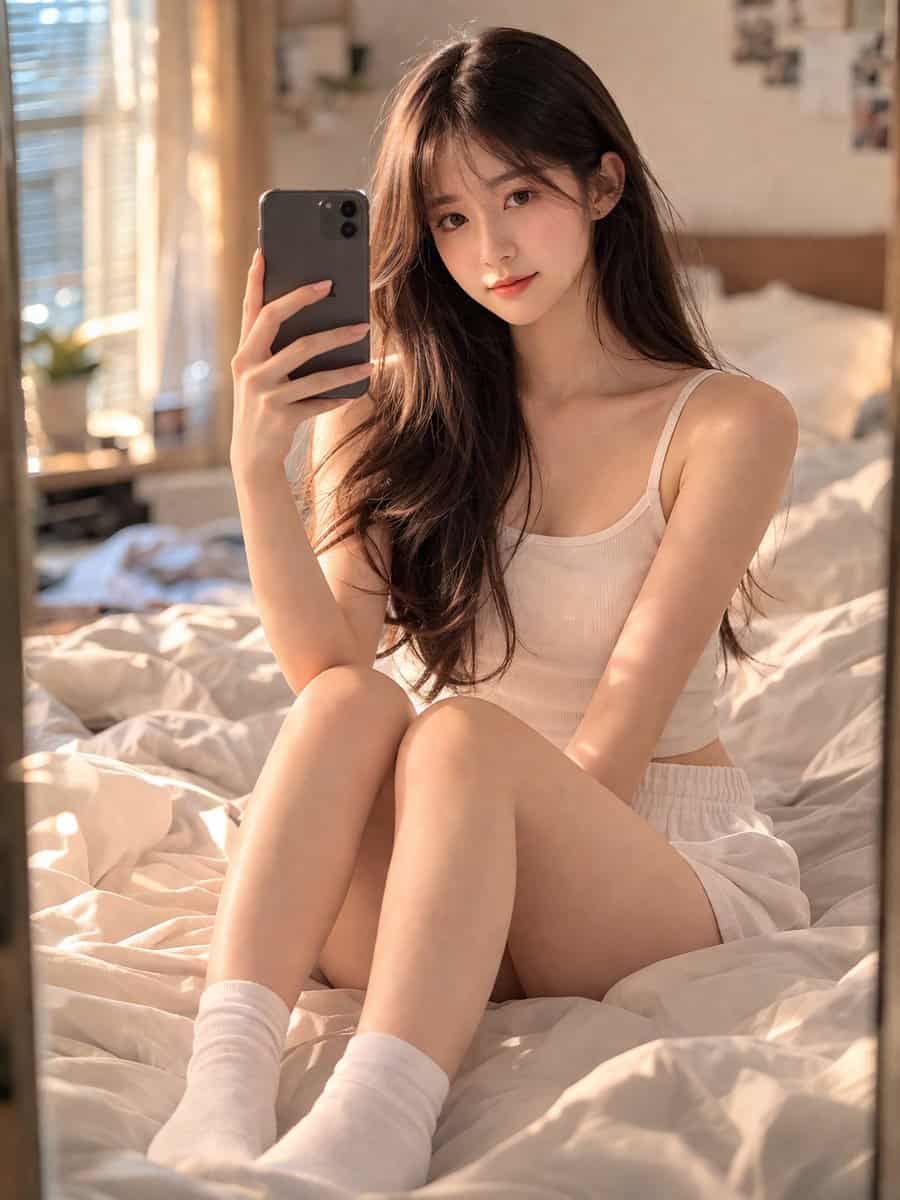
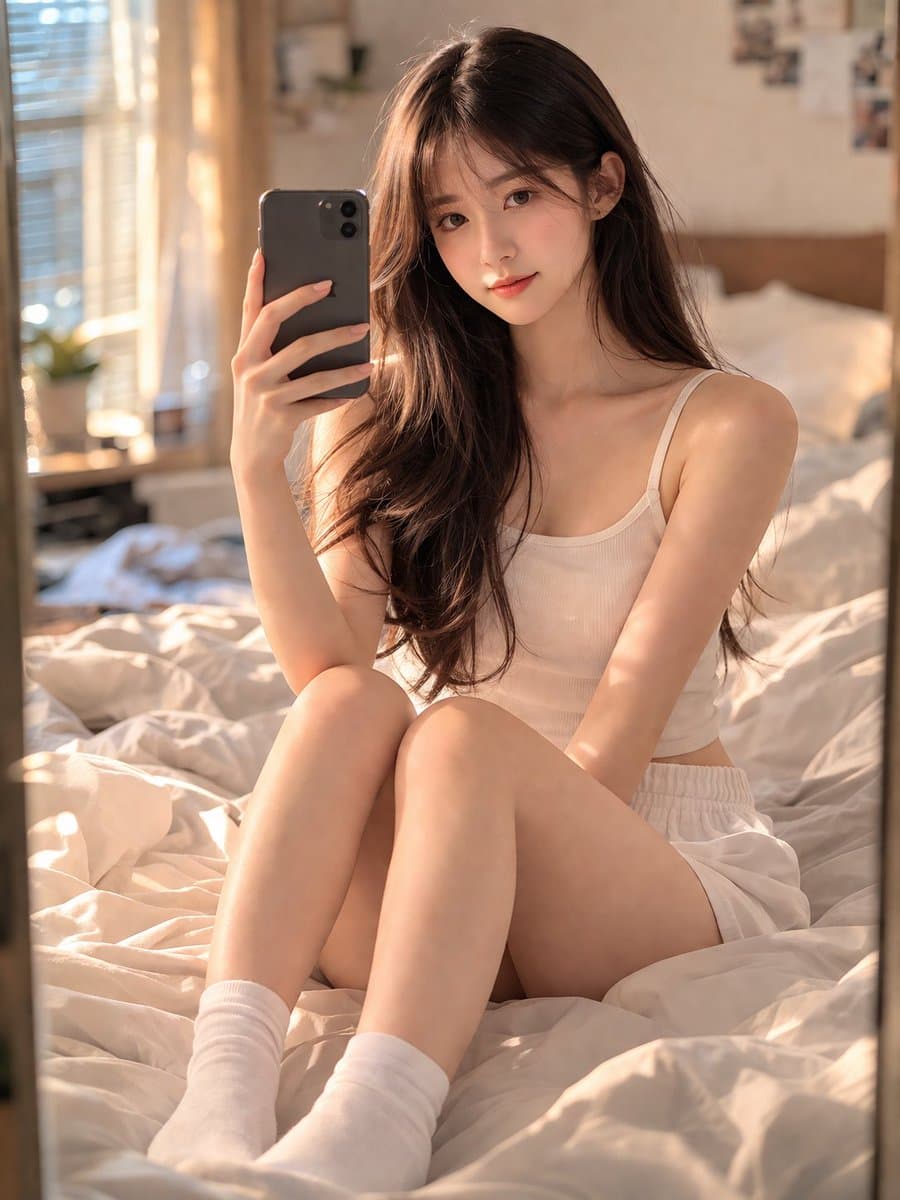
Lustrzany portret sypialni Selfie
Oszałamiająca 18-letnia Chinka o młodzieńczej, czystej twarzy i realistycznej fakturze skóry, siedząca na wygodnym, nieco brudnym łóżku w swojej sypialni. Robi smartfonem lustrzane selfie, rejestrując naturalny i intymn…
Podpowiedź
Oszałamiająca 18-letnia Chinka o młodzieńczej, czystej twarzy i realistycznej fakturze skóry, siedząca na wygodnym, nieco brudnym łóżku w swojej sypialni. Robi smartfonem lustrzane selfie, rejestrując naturalny i intymny moment. Ubrany w zwykły szary strój wypoczynkowy i schludne białe skarpetki załogi. Miękkie, naturalne światło (złota godzina) wpada przez boczne okno, tworząc ciepłą, nastrojową i kinową atmosferę. Obiektyw 35mm, ostre skupienie na obiekcie w lustrze, głębia ostrości z pięknie rozmytym tłem (bokeh). Fotorealistyczny, 8K, wysoka rozdzielczość, jakość studyjna, arcydzieło. Negatywne podpowiedzi: żadnych dodatkowych kończyn, żadnych zdeformowanych rąk, żadnego rozmycia, żadnego hałasu, żadnego znaku wodnego, żadnego tekstu, żadnego stylu kreskówkowego/anime. Współczynnik proporcji: 3:4.
Jak korzystać z tego monitu
Przed wygenerowaniem przeczytaj cały monit Lustrzany portret sypialni Selfie i określ temat, styl, wymagania dotyczące aparatu, oświetlenia i kompozycji.
Zastąp symbole zastępcze w nawiasach lub w stylu argumentów swoim produktem, postacią, marką, sceną, paletą kolorów lub wymaganiami dotyczącymi proporcji.
Otwórz https://www.gptimagehub.com/pl/generate?promptId=cmogwrblz000nzpdyj445l6rw, wygeneruj obraz, a następnie w razie potrzeby doprecyzuj monit, podając bardziej szczegółowy temat, tekst, układ lub ograniczenia negatywne.
Szybkie często zadawane pytania
Do czego najlepiej używać podpowiedzi Lustrzany portret sypialni Selfie?
Tego monitu najlepiej używać w przypadku obrazów portret i fotografia, w przypadku których wymagana jest struktura wielokrotnego użytku, szczegółowy kierunek wizualny i stała jakość wyjściowa.
Czy mogę edytować monit przed wygenerowaniem?
Tak. Pełny tekst podpowiedzi jest widoczny na tej stronie, dzięki czemu możesz zmieniać tematy, nazwy produktów, kolory, kompozycję, warunki dotyczące aparatu, proporcje i uwagi dotyczące stylu przed wygenerowaniem.
Którego modelu powinienem użyć w przypadku tego monitu?
Użyj modelu pokazanego w metadanych zachęty jako domyślnego punktu początkowego. Jeśli inny model obrazu obsługuje ten sam współczynnik proporcji i styl instrukcji, możesz dostosować monit i porównać wyniki.