
Artykuł w Przewodniku podróżniczym magazynu
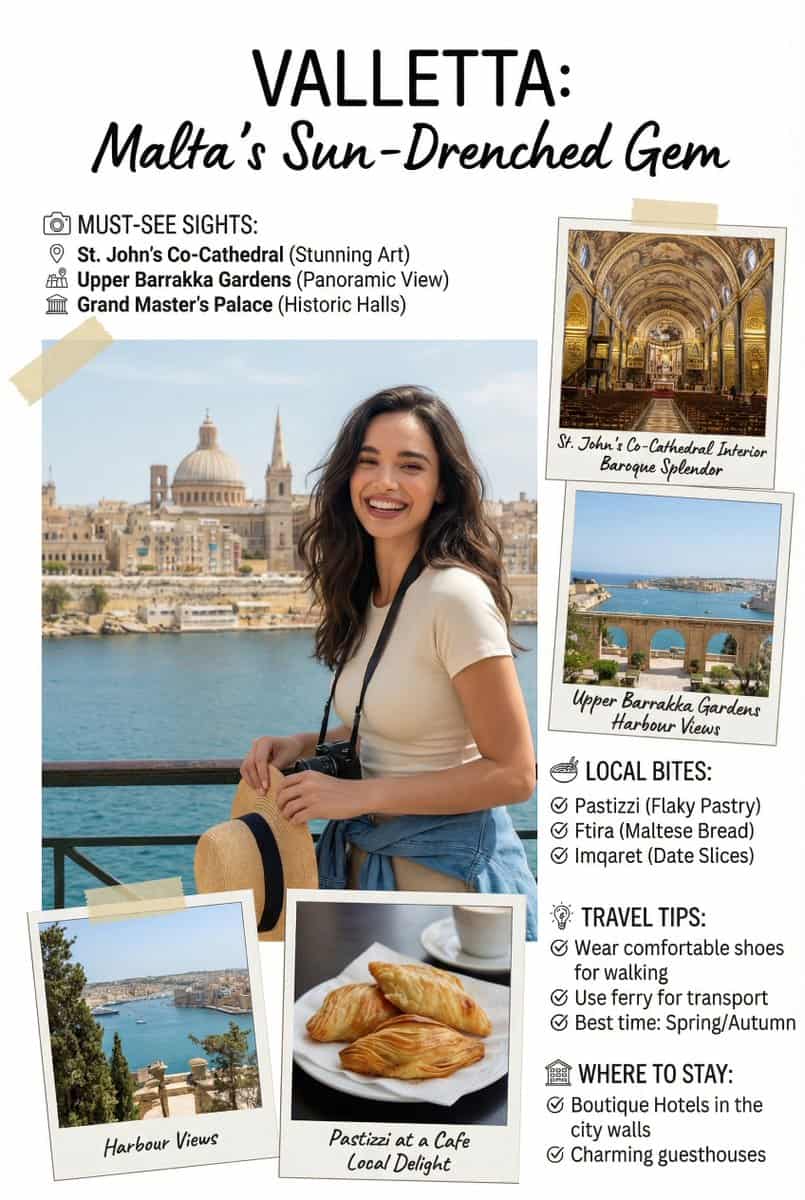
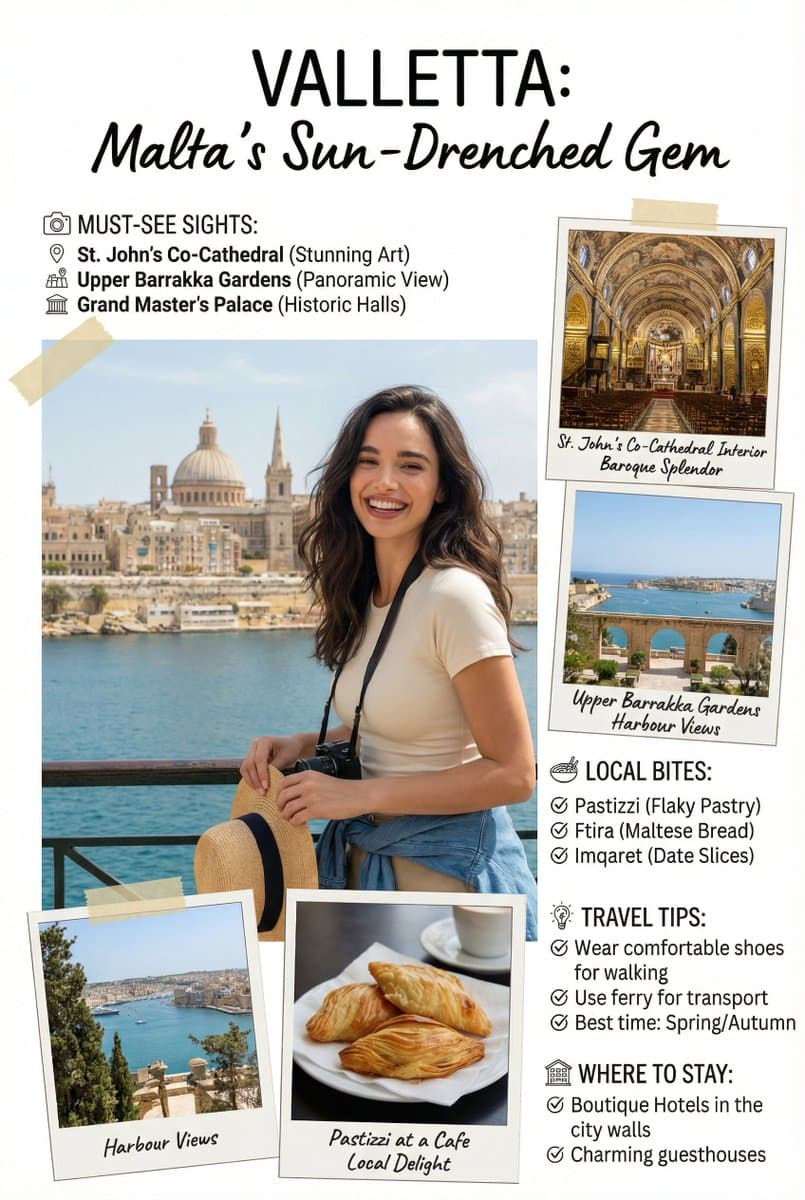
Utwórz obraz strony przewodnika po artykule [podróży], uroczej, bogatej w informacje strony z artykułem magazynu w stylu fotoksiążki. Dodaj wszystkie niezbędne sekcje, wskazówki, rekomendacje, informacje. jeśli chcesz,…
Podpowiedź
Utwórz obraz strony przewodnika po artykule [podróży], uroczej, bogatej w informacje strony z artykułem magazynu w stylu fotoksiążki. Dodaj wszystkie niezbędne sekcje, wskazówki, rekomendacje, informacje. jeśli chcesz, dodaj zdjęcia do dowolnych sekcji i rekomendacje. Umieść załączoną osobę w dokładnej lokalizacji [miasto, kraj]. Bezproblemowo połącz załączoną osobę, jakby zwiedzała. Podejdź do tego zadania ze świadomością, że jest to krytyczna, bogata w informacje strona, która będzie miała znaczący wpływ na liczbę odwiedzających, ważna jest dokładność tekstu. Wykorzystaj w pełni całą stronę [9:16]. WSKAZÓWKA NEGATYWNA: teksty współrzędnych @swiat_ai @ProfitAII
Jak korzystać z tego monitu
Przed wygenerowaniem przeczytaj cały monit Artykuł w Przewodniku podróżniczym magazynu i określ temat, styl, wymagania dotyczące aparatu, oświetlenia i kompozycji.
Zastąp symbole zastępcze w nawiasach lub w stylu argumentów swoim produktem, postacią, marką, sceną, paletą kolorów lub wymaganiami dotyczącymi proporcji.
Otwórz https://www.gptimagehub.com/pl/generate?promptId=cmogws0f6001hzpdyu51qlbbd, wygeneruj obraz, a następnie w razie potrzeby doprecyzuj monit, podając bardziej szczegółowy temat, tekst, układ lub ograniczenia negatywne.
Szybkie często zadawane pytania
Do czego najlepiej używać podpowiedzi Artykuł w Przewodniku podróżniczym magazynu?
Tego monitu najlepiej używać w przypadku obrazów projekt ui / ux, w przypadku których wymagana jest struktura wielokrotnego użytku, szczegółowy kierunek wizualny i stała jakość wyjściowa.
Czy mogę edytować monit przed wygenerowaniem?
Tak. Pełny tekst podpowiedzi jest widoczny na tej stronie, dzięki czemu możesz zmieniać tematy, nazwy produktów, kolory, kompozycję, warunki dotyczące aparatu, proporcje i uwagi dotyczące stylu przed wygenerowaniem.
Którego modelu powinienem użyć w przypadku tego monitu?
Użyj modelu pokazanego w metadanych zachęty jako domyślnego punktu początkowego. Jeśli inny model obrazu obsługuje ten sam współczynnik proporcji i styl instrukcji, możesz dostosować monit i porównać wyniki.