
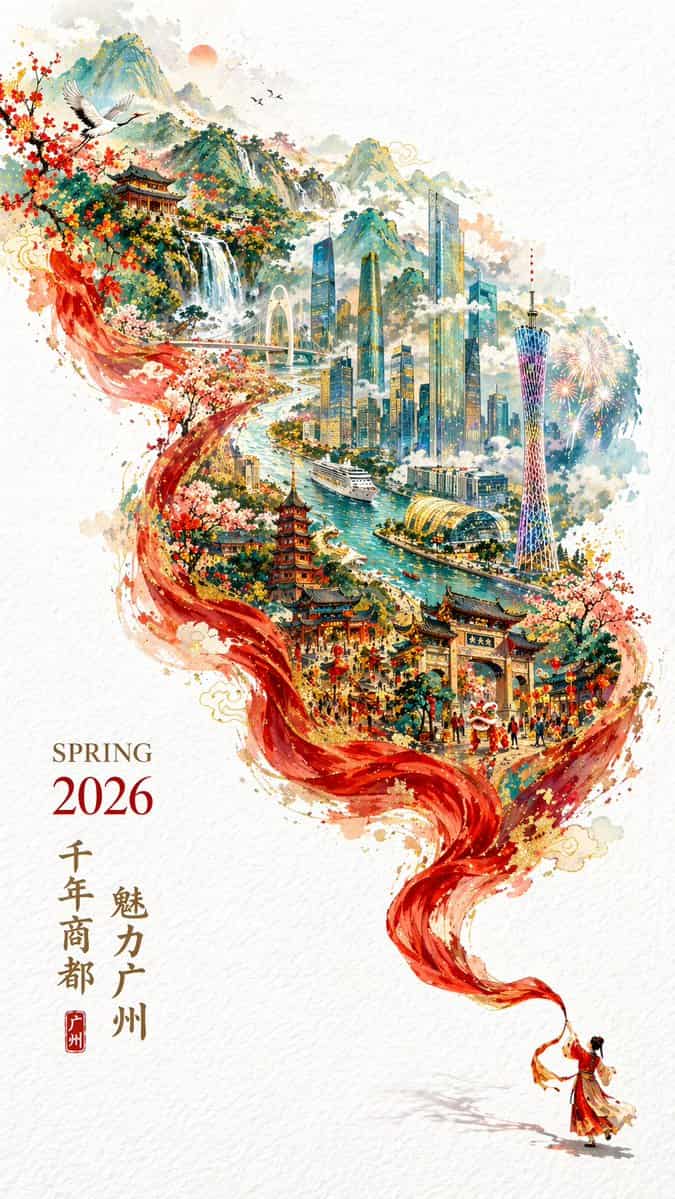
Plakat promocyjny Guangzhou na wiosnę 2026 r
Świąteczny, ale elegancki plakat promocyjny miasta Guangzhou 2026, wersja pionowa 9:16, podwójna ekspozycja, płynna kompozycja w kształcie litery S. Na czysto białym, teksturowanym tle miniaturowe postacie w tradycyjnyc…
Podpowiedź
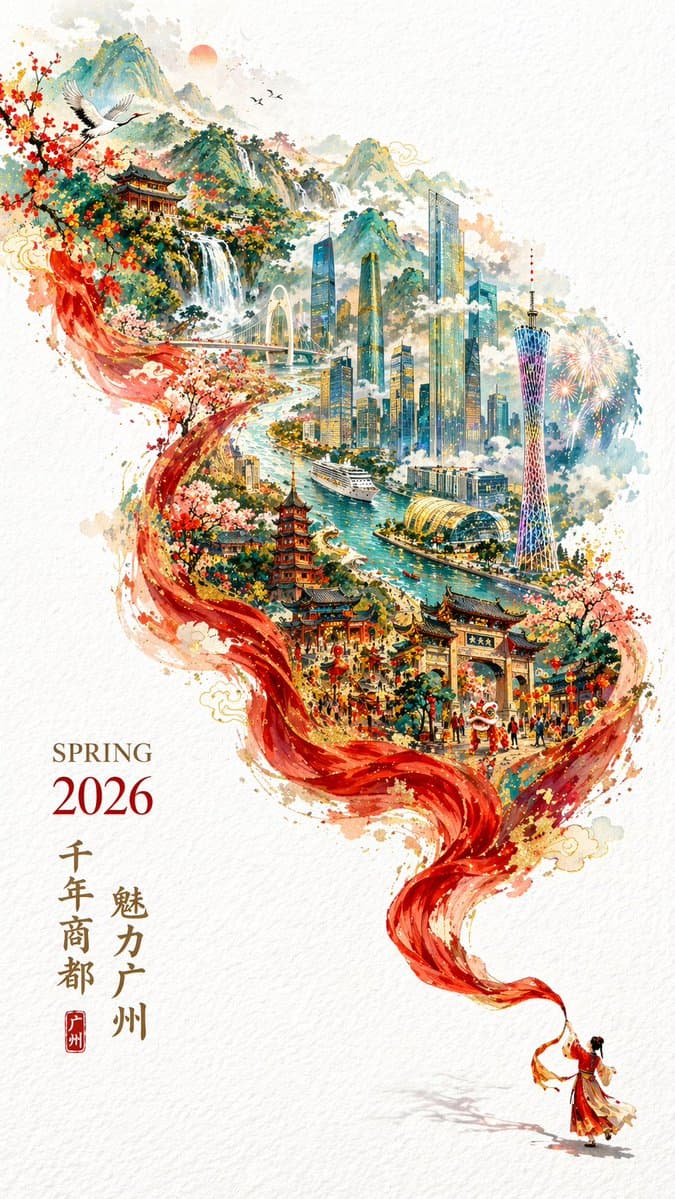
Świąteczny, ale elegancki plakat promocyjny miasta Guangzhou 2026, wersja pionowa 9:16, podwójna ekspozycja, płynna kompozycja w kształcie litery S. Na czysto białym, teksturowanym tle miniaturowe postacie w tradycyjnych strojach machają długim czerwonym jedwabiem w prawym dolnym rogu. Czerwony jedwab zamienia się w góry i rzeki, a wewnątrz nakłada się panoramiczny widok na Kanton: Canton Tower, Nowe Miasto Rzeki Perłowej, Rzeka Perłowa, statki wycieczkowe, starożytne budynki i Góra Baiyun. W lewym dolnym rogu wpisano „WIOSNA 2026”, a w pionie „Uroczy Kanton, tysiącletnia stolica handlowa”.
Jak korzystać z tego monitu
Przed wygenerowaniem przeczytaj cały monit Plakat promocyjny Guangzhou na wiosnę 2026 r i określ temat, styl, wymagania dotyczące aparatu, oświetlenia i kompozycji.
Zastąp symbole zastępcze w nawiasach lub w stylu argumentów swoim produktem, postacią, marką, sceną, paletą kolorów lub wymaganiami dotyczącymi proporcji.
Otwórz https://www.gptimagehub.com/pl/generate?promptId=cmogwt5hl002tzpdy1hfp8rgi, wygeneruj obraz, a następnie w razie potrzeby doprecyzuj monit, podając bardziej szczegółowy temat, tekst, układ lub ograniczenia negatywne.
Szybkie często zadawane pytania
Do czego najlepiej używać podpowiedzi Plakat promocyjny Guangzhou na wiosnę 2026 r?
Tego monitu najlepiej używać w przypadku obrazów plakat i ilustracja, w przypadku których wymagana jest struktura wielokrotnego użytku, szczegółowy kierunek wizualny i stała jakość wyjściowa.
Czy mogę edytować monit przed wygenerowaniem?
Tak. Pełny tekst podpowiedzi jest widoczny na tej stronie, dzięki czemu możesz zmieniać tematy, nazwy produktów, kolory, kompozycję, warunki dotyczące aparatu, proporcje i uwagi dotyczące stylu przed wygenerowaniem.
Którego modelu powinienem użyć w przypadku tego monitu?
Użyj modelu pokazanego w metadanych zachęty jako domyślnego punktu początkowego. Jeśli inny model obrazu obsługuje ten sam współczynnik proporcji i styl instrukcji, możesz dostosować monit i porównać wyniki.