
Konwersja tła muzeum anime
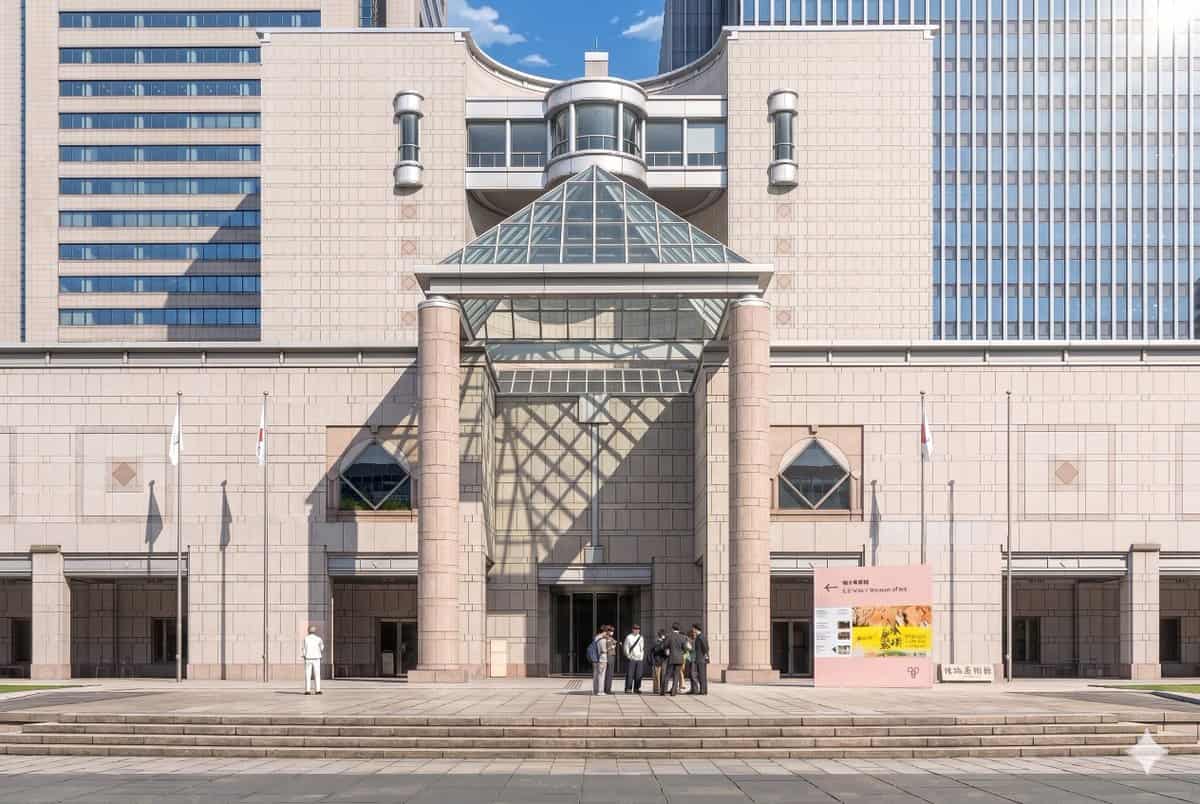
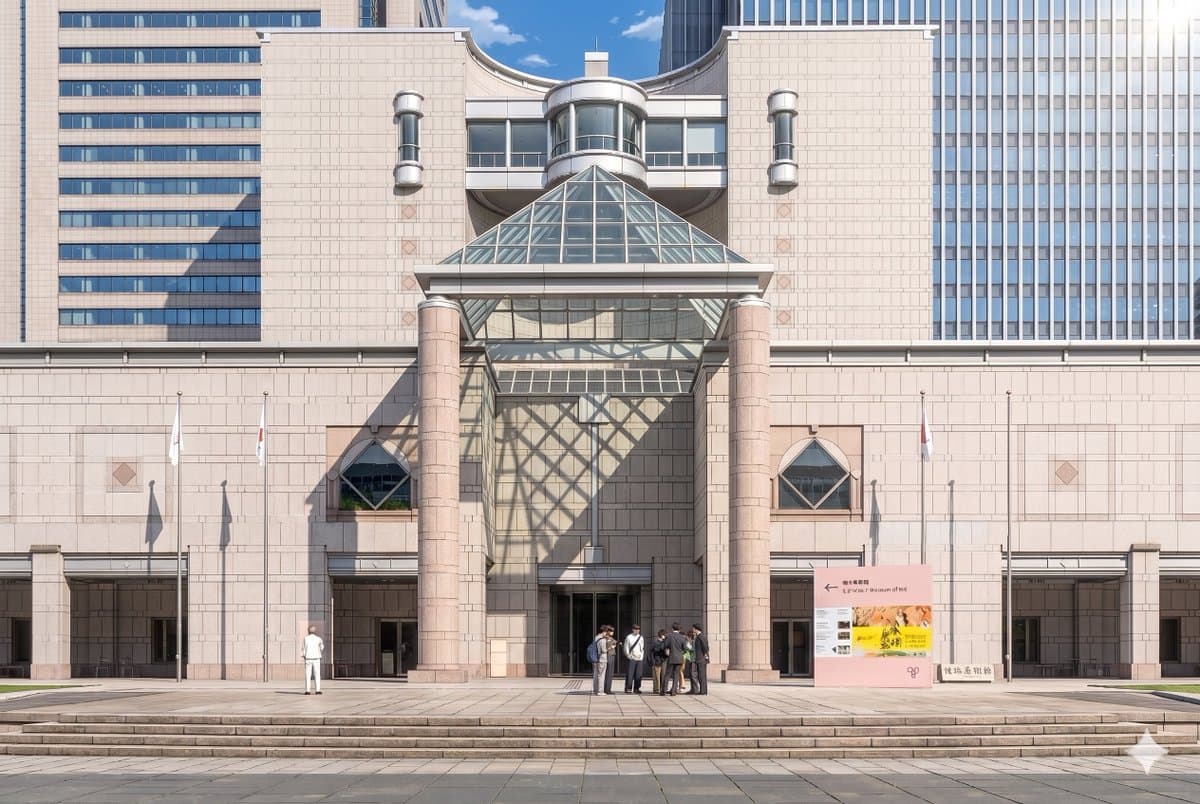
Korzystając z dostarczonego zdjęcia referencyjnego, odtwórz tę samą fasadę muzeum i kompozycję frontu, co dopracowana ilustracja teatralna anime w tle. Zachowaj spójność architektury, oznakowania, 3 masztów flagowych, s…
Podpowiedź
Korzystając z dostarczonego zdjęcia referencyjnego, odtwórz tę samą fasadę muzeum i kompozycję frontu, co dopracowana ilustracja teatralna anime w tle. Zachowaj spójność architektury, oznakowania, 3 masztów flagowych, szerokich schodów i ogólnego układu, ale przekształć obraz z realistycznej fotografii w bardzo szczegółowy, ręcznie malowany styl filmu anime z czystymi liniami, miękkim cieniowaniem celowym, delikatnymi pastelowymi kolorami kamienia i ostrym, nastrojowym oświetleniem. Dodaj dramatyczne światło słoneczne z prawego górnego rogu, tak aby szklana piramida rzucała duży geometryczny cień w postaci siatki na środkową ścianę i lewą stronę wejścia. Uprość i stylizuj ludzi na postacie z anime, zachowując 2 widoczne grupy: 1 samotną postać po lewej stronie i 1 małą grupę 7 osób w pobliżu środkowo-prawego wejścia. Zachowaj nastrój czystego, błękitnego nieba w ciągu dnia, jednocześnie nadając scenie elegancki, wyrafinowany i kinowy charakter.
Jak korzystać z tego monitu
Przed wygenerowaniem przeczytaj cały monit Konwersja tła muzeum anime i określ temat, styl, wymagania dotyczące aparatu, oświetlenia i kompozycji.
Zastąp symbole zastępcze w nawiasach lub w stylu argumentów swoim produktem, postacią, marką, sceną, paletą kolorów lub wymaganiami dotyczącymi proporcji.
Otwórz https://www.gptimagehub.com/pl/generate?promptId=cmogx3mgt00dvzpdy0t3buci9, wygeneruj obraz, a następnie w razie potrzeby doprecyzuj monit, podając bardziej szczegółowy temat, tekst, układ lub ograniczenia negatywne.
Szybkie często zadawane pytania
Do czego najlepiej używać podpowiedzi Konwersja tła muzeum anime?
Tego monitu najlepiej używać w przypadku obrazów anime / manga, w przypadku których wymagana jest struktura wielokrotnego użytku, szczegółowy kierunek wizualny i stała jakość wyjściowa.
Czy mogę edytować monit przed wygenerowaniem?
Tak. Pełny tekst podpowiedzi jest widoczny na tej stronie, dzięki czemu możesz zmieniać tematy, nazwy produktów, kolory, kompozycję, warunki dotyczące aparatu, proporcje i uwagi dotyczące stylu przed wygenerowaniem.
Którego modelu powinienem użyć w przypadku tego monitu?
Użyj modelu pokazanego w metadanych zachęty jako domyślnego punktu początkowego. Jeśli inny model obrazu obsługuje ten sam współczynnik proporcji i styl instrukcji, możesz dostosować monit i porównać wyniki.