
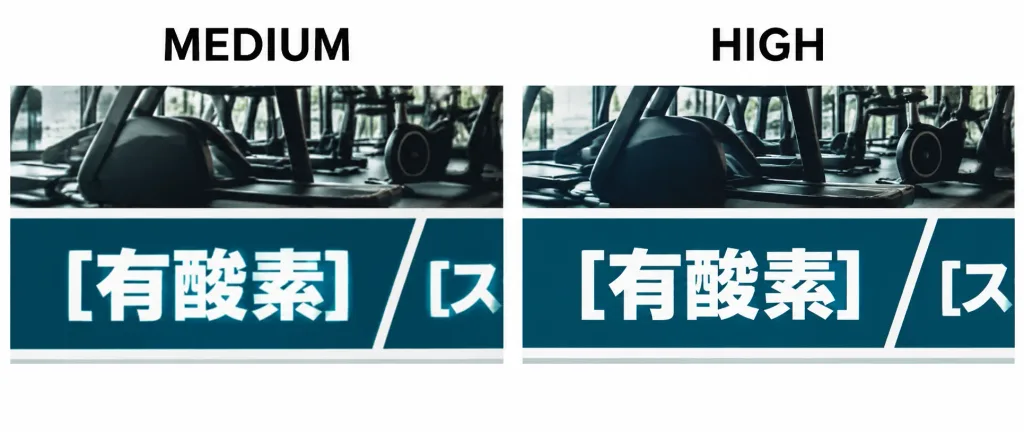
텍스트 아티팩트 비교 배너
일본어 타이포그래피의 렌더링 노이즈를 대조하는 기술 비교 이미지를 생성합니다. 라벨 문구나 타일 속 텍스트를 자유롭게 변경할 수 있습니다.
프롬프트
A wide cropped technical comparison graphic showing two side-by-side image generation quality results on a plain white background. The format is an ultra-wide horizontal strip cropped tightly across the top section of each panel. Above the left crop is a bold black sans-serif uppercase label “MEDIUM”; above the right crop is an identical label “HIGH”. Both panels display the same fitness-class tiled collage: an upper photographic band featuring dark gym exercise machines, above a deep teal rectangular title bar with bold white Japanese text “[有酸素]”. Sharp diagonal white dividers and thick borders separate the tiles. Each panel shows one full teal title tile with “[有酸素]” and a partially visible adjacent tile on the right showing the cropped character fragment “[ス]”. A subtle lower divider line runs along the cropped bottom edge. Subtle rendering artifacts are visible around the white Japanese typography against the teal background, including uneven brightness, slight saturation patches, and faint haloing, with the “HIGH” panel slightly cleaner but still exhibiting slight nonuniformity. Clean technical screenshot style, high contrast, crisp typography, no extra annotations or watermarks.
바꿔 쓸 수 있는 부분
생성하기 전에 프롬프트의 이 부분을 원하는 주제나 문구로 바꿔 보세요.
[有酸素]자리 표시자[ス]자리 표시자“MEDIUM”따옴표 안 문구“HIGH”따옴표 안 문구
프롬프트 정보
- 카테고리
- 인포그래픽 / 교육
- 모델
- GPT IMAGE 2
- 이미지당 비용
- 1K: 43 크레딧 · 2K: 86 크레딧 · 4K: 143 크레딧
- 화면 비율
- 21:9
- 추가일