
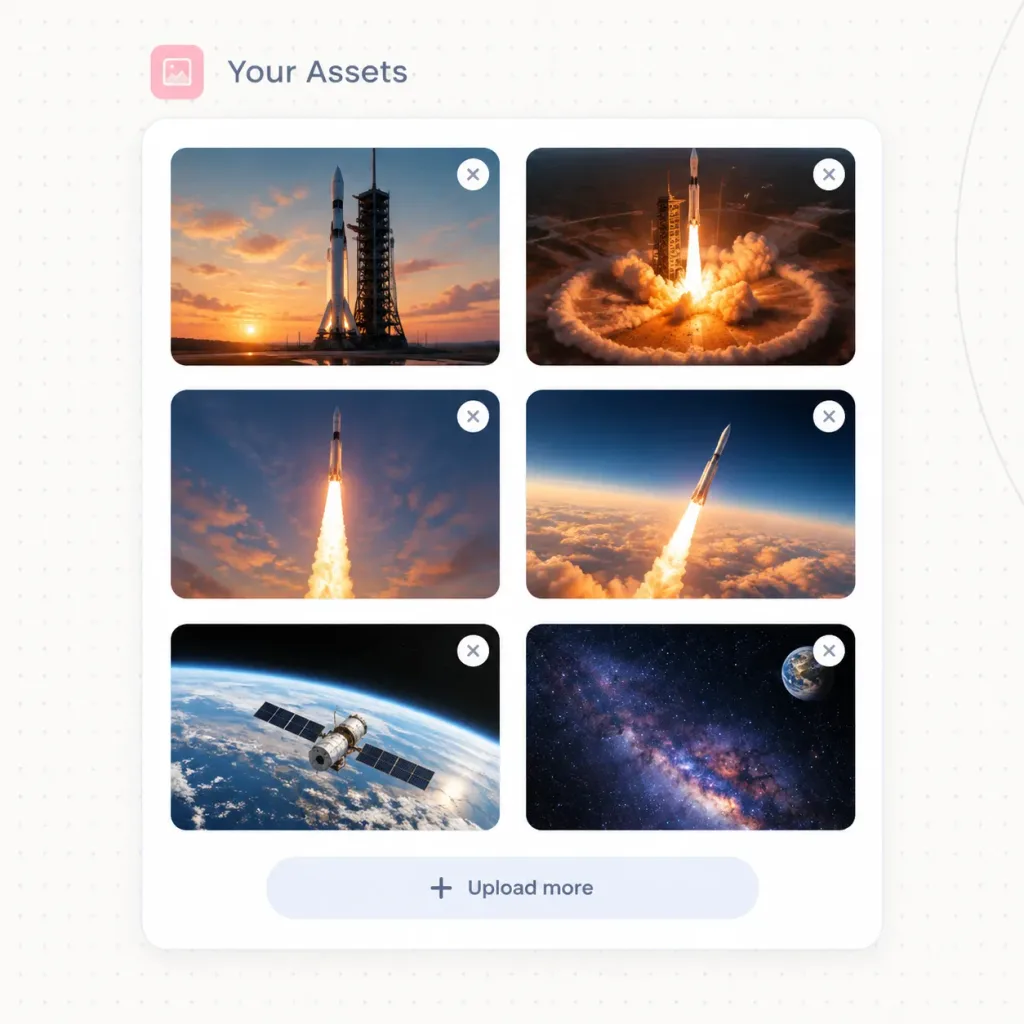
우주 비행 미디어 갤러리 웹 UI
우주 비행 사진 썸네일 그리드가 표시된 세련된 SaaS 에셋 관리자 카드를 생성합니다. 인터페이스에 맞게 제목 텍스트나 업로드 레이블, 색상을 자유롭게 변경해보세요.
프롬프트
Modern SaaS website UI asset manager panel titled "[Your Assets]", displaying an organized grid of uploaded spaceflight imagery. Setting & Layout: - Square canvas with an off-white background featuring a faint dotted grid texture and a subtle curved line along the right edge. - Top header: A small rounded [soft pink] square icon containing a minimalist photo symbol, followed by the title "[Your Assets]" in [slate blue-gray] typography. - Main container: A single large white rounded-corner card with a delicate light gray border and soft drop shadow. - Thumbnail grid: Exactly 6 image thumbnails organized in a 2-column by 3-row layout inside the card, each with 16px rounded corners. - Thumbnail overlays: Exactly 6 small circular white delete buttons positioned at the top-right corner of each thumbnail, each displaying a gray 'X' icon. - Card footer: Centered upload button row at the bottom with a plus icon and the text "[Upload more]". Thumbnail Contents (6 total): 1. Top-left: Tall rocket standing on a launch pad against a warm sunset with orange clouds. 2. Top-right: Rocket launch pad illuminated by fiery liftoff ignition and a circular shockwave. 3. Middle-left: Rocket ascending vertically with a dramatic, bright exhaust plume in an evening sky. 4. Middle-right: Rocket climbing above thick orange cloud banks into dark blue upper atmosphere. 5. Bottom-left: Earth viewed from low orbit with a satellite spacecraft passing over the curved horizon. 6. Bottom-right: Deep space starfield showing the glowing Milky Way with Earth visible in the upper corner. Style: Crisp vector UI mockup, realistic cinematic space photography, clean SaaS aesthetics, generous whitespace, soft shadows. No browser frame, no mouse cursor, no watermarks.
바꿔 쓸 수 있는 부분
생성하기 전에 프롬프트의 이 부분을 원하는 주제나 문구로 바꿔 보세요.
[Your Assets]자리 표시자[soft pink]자리 표시자[slate blue-gray]자리 표시자[Upload more]자리 표시자
프롬프트 정보
- 카테고리
- UI / UX 디자인
- 모델
- GPT IMAGE 2
- 이미지당 비용
- 1K: 43 크레딧 · 2K: 86 크레딧 · 4K: 143 크레딧
- 화면 비율
- 1:1
- 추가일