
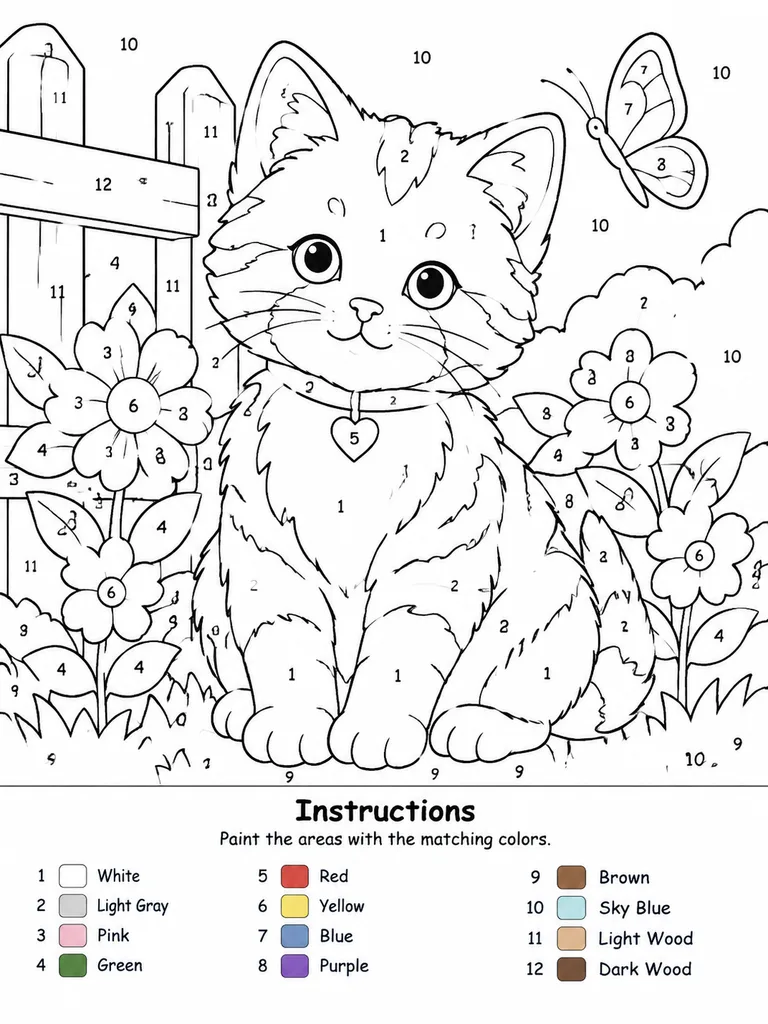
출력용 페인트 바이 넘버 선화 도안
참고 사진을 번호가 매겨진 영역과 색상표가 포함된 페인트 바이 넘버 도안으로 변환합니다. 캔버스 규격과 최대 색상 수를 자유롭게 조절해 보세요.
프롬프트
Create a professional high-resolution paint-by-numbers template from the reference photo on a [A4 portrait ratio canvas] with a pure white background. The main artwork must be a clean black-and-white line drawing featuring only black outlines, black numbers, and white unfilled paintable areas. No color, gray tones, shading, textures, gradients, or pre-filled areas in the main drawing. Adaptively convert the reference photo into simplified, fully closed, easy-to-paint regions while retaining recognizable composition, main subjects, and key details. Choose an adaptive palette from 1 up to a maximum of [14 colors], merging similar tones unless distinction is essential. Every paintable region must contain a clearly centered, upright, legible black number corresponding to its assigned color. Dark or black areas from the reference must remain white numbered regions rather than filled black; only minimal fine line details (such as pupils or fine seams) may remain solid unnumbered lines. At the bottom of the canvas, include a neat legend section with the title “Instructions”, the subtitle “Paint the areas with the matching colors.”, and an aligned list of each number used, paired with a small color swatch and the English color name. Swatches appear exclusively in the legend.
바꿔 쓸 수 있는 부분
생성하기 전에 프롬프트의 이 부분을 원하는 주제나 문구로 바꿔 보세요.
[A4 portrait ratio canvas]자리 표시자[14 colors]자리 표시자“Instructions”따옴표 안 문구“Paint the areas with the matching colors.”따옴표 안 문구
프롬프트 정보
- 카테고리
- 포스터 및 일러스트
- 모델
- GPT IMAGE 2
- 이미지당 비용
- 1K: 43 크레딧 · 2K: 86 크레딧 · 4K: 143 크레딧
- 화면 비율
- 3:4
- 추가일