
"헌책방의 공기 단면도"
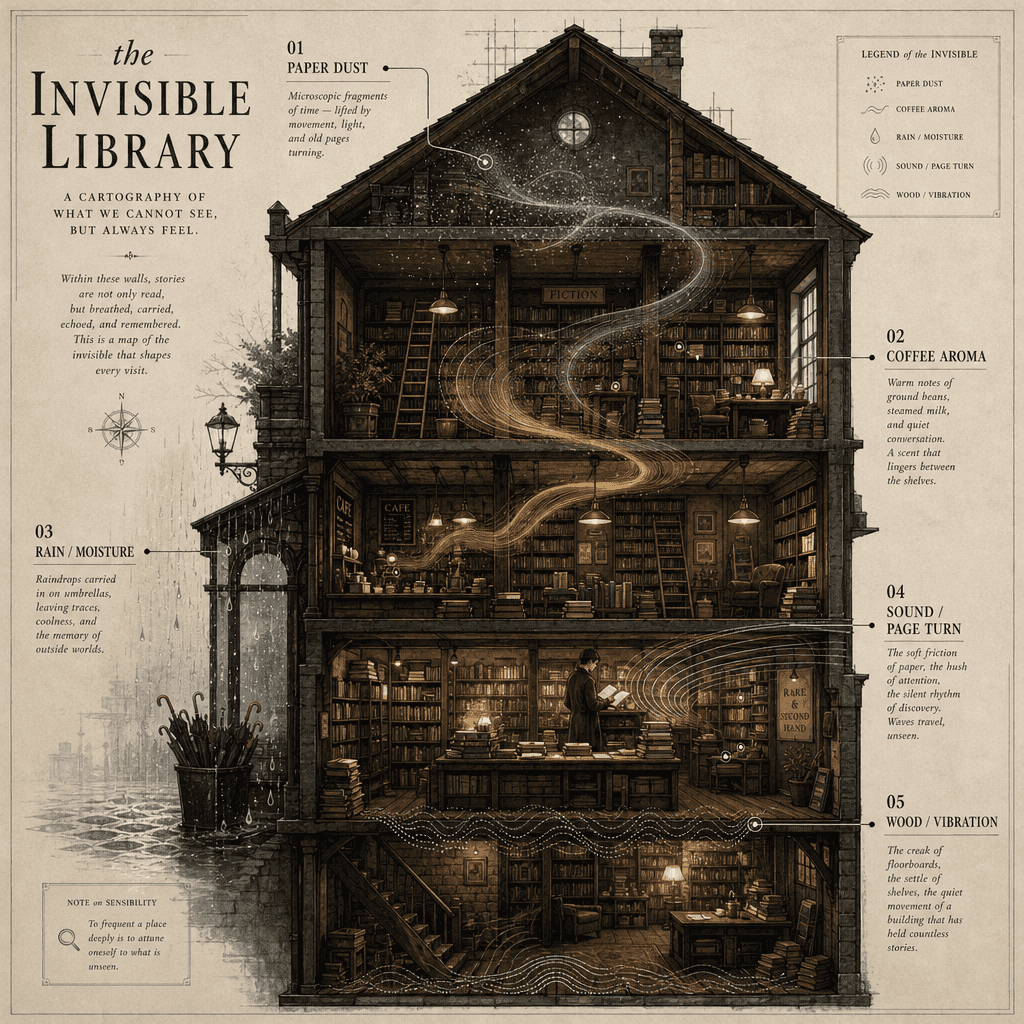
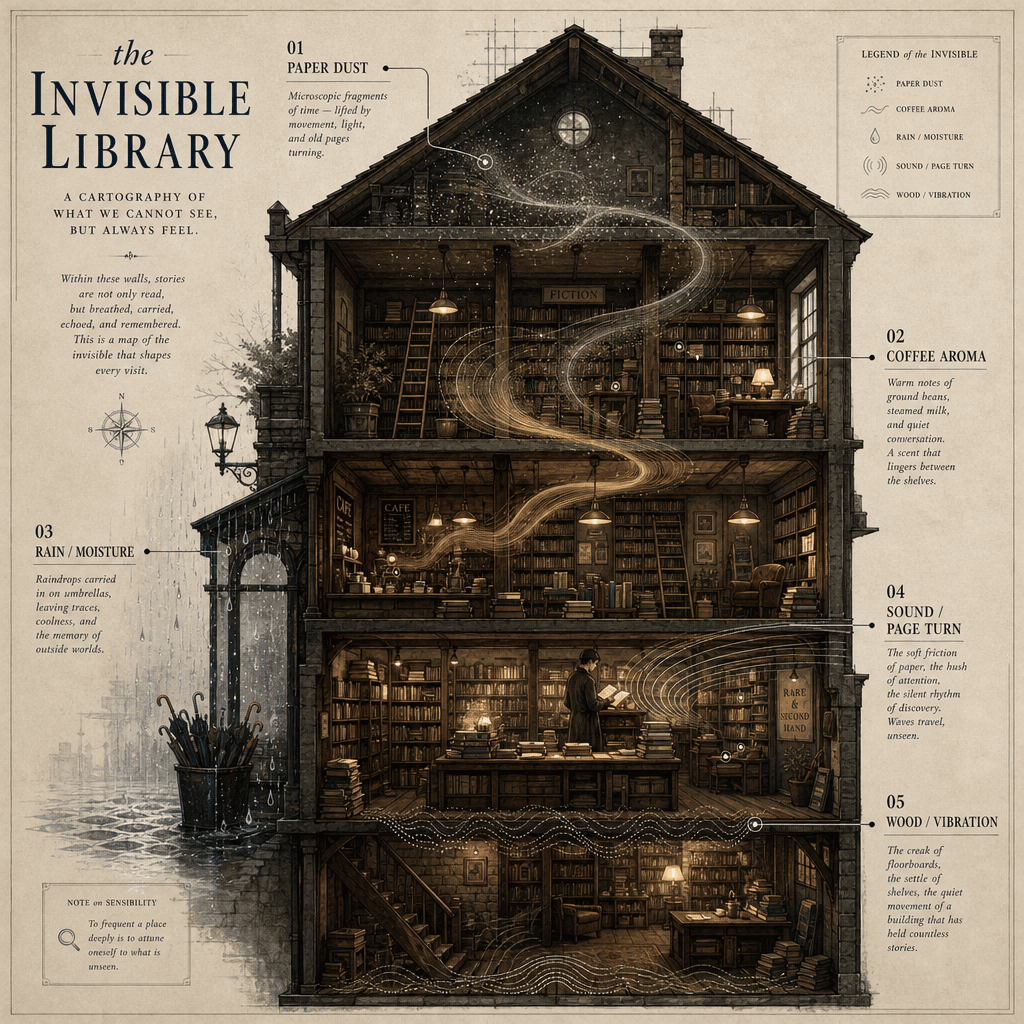
"헌책방의 공기 단면도", 공간 내러티브와 컨셉 인포그래픽의 융합, 화면은 오래된 서점의 횡단면을 잘라낸 모습, 각 층 공기 속에는 종이 먼지, 커피 향, 우산 물방울, 페이지 넘기는 음파, 나무 바닥의 삐걱거리는 소리의 시각화 기호가 떠다님, 옆에는 학술적 스타일의 라벨로 이러한 '보이지 않는 구성 요소'를 주석 처리, 제목은 매우 시적, 비율 3:4.
프롬프트
"헌책방의 공기 단면도", 공간 내러티브와 컨셉 인포그래픽의 융합, 화면은 오래된 서점의 횡단면을 잘라낸 모습, 각 층 공기 속에는 종이 먼지, 커피 향, 우산 물방울, 페이지 넘기는 음파, 나무 바닥의 삐걱거리는 소리의 시각화 기호가 떠다님, 옆에는 학술적 스타일의 라벨로 이러한 '보이지 않는 구성 요소'를 주석 처리, 제목은 매우 시적, 비율 3:4.
이 프롬프트를 사용하는 방법
전체 "헌책방의 공기 단면도" 프롬프트를 읽고 생성하기 전에 피사체, 스타일, 카메라, 조명 및 구성 요구 사항을 식별하십시오.
괄호로 묶인 자리 표시자나 인수 스타일 자리 표시자를 제품, 캐릭터, 브랜드, 장면, 색상 팔레트 또는 화면 비율 요구 사항으로 바꾸세요.
https://www.gptimagehub.com/ko/generate?promptId=cmogxkqyl00izxt5g7db1jvt7을 열고 이미지를 생성한 다음 필요한 경우 보다 구체적인 주제, 텍스트, 레이아웃 또는 제외 제약 조건을 사용하여 프롬프트를 구체화합니다.
프롬프트 FAQ
"헌책방의 공기 단면도" 프롬프트는 어떤 용도로 가장 잘 사용되나요?
이 프롬프트는 재사용 가능한 구조, 상세한 시각적 방향 및 일관된 출력 품질을 원하는 기타 이미지에 가장 적합합니다.
프롬프트를 생성하기 전에 편집할 수 있나요?
그렇습니다. 전체 프롬프트 텍스트가 이 페이지에 표시되므로 생성 전에 주제, 제품 이름, 색상, 구성, 카메라 용어, 종횡비 및 스타일 노트를 변경할 수 있습니다.
이 메시지에는 어떤 모델을 사용해야 합니까?
프롬프트 메타데이터에 표시된 모델을 기본 시작점으로 사용합니다. 다른 이미지 모델이 동일한 종횡비와 지침 스타일을 지원하는 경우 프롬프트를 조정하고 결과를 비교할 수 있습니다.