
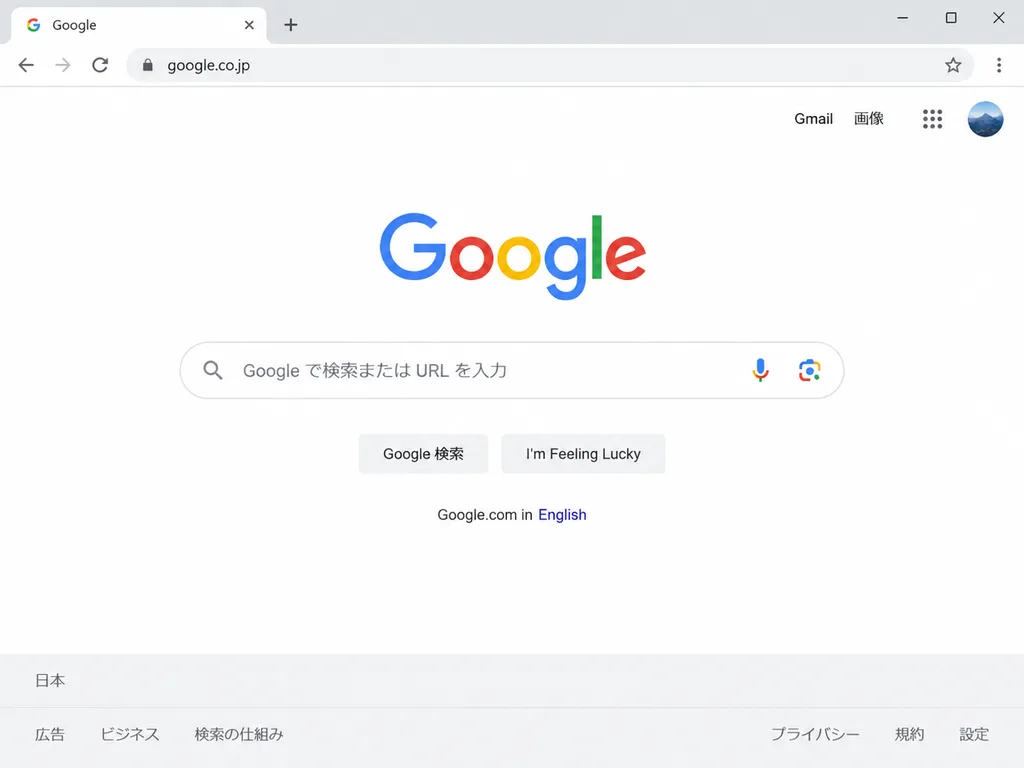
일본 구글 홈페이지 브라우저 스크린샷
미니멀한 데스크톱 창 안에 구현된 사실적인 일본 Google 검색 홈페이지 목업입니다. URL과 로컬 텍스트, 버튼 문구를 변경하여 다양한 지역 버전으로 바꿀 수 있습니다.
프롬프트
A clean, realistic desktop browser screenshot of the [Japanese] Google homepage inside a minimalist Chrome-like window, viewed straight-on. The browser UI features one active tab labeled "Google" with the official Google favicon, a plus icon for a new tab, navigation controls (back, forward, refresh), a lock security icon, and an omnibox address bar displaying "[google.co.jp]". At the far right are a star bookmark button, a three-dot menu, and desktop window controls. The webpage body is minimalist white with the multicolor Google logo centered prominently. Top-right corner displays exactly 4 items: text link "Gmail", text link "画像", a 3x3 apps launcher grid icon, and a circular profile avatar showing a subtle blue mountain scene. Centered below the logo is a rounded search input bar with a magnifying glass icon on the left, placeholder text "[Google で検索または URL を入力]", and microphone and Google Lens icons on the right. Below the search bar are two rounded light-gray buttons labeled "[Google 検索]" and "[I'm Feeling Lucky]". Beneath them, a small secondary line reads "Google.com in English" with "English" styled in blue. At the bottom, a light gray footer displays "日本" on the upper line, and six footer links below: "広告", "ビジネス", "検索の仕組み", "プライバシー", "規約", and "設定". Crisp sans-serif typography, subtle drop shadows, realistic operating system UI details, ample negative space.
바꿔 쓸 수 있는 부분
생성하기 전에 프롬프트의 이 부분을 원하는 주제나 문구로 바꿔 보세요.
[Japanese]자리 표시자[google.co.jp]자리 표시자[Google で検索または URL を入力]자리 표시자[Google 検索]자리 표시자[I'm Feeling Lucky]자리 표시자“Google”따옴표 안 문구“Gmail”따옴표 안 문구“画像”따옴표 안 문구
프롬프트 정보
- 카테고리
- UI / UX 디자인
- 모델
- GPT IMAGE 2
- 이미지당 비용
- 1K: 43 크레딧 · 2K: 86 크레딧 · 4K: 143 크레딧
- 화면 비율
- 4:3
- 추가일