
아방가르드 기타 조각 패션 광고
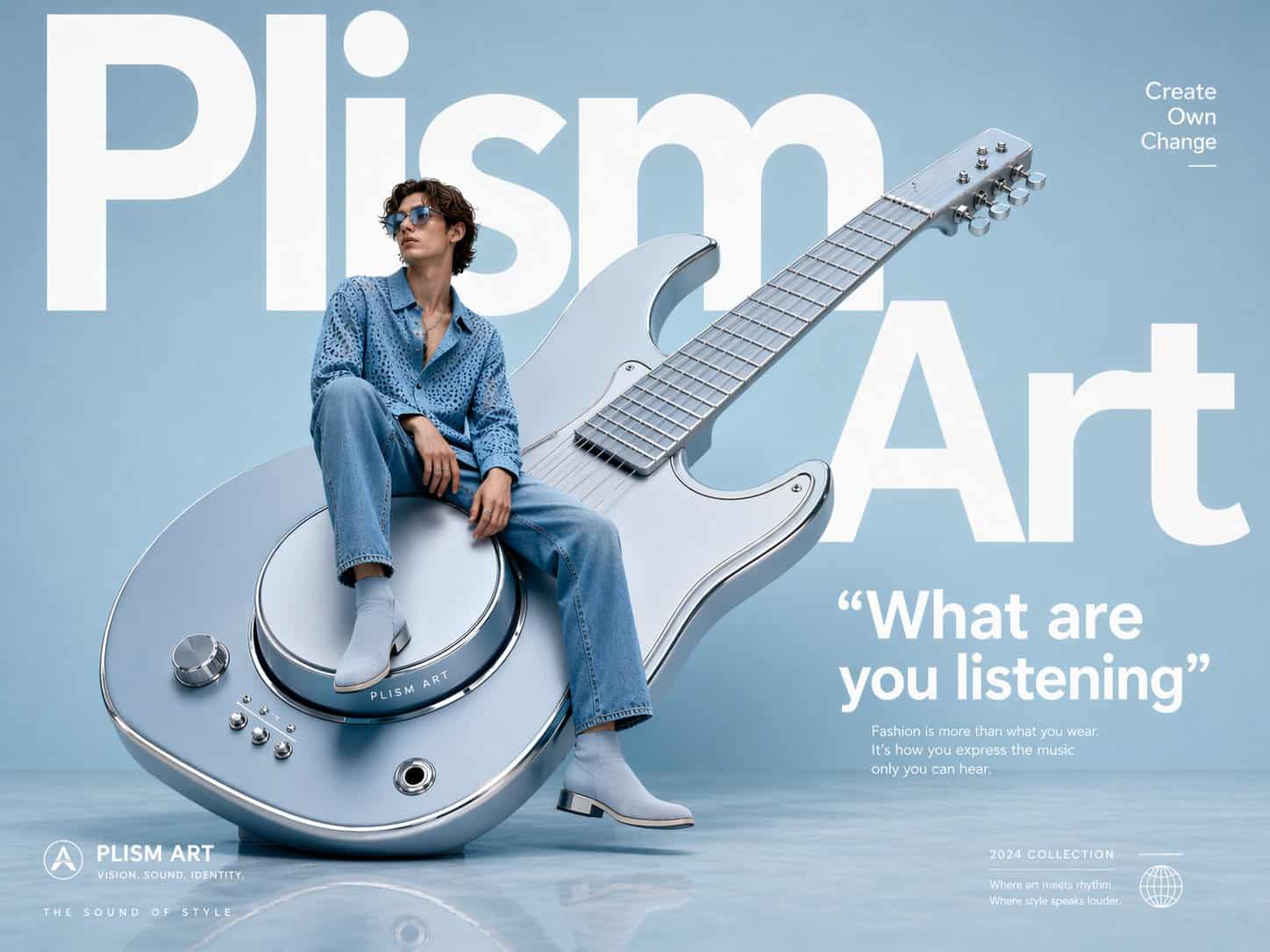
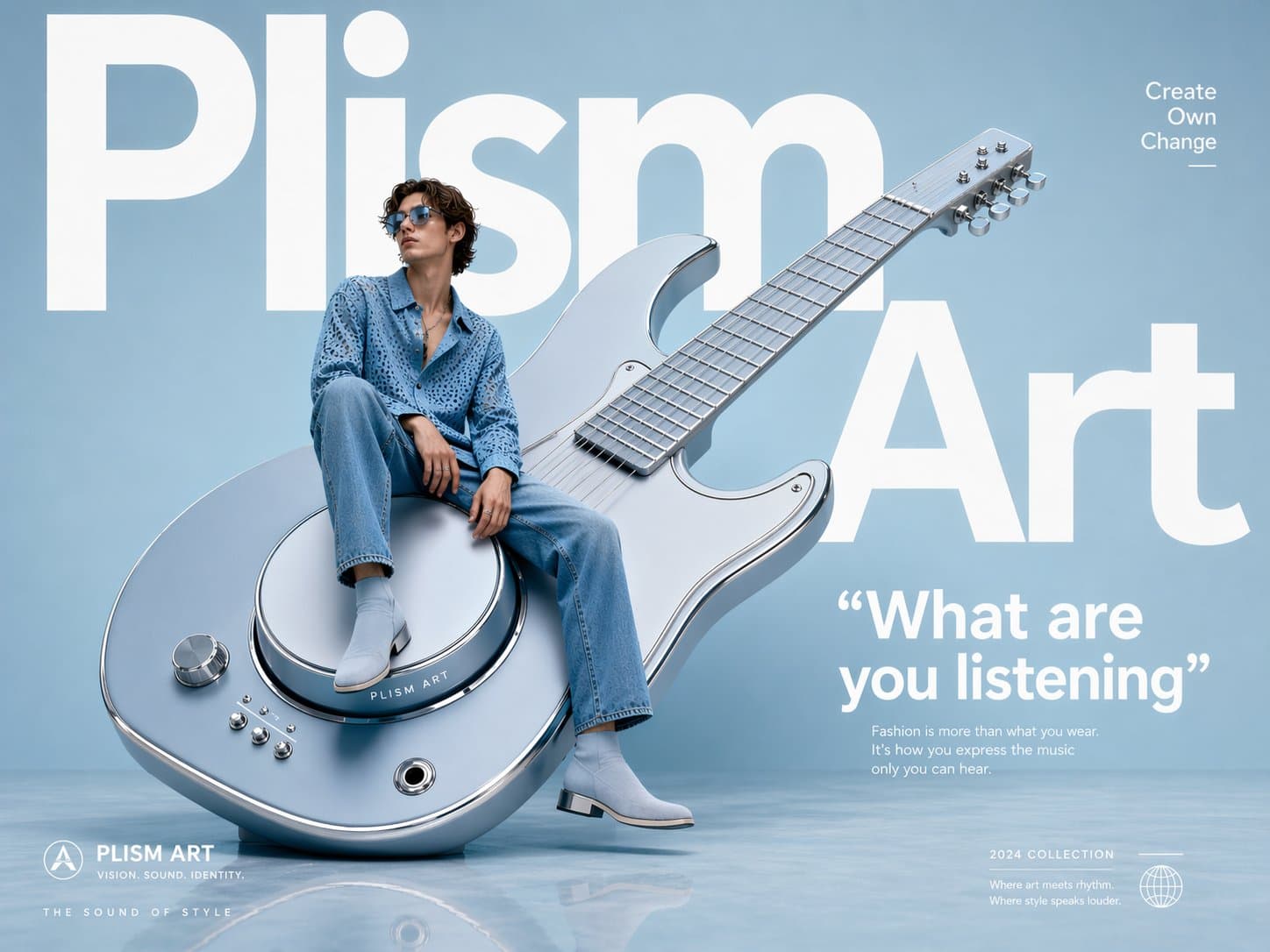
아방가르드 패션 광고, 조각처럼 위치한 오버사이즈 기타, 가구처럼 버튼에 캐주얼하게 앉은 청바지 차림의 기타리스트, 뒤에 볼드한 화이트 타이포그래피로 "Plism Art"라는 거대한 단어, 파우더 파스텔 스튜디오 배경, 반사 바닥, 럭셔리 아이웨어 캠페인 미학, 초깨끗한 레이아웃, 에디토리얼 매거진 스타일링, 볼드한 인용구 "What are you listening" 태그: Create O…
프롬프트
아방가르드 패션 광고, 조각처럼 위치한 오버사이즈 기타, 가구처럼 버튼에 캐주얼하게 앉은 청바지 차림의 기타리스트, 뒤에 볼드한 화이트 타이포그래피로 "Plism Art"라는 거대한 단어, 파우더 파스텔 스튜디오 배경, 반사 바닥, 럭셔리 아이웨어 캠페인 미학, 초깨끗한 레이아웃, 에디토리얼 매거진 스타일링, 볼드한 인용구 "What are you listening" 태그: Create Own Change
이 프롬프트를 사용하는 방법
전체 아방가르드 기타 조각 패션 광고 프롬프트를 읽고 생성하기 전에 피사체, 스타일, 카메라, 조명 및 구성 요구 사항을 식별하십시오.
괄호로 묶인 자리 표시자나 인수 스타일 자리 표시자를 제품, 캐릭터, 브랜드, 장면, 색상 팔레트 또는 화면 비율 요구 사항으로 바꾸세요.
https://www.gptimagehub.com/ko/generate?promptId=cmogwv9we005jzpdy3xwjx14g을 열고 이미지를 생성한 다음 필요한 경우 보다 구체적인 주제, 텍스트, 레이아웃 또는 제외 제약 조건을 사용하여 프롬프트를 구체화합니다.
프롬프트 FAQ
아방가르드 기타 조각 패션 광고 프롬프트는 어떤 용도로 가장 잘 사용되나요?
이 프롬프트는 재사용 가능한 구조, 상세한 시각적 방향 및 일관된 출력 품질을 원하는 ui / ux 디자인 이미지에 가장 적합합니다.
프롬프트를 생성하기 전에 편집할 수 있나요?
그렇습니다. 전체 프롬프트 텍스트가 이 페이지에 표시되므로 생성 전에 주제, 제품 이름, 색상, 구성, 카메라 용어, 종횡비 및 스타일 노트를 변경할 수 있습니다.
이 메시지에는 어떤 모델을 사용해야 합니까?
프롬프트 메타데이터에 표시된 모델을 기본 시작점으로 사용합니다. 다른 이미지 모델이 동일한 종횡비와 지침 스타일을 지원하는 경우 프롬프트를 조정하고 결과를 비교할 수 있습니다.