
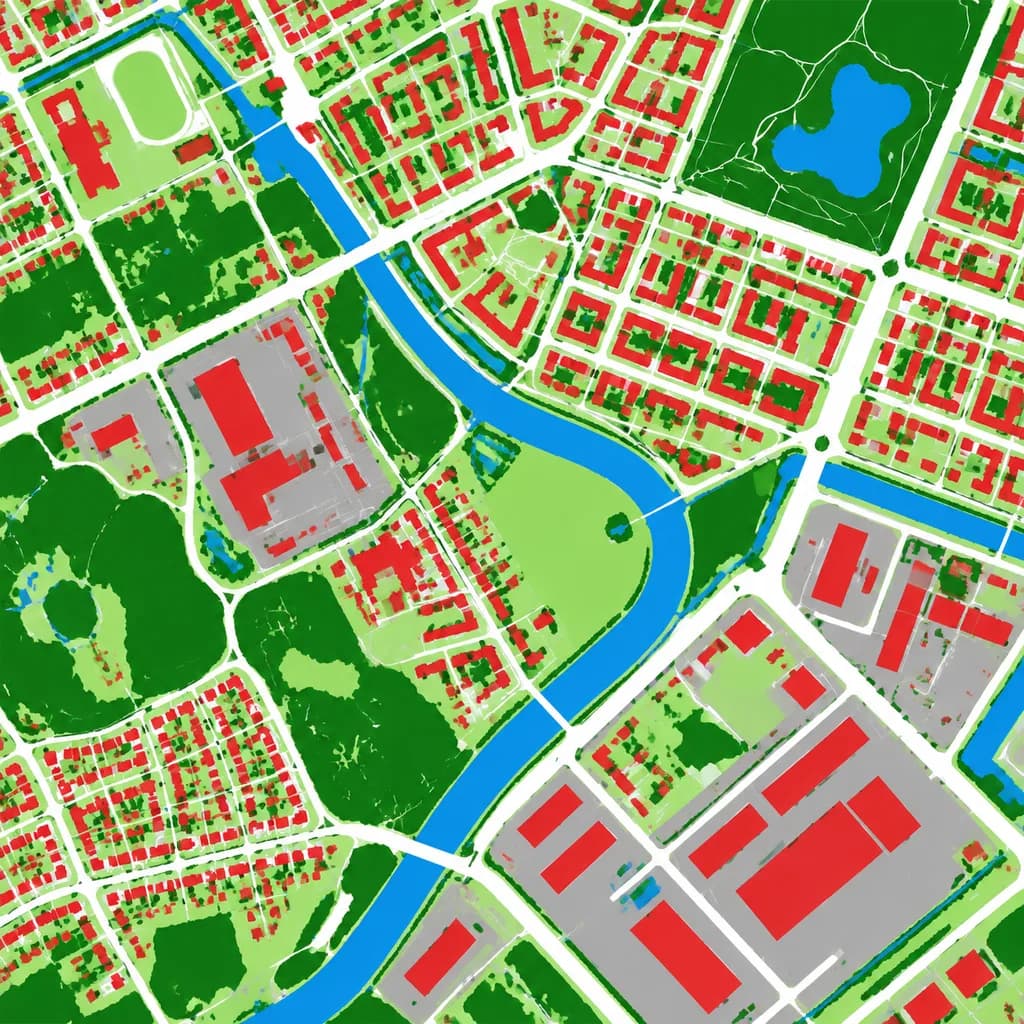
항공 토지 피복 분류 지도
항공 사진을 깔끔한 의사색상 토지 피복 분류 지도로 변환합니다. 지도 제작 목적에 맞게 범주 색상과 구역을 맞춤 설정할 수 있습니다.
프롬프트
Using the reference photo as the source geography and urban layout, transform the monochrome aerial photograph into a clean false-color land-cover classification map. Maintain the identical top-down orthographic viewpoint and street/block structure, replacing photographic texture with flat segmented vector-style regions and crisp boundaries. Classify the scene into 6 categories: [buildings as red], [roads and paved corridors as white], [water bodies and canals as blue], [dense vegetation and parks as dark green], [open grass or sparse green areas as light green], and [industrial or open paved facility areas as gray]. High-contrast thematic cartography, flat shading, with no labels, text, legends, borders, or film markings.
바꿔 쓸 수 있는 부분
생성하기 전에 프롬프트의 이 부분을 원하는 주제나 문구로 바꿔 보세요.
[buildings as red]자리 표시자[roads and paved corridors as white]자리 표시자[water bodies and canals as blue]자리 표시자[dense vegetation and parks as dark green]자리 표시자[open grass or sparse green areas as light green]자리 표시자[industrial or open paved facility areas as gray]자리 표시자
프롬프트 정보
- 카테고리
- 인포그래픽 / 교육
- 모델
- GPT IMAGE 2
- 이미지당 비용
- 1K: 43 크레딧 · 2K: 86 크레딧 · 4K: 143 크레딧
- 화면 비율
- 1:1
- 추가일