
Tour informativo sulle annotazioni tecniche di riferimento
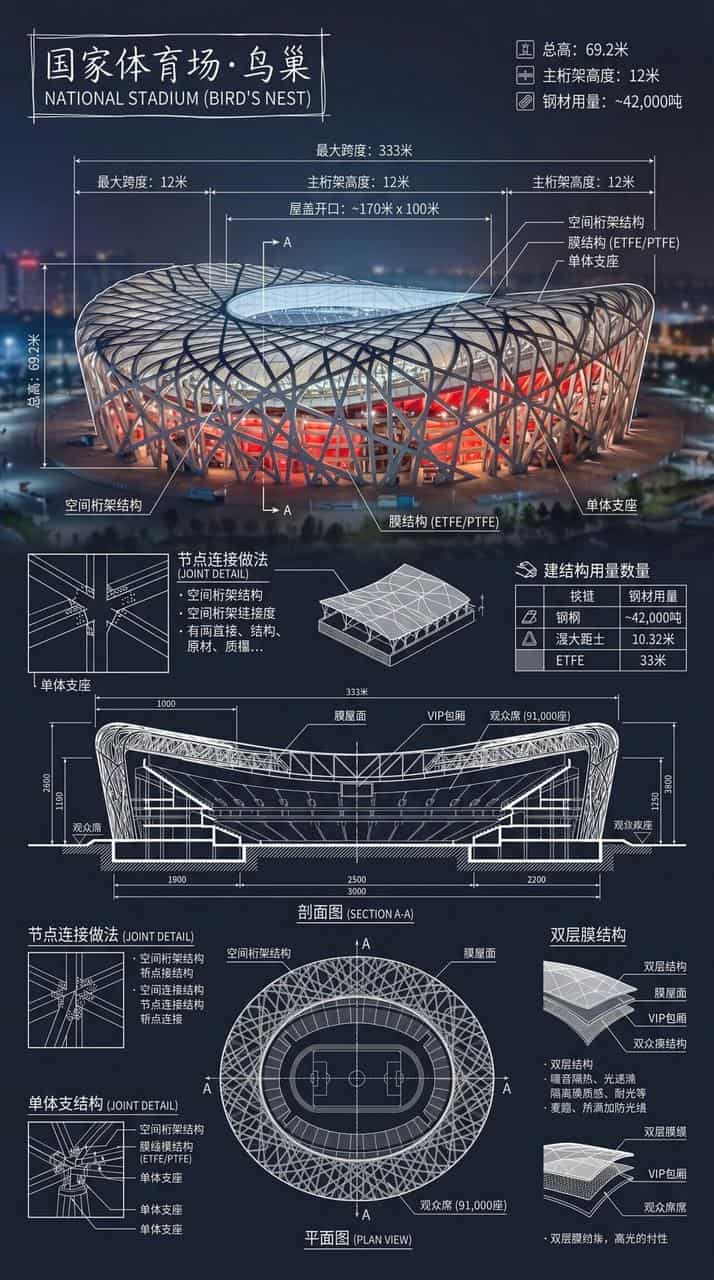
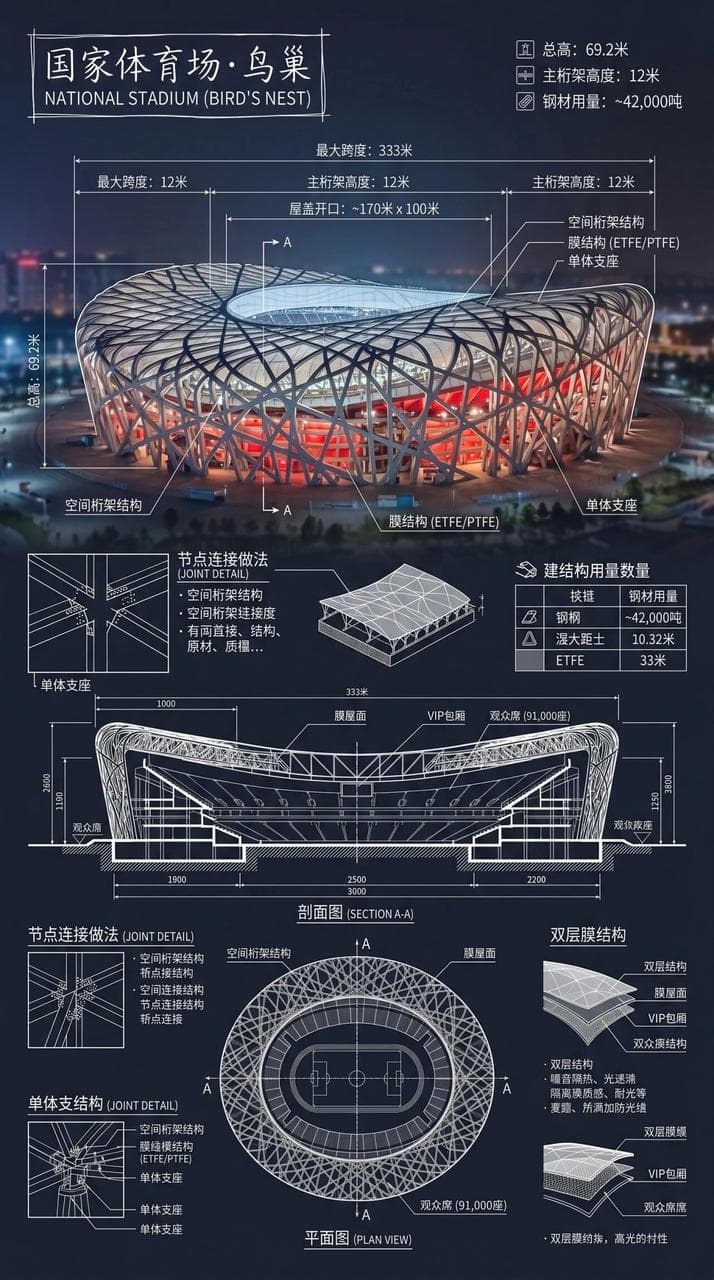
Crea un'infografica dello Stadio Nazionale·Nido d'Uccello. Combina foto reali di punti di riferimento con note tecniche in sovrapposizione bianche e scrivi il nome dell'edificio in una casella disegnata a mano nell'ango…
Richiedi
Crea un'infografica dello Stadio Nazionale·Nido d'Uccello. Combina foto reali di punti di riferimento con note tecniche in sovrapposizione bianche e scrivi il nome dell'edificio in una casella disegnata a mano nell'angolo. L'immagine è sovrapposta con annotazioni tecniche bianche complesse e chiare, che mostrano dati strutturali chiave, misurazioni importanti, quantità di materiali, metodi di dettaglio e includono sezioni, piante e caratteristiche architettoniche e ingegneristiche significative, e integrate in un'immagine panoramica completa e lunga. Le linee bianche sono dettagliate e chiare, l'ambiente reale è visibile, la composizione verticale è professionale, razionale e leggibile.
Come utilizzare questo prompt
Leggi il messaggio completo Tour informativo sulle annotazioni tecniche di riferimento e identifica i requisiti di soggetto, stile, fotocamera, illuminazione e composizione prima di generare.
Sostituisci i segnaposto tra parentesi o in stile argomento con i requisiti di prodotto, personaggio, marchio, scena, tavolozza dei colori o proporzioni.
Apri https://www.gptimagehub.com/it/generate?promptId=cmogxnc4y00nrxt5gzz39lgk6, genera l'immagine, quindi perfeziona il prompt con oggetto, testo, layout o vincoli negativi più specifici, se necessario.
Domande frequenti rapide
Per cosa è meglio utilizzare il prompt Tour informativo sulle annotazioni tecniche di riferimento?
Questo prompt è utilizzato al meglio per le immagini infografica / educazione in cui desideri una struttura riutilizzabile, una direzione visiva dettagliata e una qualità di output coerente.
Posso modificare il prompt prima della generazione?
Sì. Il testo completo della richiesta è visibile in questa pagina in modo da poter modificare argomenti, nomi di prodotti, colori, composizione, termini della fotocamera, proporzioni e note di stile prima della generazione.
Quale modello dovrei usare con questo messaggio?
Utilizzare il modello mostrato nei metadati del prompt come punto di partenza predefinito. Se un altro modello di immagine supporta le stesse proporzioni e lo stesso stile di istruzioni, puoi adattare la richiesta e confrontare i risultati.