
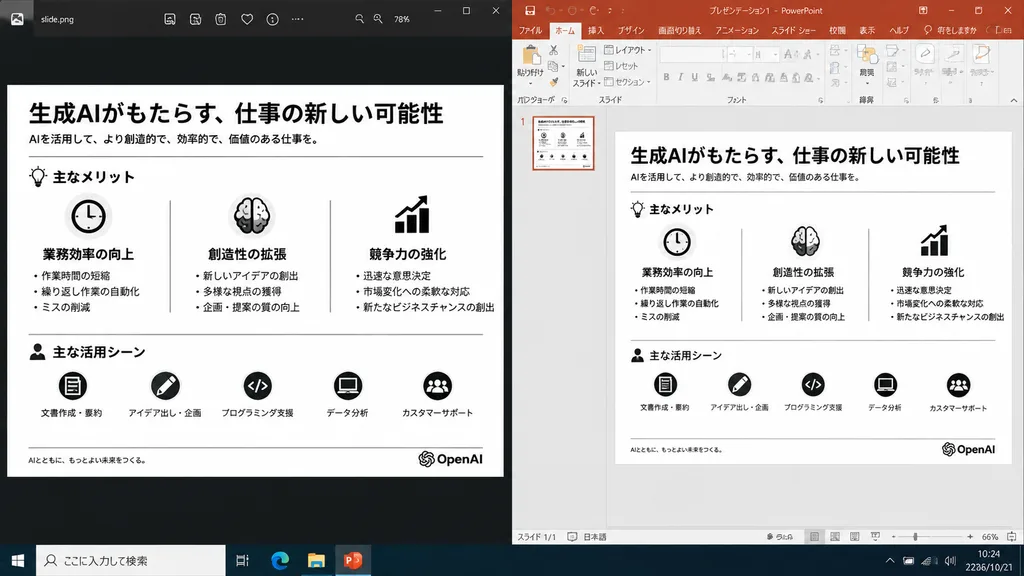
Ricostruzione Slide Fianco a Fianco
Genera uno screenshot desktop realistico che confronta una slide esportata con la vista di modifica in PowerPoint. Modifica il logo o l'argomento tra parentesi per adattarlo.
Prompt
A realistic side-by-side Windows desktop screenshot showing a polished presentation slide reconstruction based on the reference image. The left panel shows a dark image viewer window displaying the clean exported slide. The right panel shows Microsoft PowerPoint in editing view containing the exact same editable slide. The slide retains the original Japanese monochrome infographic layout: 1 top title and header row, 3 mid-page comparison columns, and 1 bottom use-case row with 5 icon-labeled items, a footer line, and the [OpenAI] logo at the bottom right. Clean, legible Japanese typography, properly aligned dividers, crisp monochrome icons, and no clutter, selection handles, or malformed vector artifacts. Crisp UI detailing, native desktop app appearance, high readability.
Cosa puoi personalizzare
Prima di generare, sostituisci queste parti del prompt con il tuo soggetto o testo.
[OpenAI]segnaposto
Dettagli del prompt
- Categoria
- Design UI / UX
- Modello
- GPT IMAGE 2
- Costo per immagine
- 1K: 43 crediti · 2K: 86 crediti · 4K: 143 crediti
- Proporzioni
- 16:9
- Aggiunto il