
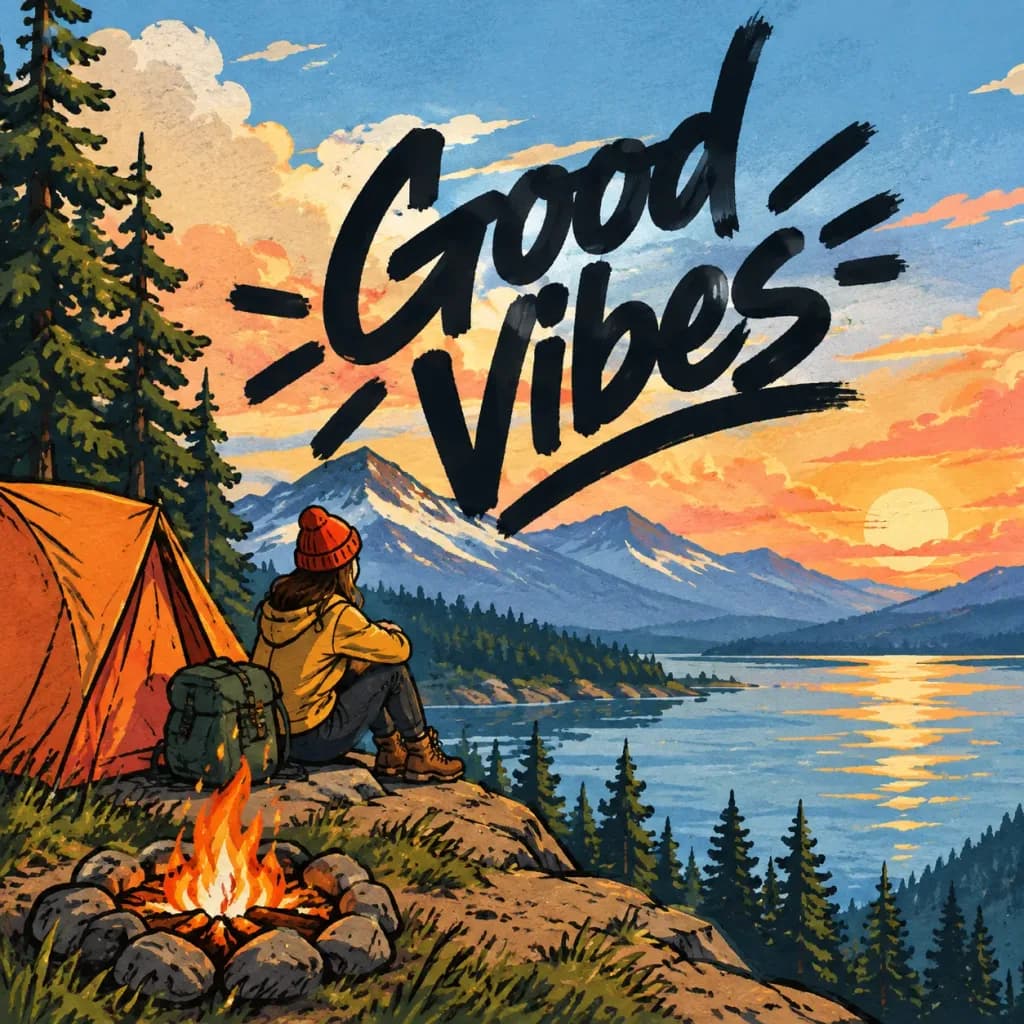
Sovrapposizione Logo a Pennarello
Inserisce un logo a pennarello spesso nell'area libera di un'illustrazione esistente. Modifica la nota di posizionamento per variare posizione e stile.
Prompt
First reference image: an illustration. Second reference image: a logo design on a black background. Task: Integrate the exact logo from the second reference image into the largest open, uncluttered area of the first illustration [Add a brief note about the placement here]. Style and Rendering: - Render the logo bold and large, using rough, hand-drawn strokes resembling a thick marker signed directly onto the surface. - Allow the marker strokes to overflow slightly past the open negative space into adjacent illustrated elements. - Dynamic Contrast Rule: The logo stroke color must strictly contrast with the background directly beneath it (dark marker over light backgrounds, light marker over dark backgrounds). Shift stroke color mid-line if crossing multiple tone values; never allow the logo to blend into the background. Constraints: - Do not alter the original illustration in any other way; maintain all original colors, lines, and composition intact.
Cosa puoi personalizzare
Prima di generare, sostituisci queste parti del prompt con il tuo soggetto o testo.
[Add a brief note about the placement here]segnaposto
Dettagli del prompt
- Categoria
- Logo e branding
- Modello
- GPT IMAGE 2
- Costo per immagine
- 1K: 43 crediti · 2K: 86 crediti · 4K: 143 crediti
- Proporzioni
- 1:1
- Aggiunto il