
Poster Perjalanan Amalfi Antik
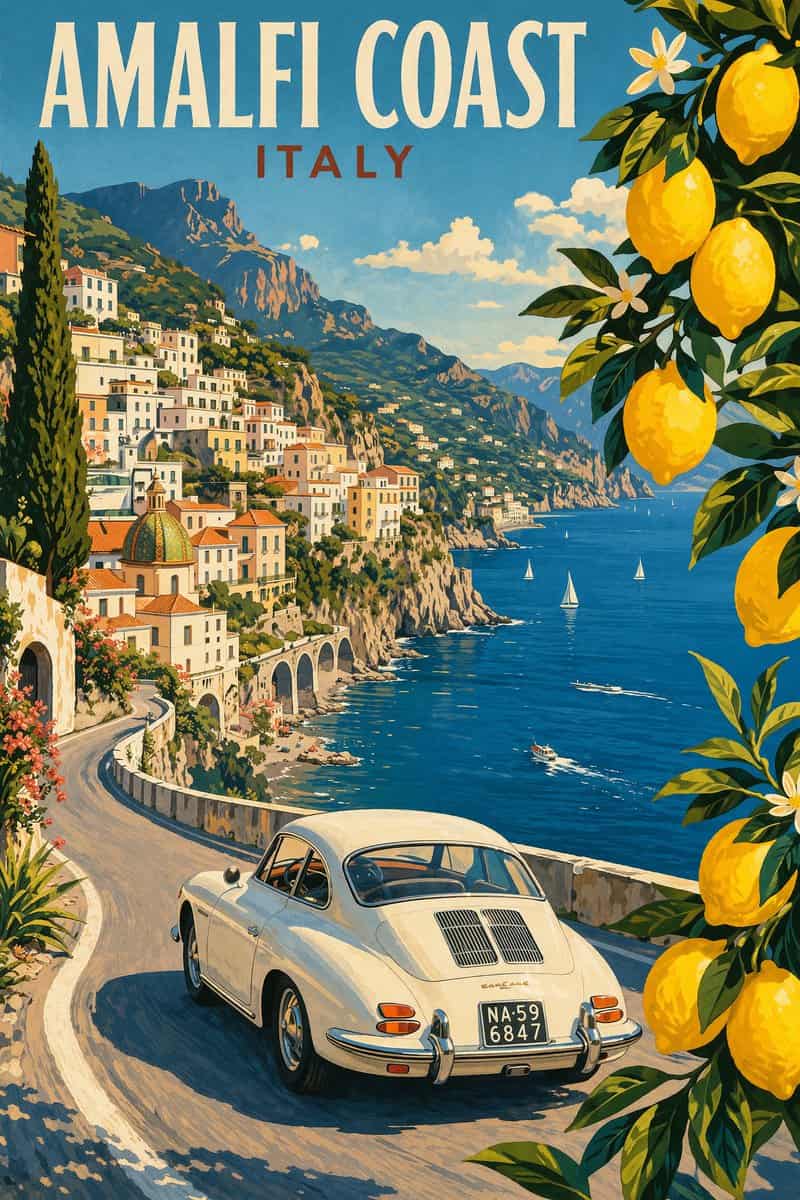
Ilustrasi pensil modern dari ilustrasi poster perjalanan antik Pantai Amalfi, Italia, pemandangan jalan tebing pantai yang indah, mobil putih klasik tahun 1960-an yang melaju di sepanjang jalan tepi pantai yang melengku…
Cepat
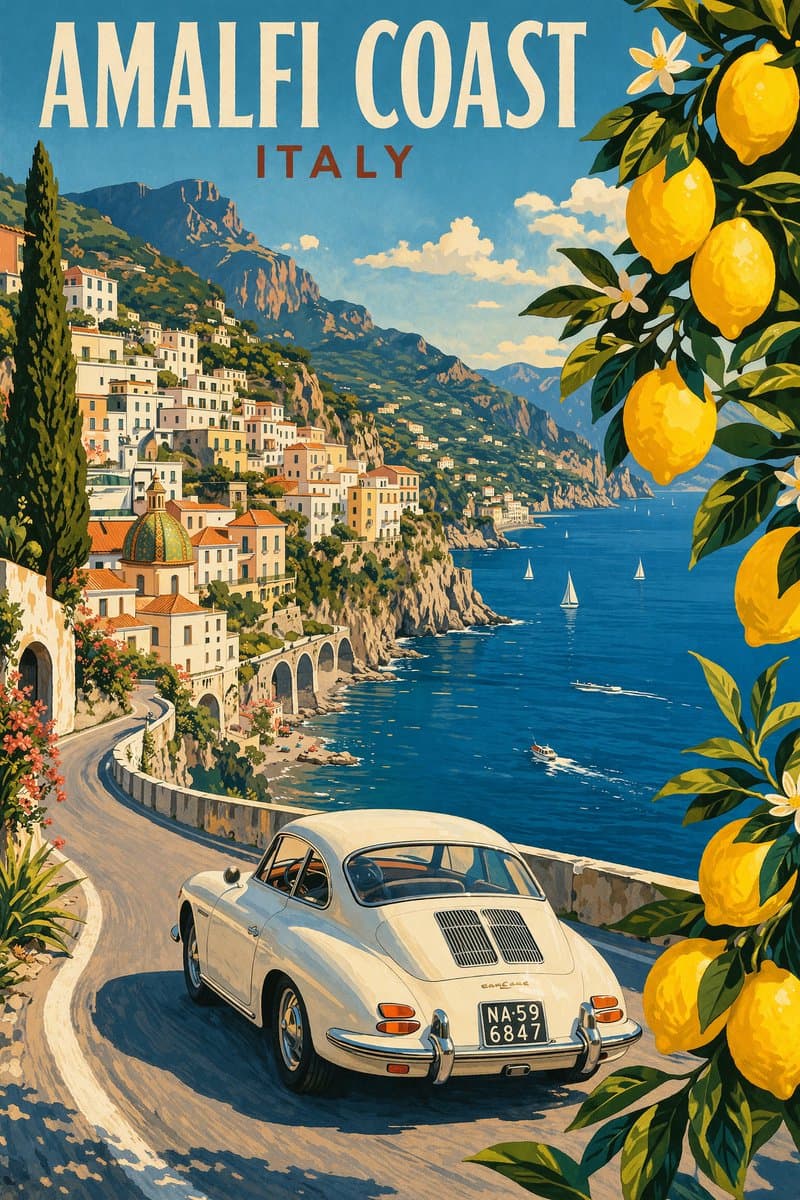
Ilustrasi pensil modern dari ilustrasi poster perjalanan antik Pantai Amalfi, Italia, pemandangan jalan tebing pantai yang indah, mobil putih klasik tahun 1960-an yang melaju di sepanjang jalan tepi pantai yang melengkung, laut Mediterania biru tua dengan perahu layar kecil, desa lereng bukit berwarna pastel, langit biru cerah dengan awan lembut, cabang pohon lemon dengan lemon kuning cerah membingkai latar depan, sinar matahari musim panas yang hangat, warna-warna cerah yang berani, gaya poster perjalanan retro tahun 1950-an, komposisi sinematik, detail tinggi, tekstur cetak layar, ilustrasi grafis. Gaya gambar tangan, ilustrasi dengan goresan longgar dan kontur yang jelas. Palet warna kontras tinggi, menjaga harmoni kromatik antara latar belakang dan elemen. Estetika kontemporer dan dekoratif.
Cara menggunakan perintah ini
Baca perintah Poster Perjalanan Amalfi Antik secara lengkap dan identifikasi persyaratan subjek, gaya, kamera, pencahayaan, dan komposisi sebelum membuatnya.
Ganti placeholder dalam tanda kurung atau gaya argumen dengan persyaratan produk, karakter, merek, adegan, palet warna, atau rasio aspek Anda.
Buka https://www.gptimagehub.com/id/generate?promptId=cmogwshov0027zpdyys17lgaz, buat gambarnya, lalu sempurnakan perintah dengan subjek, teks, tata letak, atau batasan negatif yang lebih spesifik jika diperlukan.
Pertanyaan Umum yang cepat
Untuk apa perintah Poster Perjalanan Amalfi Antik paling baik digunakan?
Perintah ini paling baik digunakan untuk gambar logo dan branding yang menginginkan struktur yang dapat digunakan kembali, arah visual yang mendetail, dan kualitas keluaran yang konsisten.
Bisakah saya mengedit prompt sebelum membuat?
Ya. Teks perintah lengkap terlihat di halaman ini sehingga Anda dapat mengubah subjek, nama produk, warna, komposisi, istilah kamera, rasio aspek, dan catatan gaya sebelum pembuatan.
Model mana yang harus saya gunakan dengan perintah ini?
Gunakan model yang ditampilkan dalam metadata perintah sebagai titik awal default. Jika model gambar lain mendukung rasio aspek dan gaya instruksi yang sama, Anda dapat menyesuaikan perintah dan membandingkan hasilnya.