
Poster Undangan Liga Super Guangdong
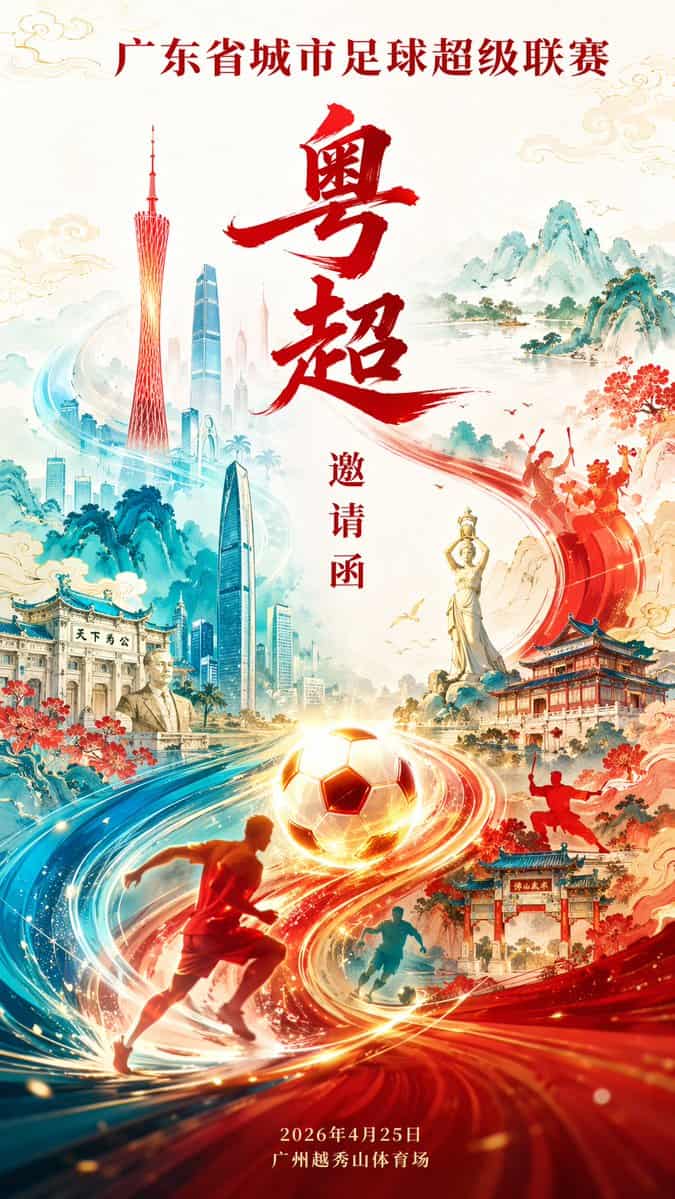
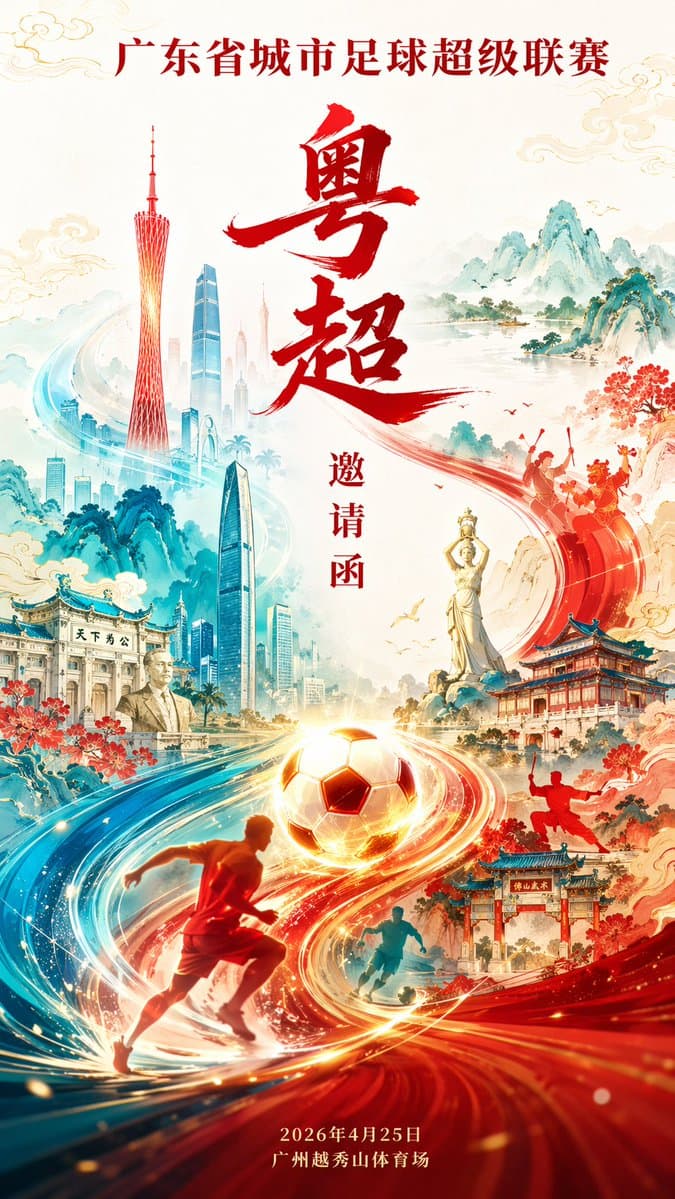
Desain poster undangan Liga Super Sepak Bola Kota Provinsi Guangdong (Liga Super Guangdong), skala 9:16. Komposisi mengalir berbentuk S, dengan sepak bola bercahaya dan aliran energi dinamis mengalir melalui gambar, men…
Cepat
Desain poster undangan Liga Super Sepak Bola Kota Provinsi Guangdong (Liga Super Guangdong), skala 9:16. Komposisi mengalir berbentuk S, dengan sepak bola bercahaya dan aliran energi dinamis mengalir melalui gambar, mengintegrasikan Menara Canton, Pusat Keuangan Ping An Shenzhen, Patung Gadis Pemancing Zhuhai, arsitektur Lingnan, siluet seni bela diri Foshan, simbol budaya Zhongshan, nyanyian dan tarian Inggris Chaoshan, dan lanskap Qingyuan di sepanjang garis bergerak. Gaya poster kelas atas trendi nasional modern, dengan warna merah Cina sebagai visual utama, cyan sebagai tambahan, dan sorotan emas, dengan pengaturan huruf Cina lengkap serta pencahayaan dan bayangan tingkat film.
Cara menggunakan perintah ini
Baca perintah Poster Undangan Liga Super Guangdong secara lengkap dan identifikasi persyaratan subjek, gaya, kamera, pencahayaan, dan komposisi sebelum membuatnya.
Ganti placeholder dalam tanda kurung atau gaya argumen dengan persyaratan produk, karakter, merek, adegan, palet warna, atau rasio aspek Anda.
Buka https://www.gptimagehub.com/id/generate?promptId=cmogwt51g002rzpdy1c49etho, buat gambarnya, lalu sempurnakan perintah dengan subjek, teks, tata letak, atau batasan negatif yang lebih spesifik jika diperlukan.
Pertanyaan Umum yang cepat
Untuk apa perintah Poster Undangan Liga Super Guangdong paling baik digunakan?
Perintah ini paling baik digunakan untuk gambar logo dan branding yang menginginkan struktur yang dapat digunakan kembali, arah visual yang mendetail, dan kualitas keluaran yang konsisten.
Bisakah saya mengedit prompt sebelum membuat?
Ya. Teks perintah lengkap terlihat di halaman ini sehingga Anda dapat mengubah subjek, nama produk, warna, komposisi, istilah kamera, rasio aspek, dan catatan gaya sebelum pembuatan.
Model mana yang harus saya gunakan dengan perintah ini?
Gunakan model yang ditampilkan dalam metadata perintah sebagai titik awal default. Jika model gambar lain mendukung rasio aspek dan gaya instruksi yang sama, Anda dapat menyesuaikan perintah dan membandingkan hasilnya.