
Potret Hoodie Berukir Vintage
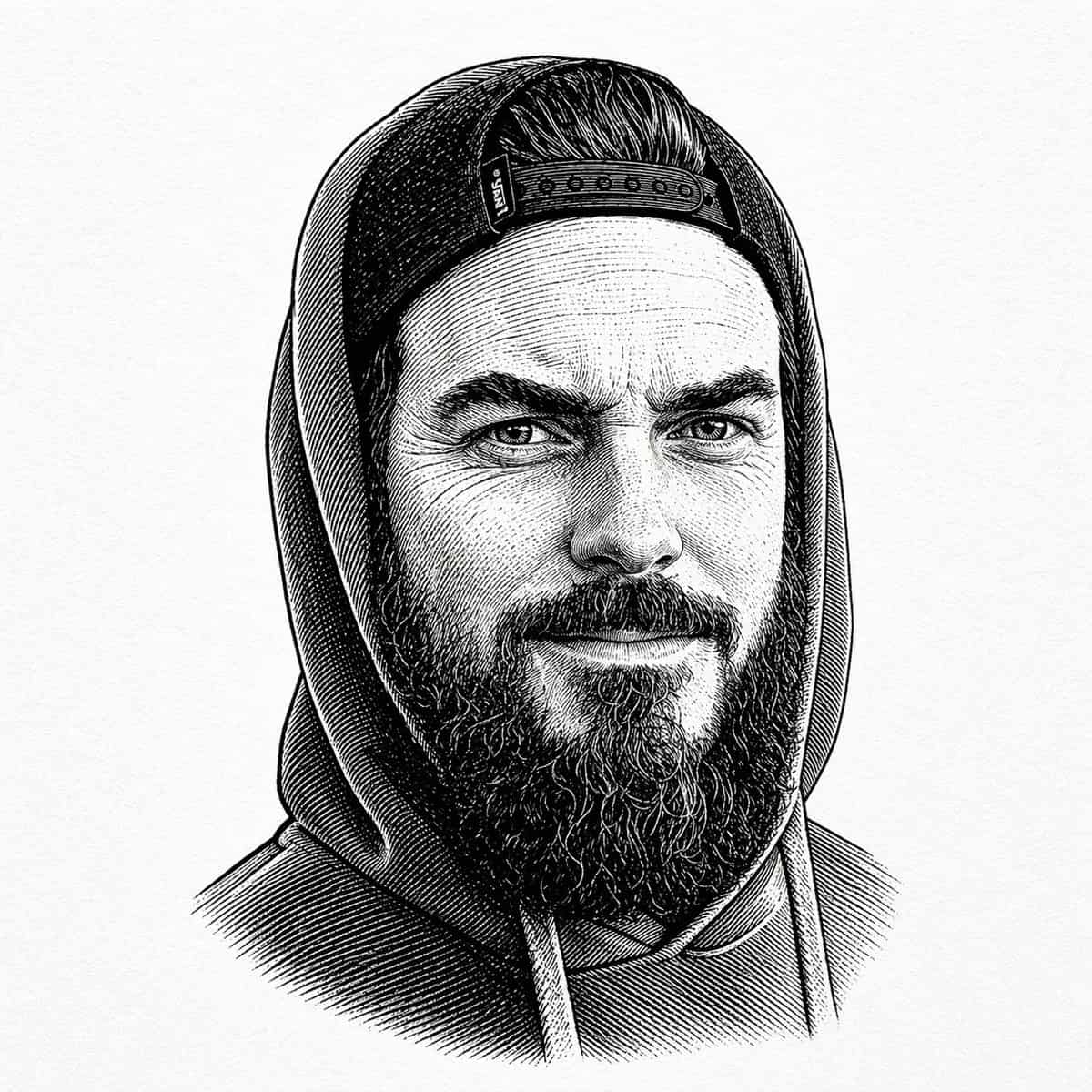
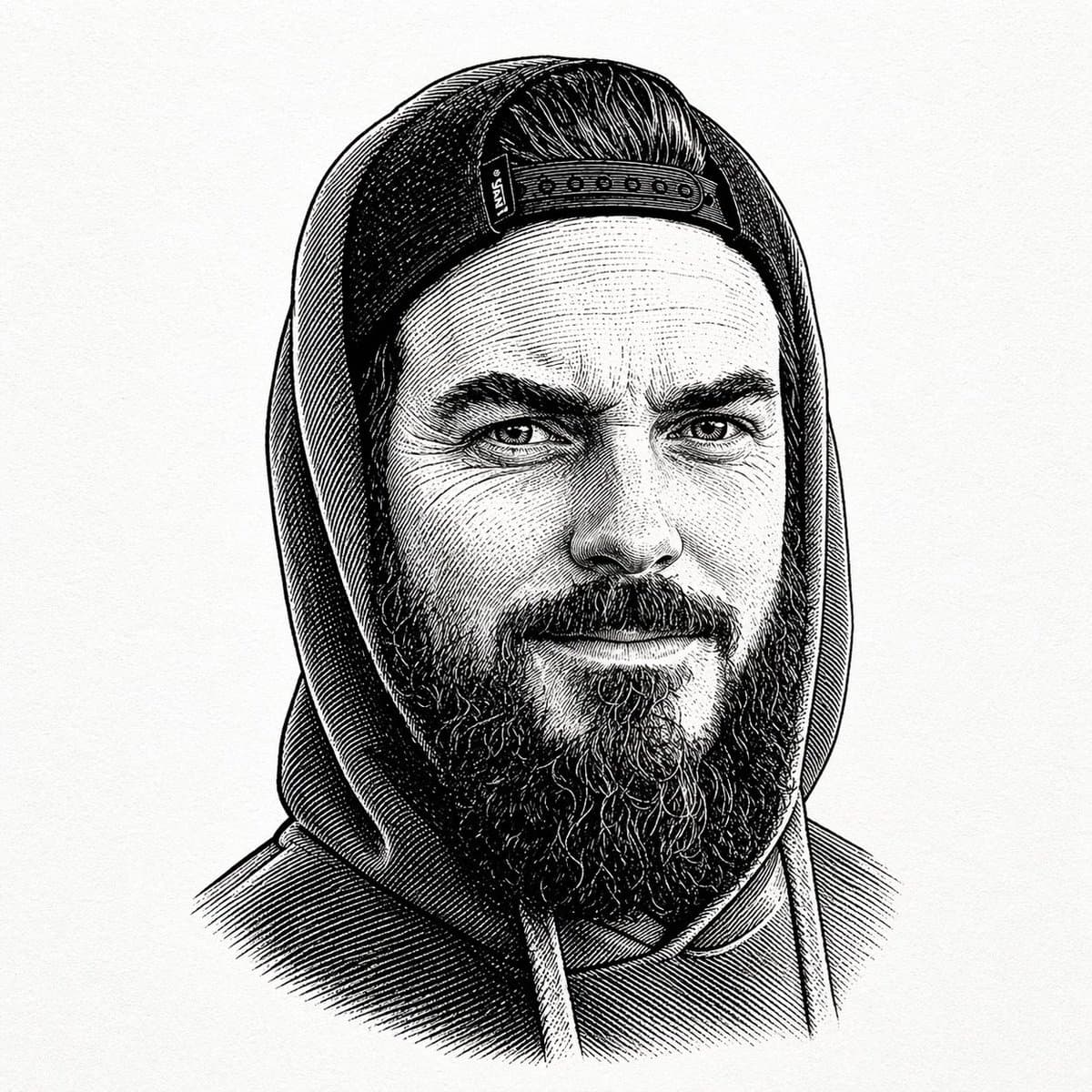
Potret ukiran vintage hitam-putih di tengah dari seorang pria berjanggut yang mengenakan kaus berkerudung dengan tudung menghadap ke atas dan topi snapback ke belakang terlihat di bawah tudung. Tampilkan hanya batang tu…
Cepat
Potret ukiran vintage hitam-putih di tengah dari seorang pria berjanggut yang mengenakan kaus berkerudung dengan tudung menghadap ke atas dan topi snapback ke belakang terlihat di bawah tudung. Tampilkan hanya batang tubuh bagian atas dan kepala dengan latar belakang kertas putih polos dengan tekstur halus. Render gambar dalam gaya etsa pena dan tinta yang mendetail dengan garis silang padat, garis paralel halus, dan bayangan ilustrasi buku lama. Sosok itu menghadap ke depan dengan pose tenang dan netral. Topinya memiliki pita penutup yang terlihat jelas di area dahi, rambut yang disisir ke belakang terlihat di atasnya, dan janggut tebal yang lebat memanjang di bawah wajah. Hoodie ini memiliki dua tali serut yang digantung di bagian dada. Jaga agar komposisi tetap simetris dan dibingkai rapat seperti potret payudara berukir klasik, tanpa warna, tanpa elemen grafis modern, dan tanpa objek latar belakang.
Cara menggunakan perintah ini
Baca perintah Potret Hoodie Berukir Vintage secara lengkap dan identifikasi persyaratan subjek, gaya, kamera, pencahayaan, dan komposisi sebelum membuatnya.
Ganti placeholder dalam tanda kurung atau gaya argumen dengan persyaratan produk, karakter, merek, adegan, palet warna, atau rasio aspek Anda.
Buka https://www.gptimagehub.com/id/generate?promptId=cmogwyeet009tzpdynwyzvq0n, buat gambarnya, lalu sempurnakan perintah dengan subjek, teks, tata letak, atau batasan negatif yang lebih spesifik jika diperlukan.
Pertanyaan Umum yang cepat
Untuk apa perintah Potret Hoodie Berukir Vintage paling baik digunakan?
Perintah ini paling baik digunakan untuk gambar logo dan branding yang menginginkan struktur yang dapat digunakan kembali, arah visual yang mendetail, dan kualitas keluaran yang konsisten.
Bisakah saya mengedit prompt sebelum membuat?
Ya. Teks perintah lengkap terlihat di halaman ini sehingga Anda dapat mengubah subjek, nama produk, warna, komposisi, istilah kamera, rasio aspek, dan catatan gaya sebelum pembuatan.
Model mana yang harus saya gunakan dengan perintah ini?
Gunakan model yang ditampilkan dalam metadata perintah sebagai titik awal default. Jika model gambar lain mendukung rasio aspek dan gaya instruksi yang sama, Anda dapat menyesuaikan perintah dan membandingkan hasilnya.