
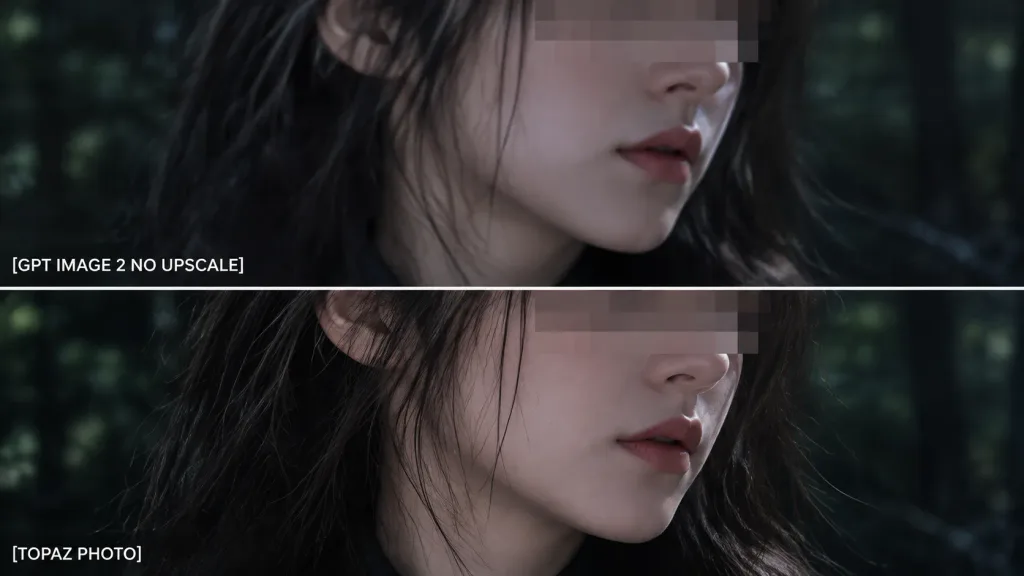
Recadrage Zoom pour Comparaison en Deux Panneaux
Génère un gros plan sur deux panneaux superposés pour comparer la qualité avec des libellés. Modifiez le texte et l'arrière-plan selon vos tests.
Prompt
Using the reference photo as the source image, create an extreme zoom-in crop for a detail-comparison view: - Composition: Two stacked horizontal comparison panels separated by a clean divider line. Crop tightly around the subject's face, hair, jawline, and neck so the facial area occupies most of the frame, showing only slivers of the [forest background] along the edges. - Elements & Text: Preserve the existing anonymizing face blocks. Display exactly two white text labels on the left: "[GPT IMAGE 2 NO UPSCALE]" in the upper panel and "[TOPAZ PHOTO]" in the lower panel. - Lighting & Style: Retain the dark cinematic lighting, authentic colors, and side-by-side sharpness differences. - Constraints: Do not add new objects, modify the subject, or add extra text.
Ce que vous pouvez personnaliser
Avant de générer, remplacez ces parties du prompt par votre propre sujet ou texte.
[forest background]espace réservé[GPT IMAGE 2 NO UPSCALE]espace réservé[TOPAZ PHOTO]espace réservé
Détails du prompt
- Catégorie
- Infographie / Éducation
- Modèle
- GPT IMAGE 2
- Coût par image
- 1K : 43 crédits · 2K : 86 crédits · 4K : 143 crédits
- Format
- 16:9
- Ajouté le