
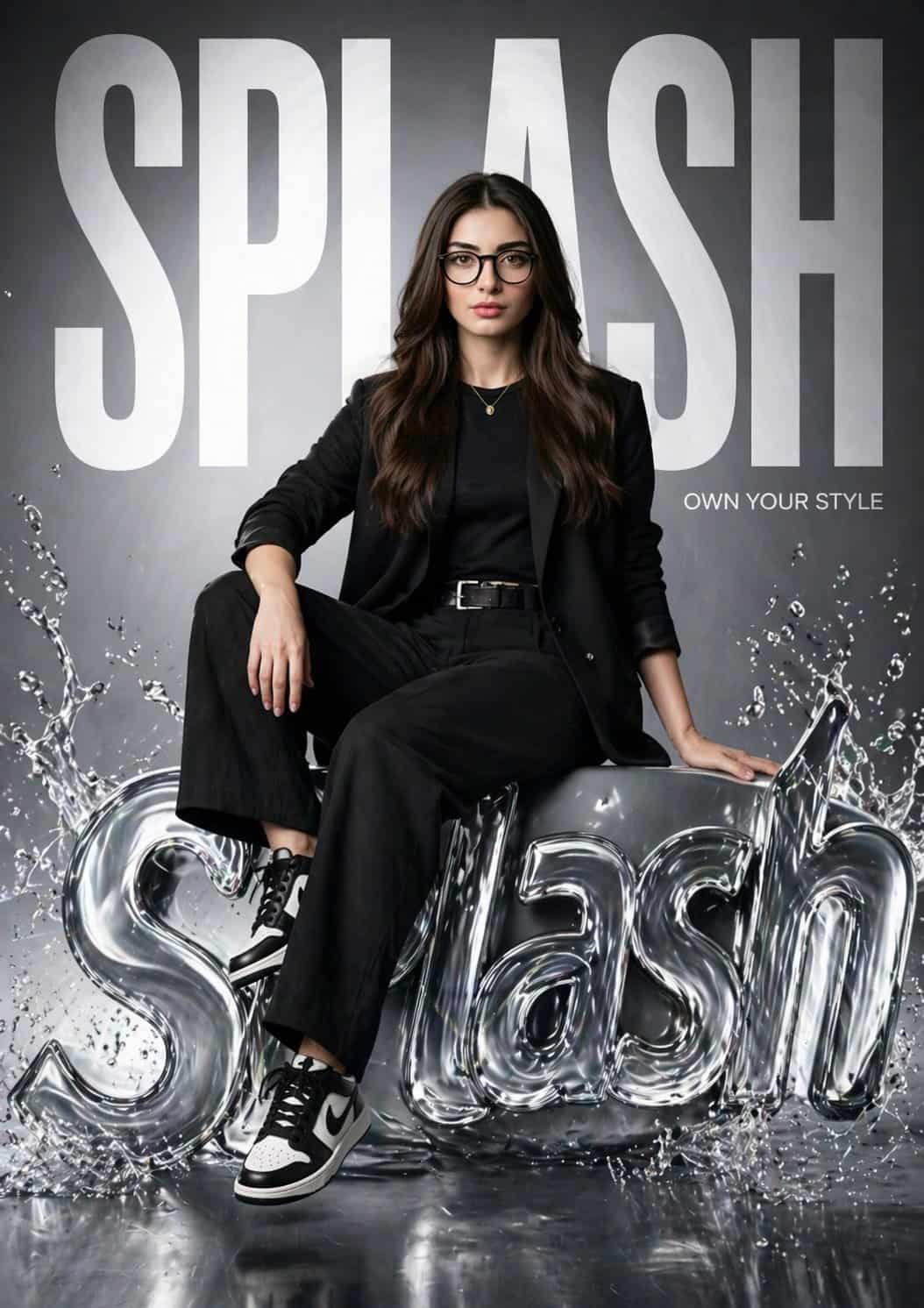
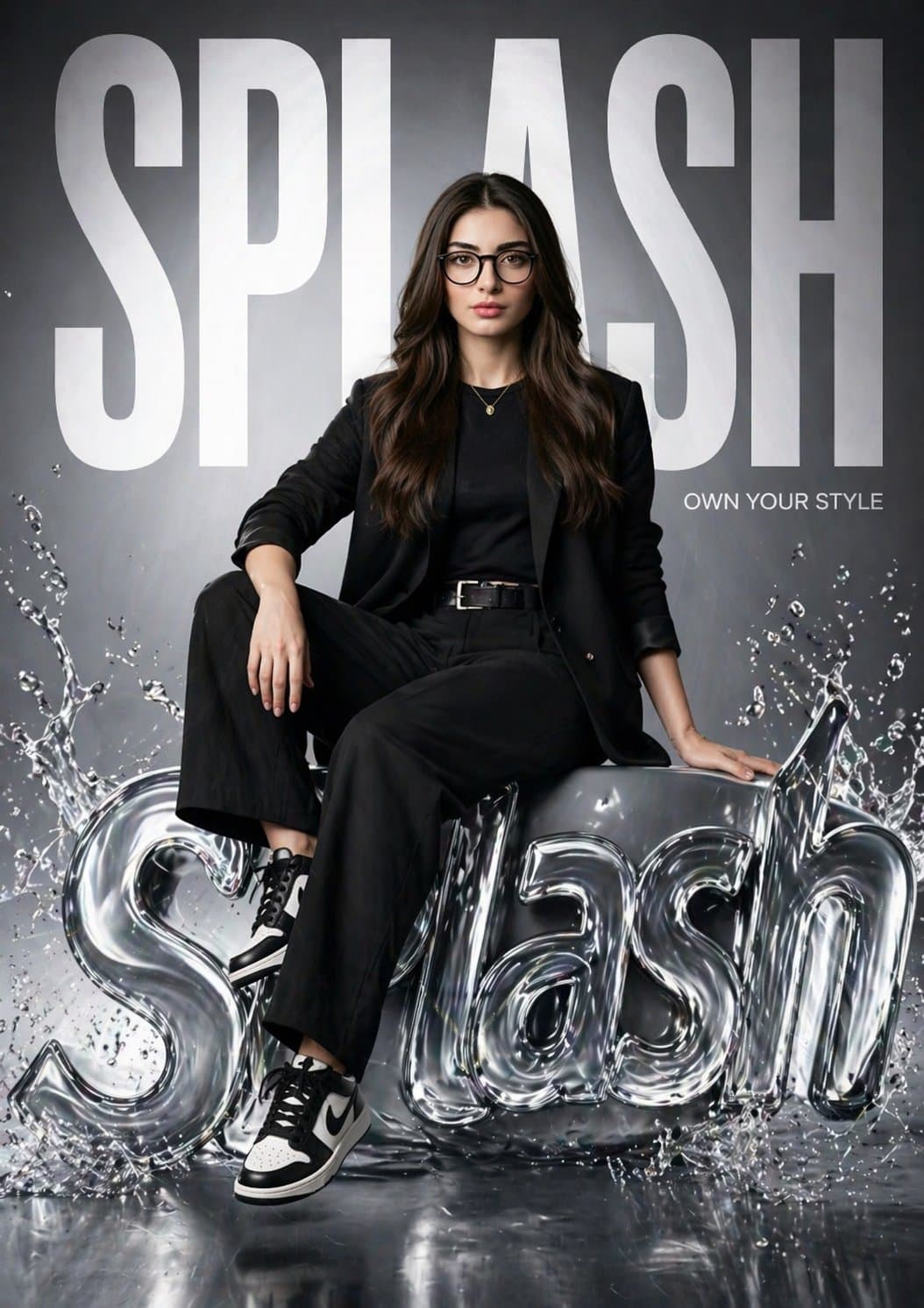
Affiche de campagne hyperréaliste de la marque de mode SPLASH
Créez une affiche de mode hyper réaliste pour « SPLASH » mettant en vedette la même fille que l'image de référence (gardez son visage 100 % identique). Elle est assise en toute confiance sur un logo SPLASH 3D brillant d…
Invite
Créez une affiche de mode hyper réaliste pour « SPLASH » mettant en vedette la même fille que l'image de référence (gardez son visage 100 % identique). Elle est assise en toute confiance sur un logo SPLASH 3D brillant de style liquide avec des effets d'éclaboussures d'eau. Une jambe détendue, une jambe pliée, pose éditoriale forte. L’arrière-plan comporte un énorme texte « SPLASH » en gras remplissant le cadre, partiellement derrière elle. Ajoutez un petit slogan : « Possédez votre style ». Tenue : street-fashion noir moderne (blazer, haut ajusté, pantalon, baskets). Éclairage : studio cinématographique, lumière douce + lumière de jante, reflets réfléchissants sur le logo liquide. Style : campagne de marque de luxe (Zara / H&M), environnement épuré et brillant. Appareil photo : objectif 85 mm, faible profondeur de champ, 8K, ultra détaillé, photoréaliste.
Comment utiliser cette invite
Lisez l'invite Affiche de campagne hyperréaliste de la marque de mode SPLASH complète et identifiez les exigences en matière de sujet, de style, d'appareil photo, d'éclairage et de composition avant de générer.
Remplacez les espaces réservés entre crochets ou sous forme d'arguments par les exigences de votre produit, personnage, marque, scène, palette de couleurs ou format d'image.
Ouvrez https://www.gptimagehub.com/fr/generate?promptId=cmogwv7v9005hzpdyaswm36y4, générez l'image, puis affinez l'invite avec un sujet, un texte, une mise en page ou des contraintes négatives plus spécifiques si nécessaire.
FAQ rapide
À quoi sert l’invite Affiche de campagne hyperréaliste de la marque de mode SPLASH?
Cette invite est mieux utilisée pour les images logo et branding pour lesquelles vous souhaitez une structure réutilisable, une direction visuelle détaillée et une qualité de sortie cohérente.
Puis-je modifier l'invite avant de la générer?
Oui. Le texte complet de l'invite est visible sur cette page afin que vous puissiez modifier les sujets, les noms de produits, les couleurs, la composition, les termes de l'appareil photo, les proportions et les notes de style avant la génération.
Quel modèle dois-je utiliser avec cette invite?
Utilisez le modèle affiché dans les métadonnées de l'invite comme point de départ par défaut. Si un autre modèle d'image prend en charge le même rapport hauteur/largeur et le même style d'instruction, vous pouvez adapter l'invite et comparer les résultats.