
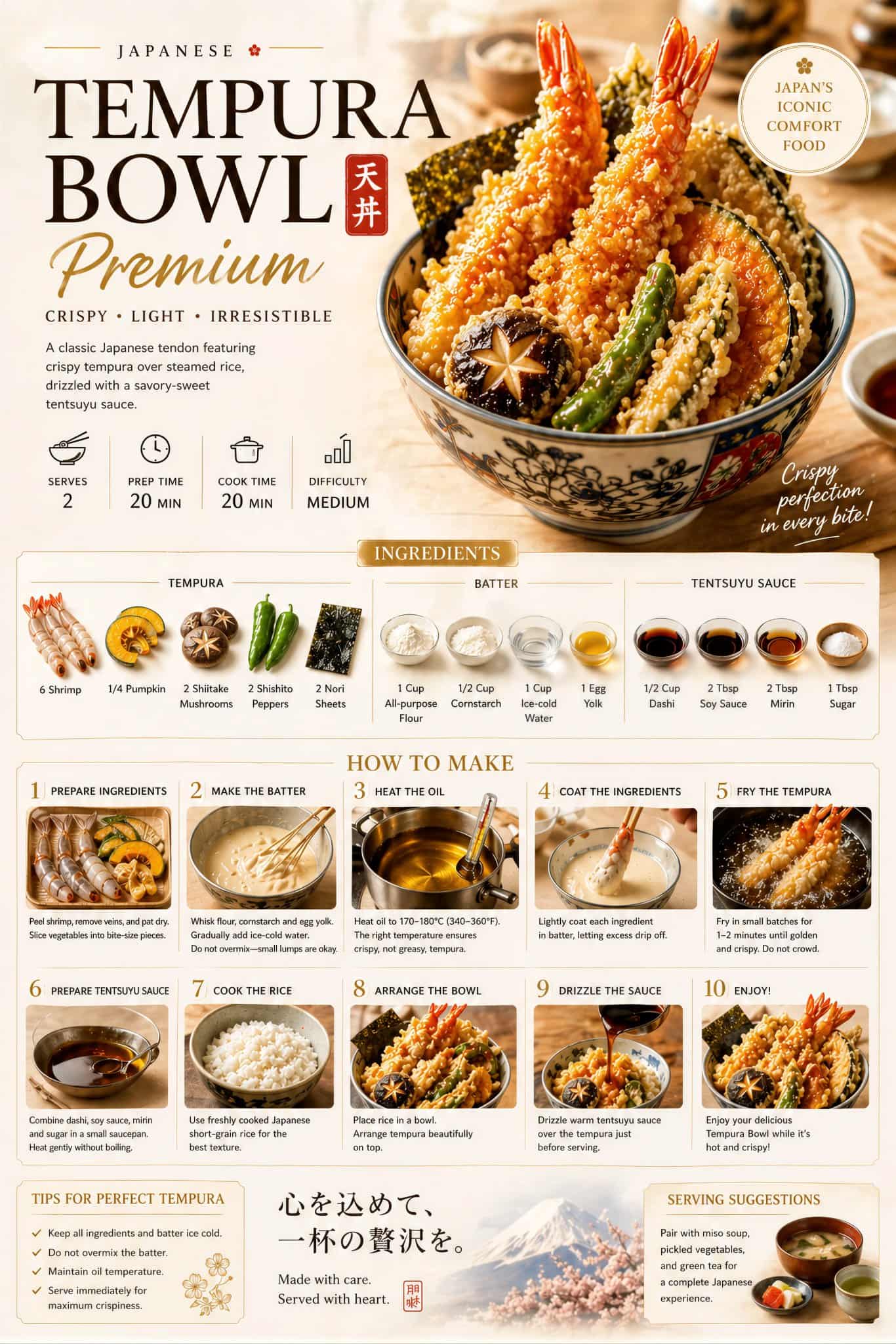
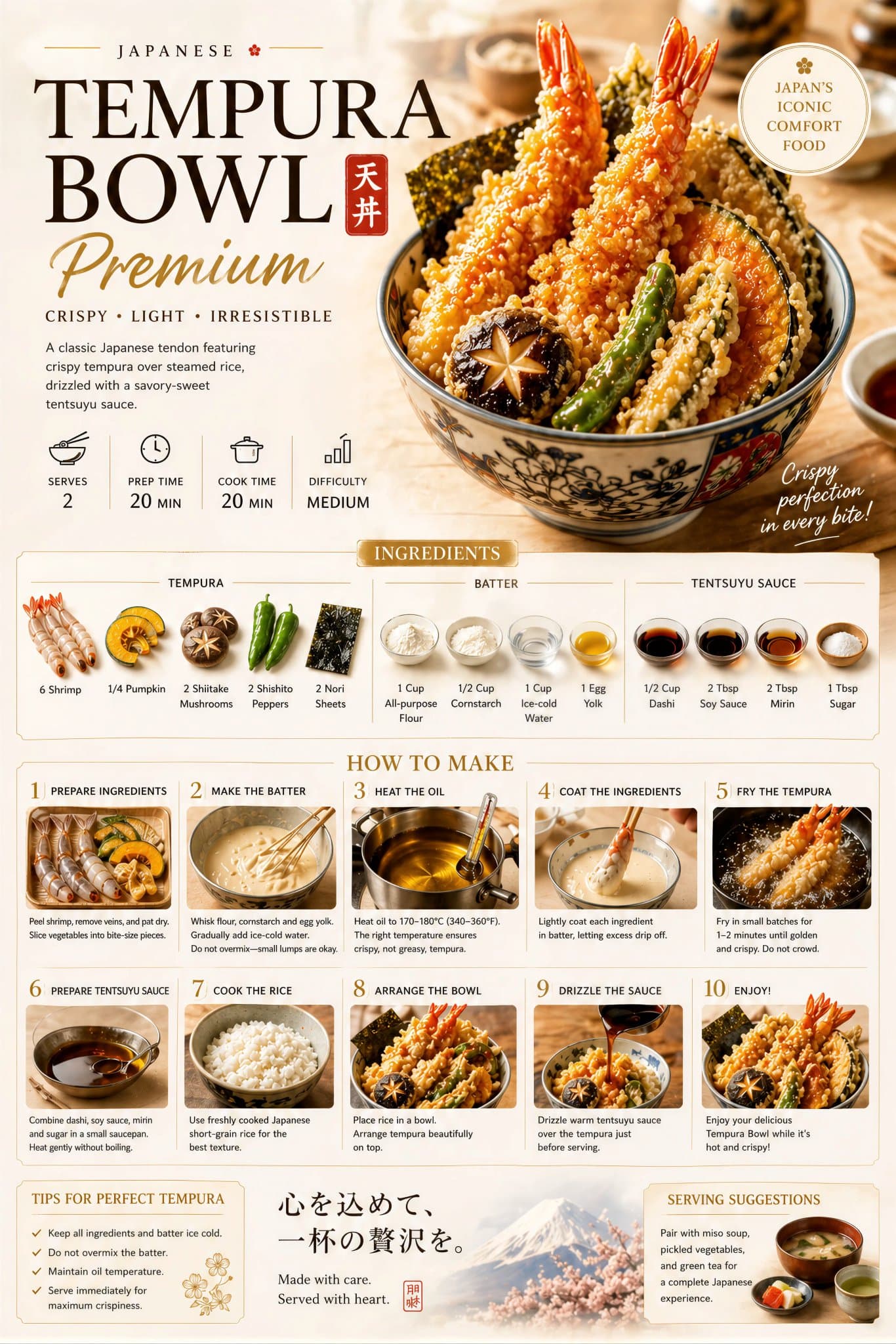
Affiche de recette alimentaire haut de gamme, mise en page élégante
Créez une affiche premium de préparation culinaire pour [NOM DU PLAT], avec un magnifique plat de héros, un éclairage naturel chaleureux, un fond crème, une présentation élégante des recettes étape par étape, des ingréd…
Invite
Créez une affiche premium de préparation culinaire pour [NOM DU PLAT], avec un magnifique plat de héros, un éclairage naturel chaleureux, un fond crème, une présentation élégante des recettes étape par étape, des ingrédients, un processus de cuisson, une photographie culinaire haut de gamme, une typographie anglaise raffinée, un style publicitaire de restaurant de luxe, un design épuré, des couleurs riches, un chef-d'œuvre cinématographique très détaillé et visuellement irrésistible.
Comment utiliser cette invite
Lisez l'invite Affiche de recette alimentaire haut de gamme, mise en page élégante complète et identifiez les exigences en matière de sujet, de style, d'appareil photo, d'éclairage et de composition avant de générer.
Remplacez les espaces réservés entre crochets ou sous forme d'arguments par les exigences de votre produit, personnage, marque, scène, palette de couleurs ou format d'image.
Ouvrez https://www.gptimagehub.com/fr/generate?promptId=cmogwv0850059zpdyb3f2d3wb, générez l'image, puis affinez l'invite avec un sujet, un texte, une mise en page ou des contraintes négatives plus spécifiques si nécessaire.
FAQ rapide
À quoi sert l’invite Affiche de recette alimentaire haut de gamme, mise en page élégante?
Cette invite est mieux utilisée pour les images affiche et illustration pour lesquelles vous souhaitez une structure réutilisable, une direction visuelle détaillée et une qualité de sortie cohérente.
Puis-je modifier l'invite avant de la générer?
Oui. Le texte complet de l'invite est visible sur cette page afin que vous puissiez modifier les sujets, les noms de produits, les couleurs, la composition, les termes de l'appareil photo, les proportions et les notes de style avant la génération.
Quel modèle dois-je utiliser avec cette invite?
Utilisez le modèle affiché dans les métadonnées de l'invite comme point de départ par défaut. Si un autre modèle d'image prend en charge le même rapport hauteur/largeur et le même style d'instruction, vous pouvez adapter l'invite et comparer les résultats.