
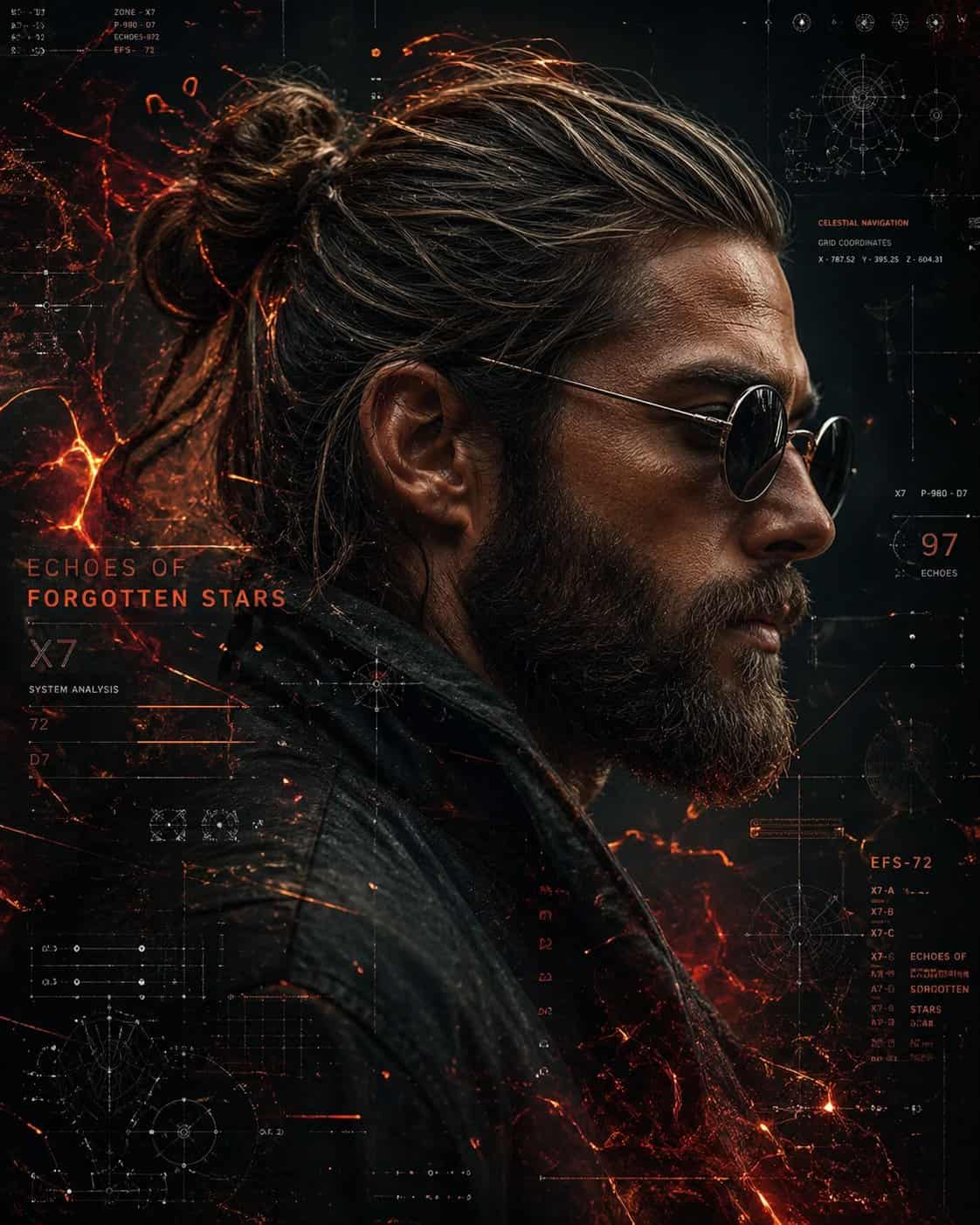
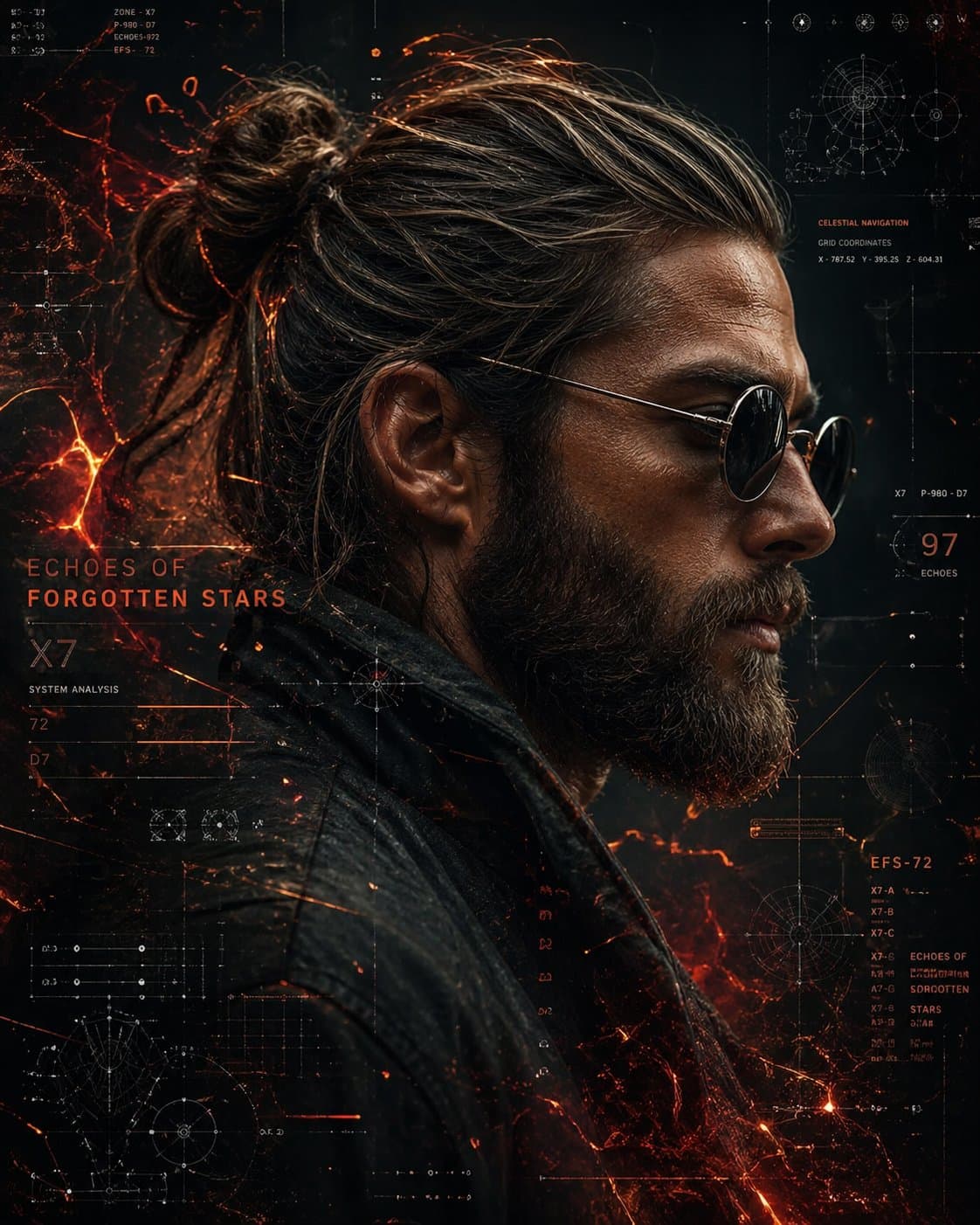
Retrato de Perfil Lateral Cyberpunk Sci-Fi
Un retrato cinematográfico de perfil lateral de un hombre rudo con un moño recogido y barba completa, vistiendo gafas de sol redondas oscuras y una chaqueta de cuero texturizada. Su piel es detallada y ligeramente curti…
rápido
Un retrato cinematográfico de perfil lateral de un hombre rudo con un moño recogido y barba completa, vistiendo gafas de sol redondas oscuras y una chaqueta de cuero texturizada. Su piel es detallada y ligeramente curtida. El fondo es una interfaz futurista de ciencia ficción llena de brillantes flujos de datos naranjas y rojos, mapas estelares, diagramas de navegación celeste, cuadrículas y elementos UI holográficos. Efectos de partículas ardientes y energía similar a brasas se arremolinan a su alrededor, creando una atmósfera cósmica de alta tecnología. Paleta de colores oscura con fuerte contraste, iluminación dramática, ultradetallado, enfoque nítido, 8K, estética cyberpunk, composición cinematográfica, profundidad de campo.
Cómo utilizar este mensaje
Lea el mensaje Retrato de Perfil Lateral Cyberpunk Sci-Fi completo e identifique los requisitos del tema, el estilo, la cámara, la iluminación y la composición antes de generarlo.
Reemplace los marcadores de posición entre corchetes o estilo argumento con sus requisitos de producto, personaje, marca, escena, paleta de colores o relación de aspecto.
Abra https://www.gptimagehub.com/es/generate?promptId=cmogws8ns001zzpdykugm1sb6, genere la imagen y luego refine el mensaje con un tema, texto, diseño o restricciones negativas más específicas si es necesario.
Preguntas frecuentes inmediatas
¿Para qué se utiliza mejor el mensaje Retrato de Perfil Lateral Cyberpunk Sci-Fi?
Este mensaje se utiliza mejor para imágenes retrato y fotografía donde desea una estructura reutilizable, una dirección visual detallada y una calidad de salida consistente.
¿Puedo editar el mensaje antes de generarlo?
Sí. El texto completo del mensaje está visible en esta página para que pueda cambiar temas, nombres de productos, colores, composición, términos de la cámara, relación de aspecto y notas de estilo antes de la generación.
¿Qué modelo debo usar con este mensaje?
Utilice el modelo que se muestra en los metadatos del mensaje como punto de partida predeterminado. Si otro modelo de imagen admite la misma relación de aspecto y estilo de instrucción, puede adaptar el mensaje y comparar los resultados.