其他

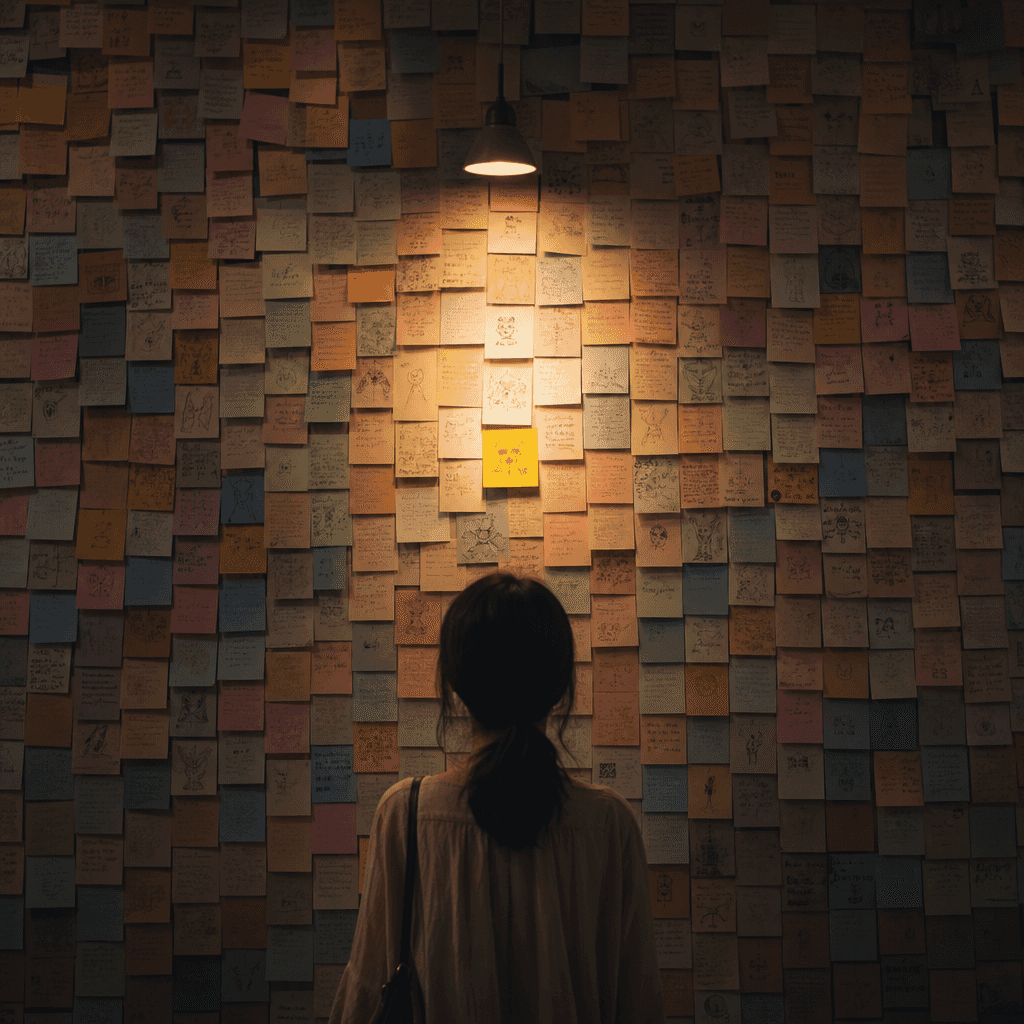
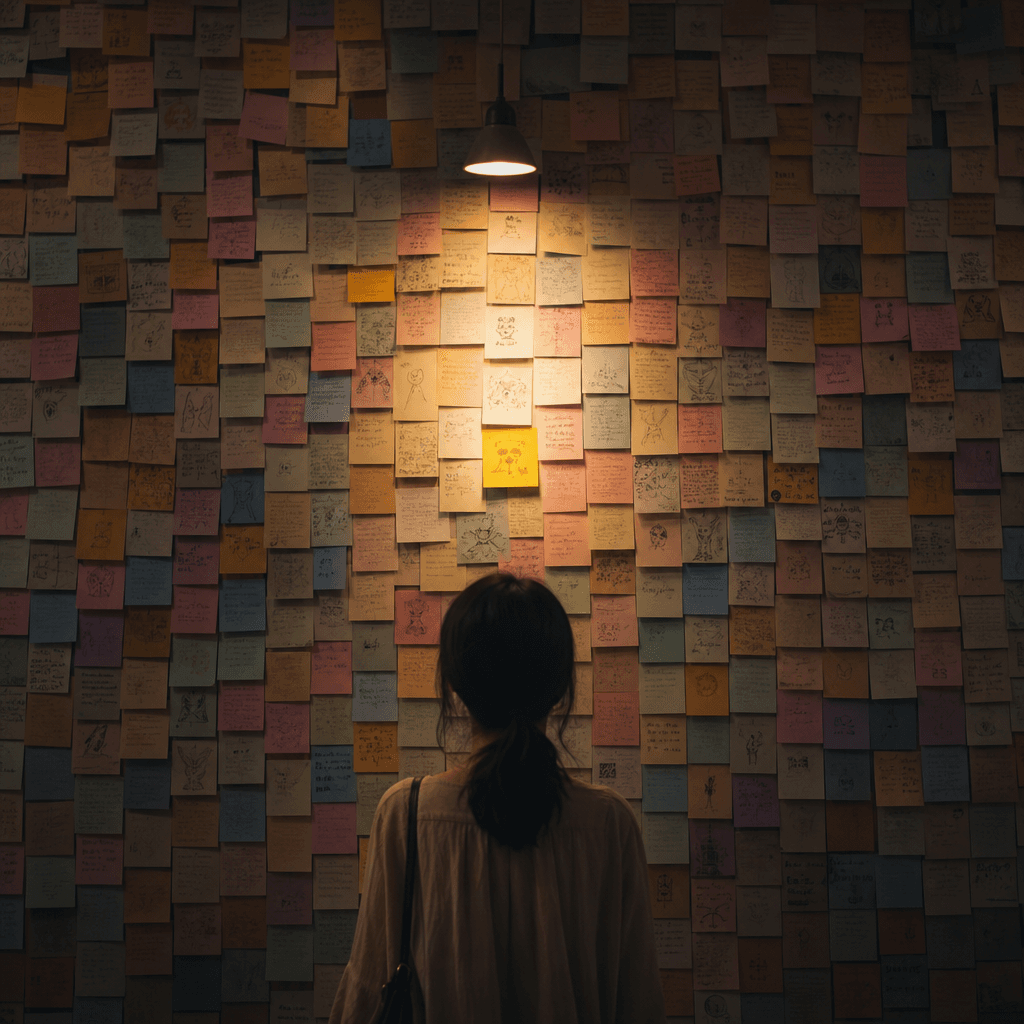
“平行世界便利貼牆:如果那天做了另一個選擇”

“平行世界便利貼牆:如果那天做了另一個選擇”,概念藝術海報與手寫便籤裝置結合,一整面牆由不同顏色的便籤組成,每張便籤都代表另一條人生支線:去了另一座城、讀了不同專業、沒說出口的話、提前離開的列車、重新開始的工作,中央一盞暖燈打亮最中間那張便籤,情緒複雜細膩,比例 4:5。

提示詞

“平行世界便利貼牆:如果那天做了另一個選擇”,概念藝術海報與手寫便籤裝置結合,一整面牆由不同顏色的便籤組成,每張便籤都代表另一條人生支線:去了另一座城、讀了不同專業、沒說出口的話、提前離開的列車、重新開始的工作,中央一盞暖燈打亮最中間那張便籤,情緒複雜細膩,比例 4:5。

How to use this prompt

1
Review the full prompt

Read the complete “平行世界便利貼牆:如果那天做了另一個選擇” prompt and identify the subject, style, camera, lighting, and composition requirements before generating.

2
Customize variables

Replace bracketed or argument-style placeholders with your product, character, brand, scene, color palette, or aspect ratio requirements.

3
Generate and iterate

Open https://www.gptimagehub.com/zh-TW/generate?promptId=cmogxkzs900lpxt5gtaaqiivb, generate the image, then refine the prompt with more specific subject, text, layout, or negative constraints if needed.

Prompt FAQ

What is the “平行世界便利貼牆:如果那天做了另一個選擇” prompt best used for?

This prompt is best used for 其他 images where you want a reusable structure, detailed visual direction, and consistent output quality.

Can I edit the prompt before generating?

Yes. The full prompt text is visible on this page so you can change subjects, product names, colors, composition, camera terms, aspect ratio, and style notes before generation.

Which model should I use with this prompt?

Use the model shown in the prompt metadata as the default starting point. If another image model supports the same aspect ratio and instruction style, you can adapt the prompt and compare results.

其他模板