
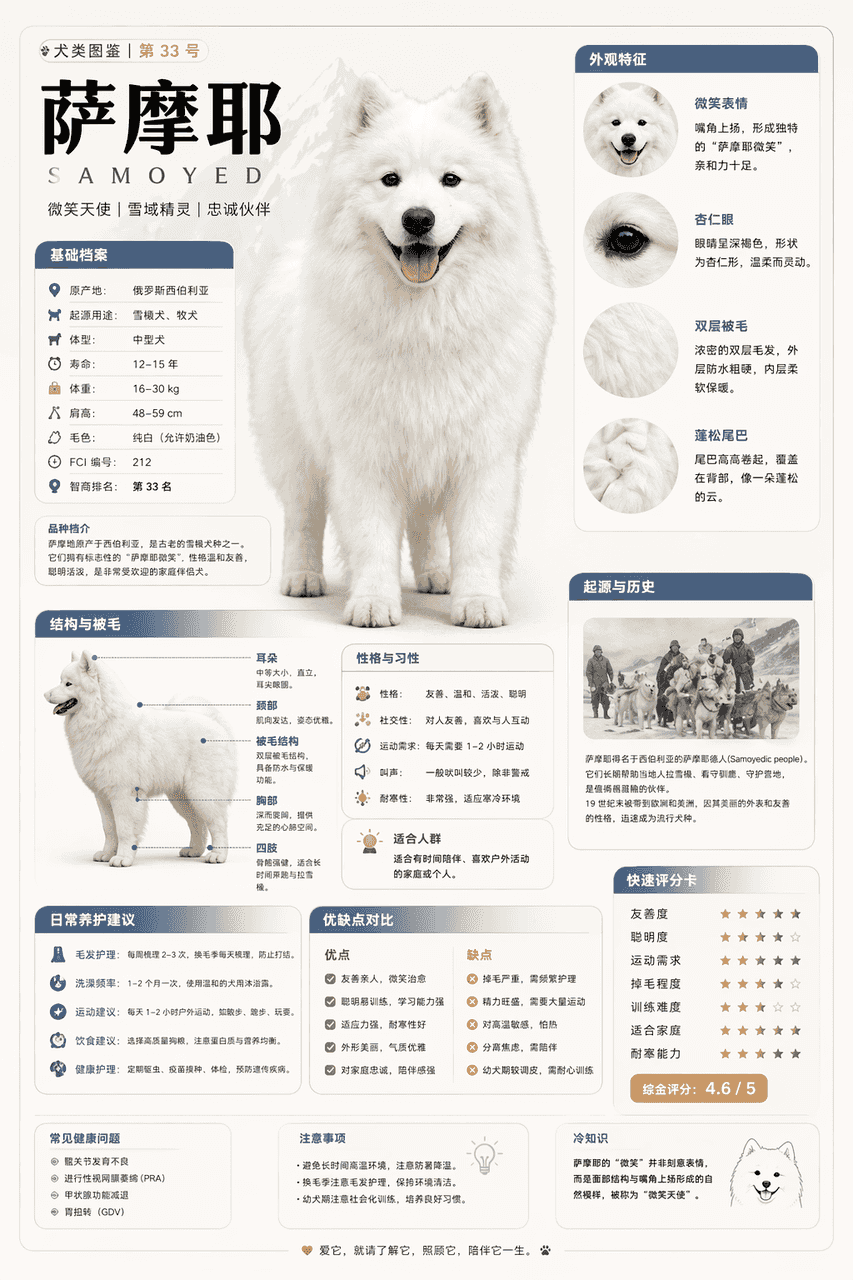
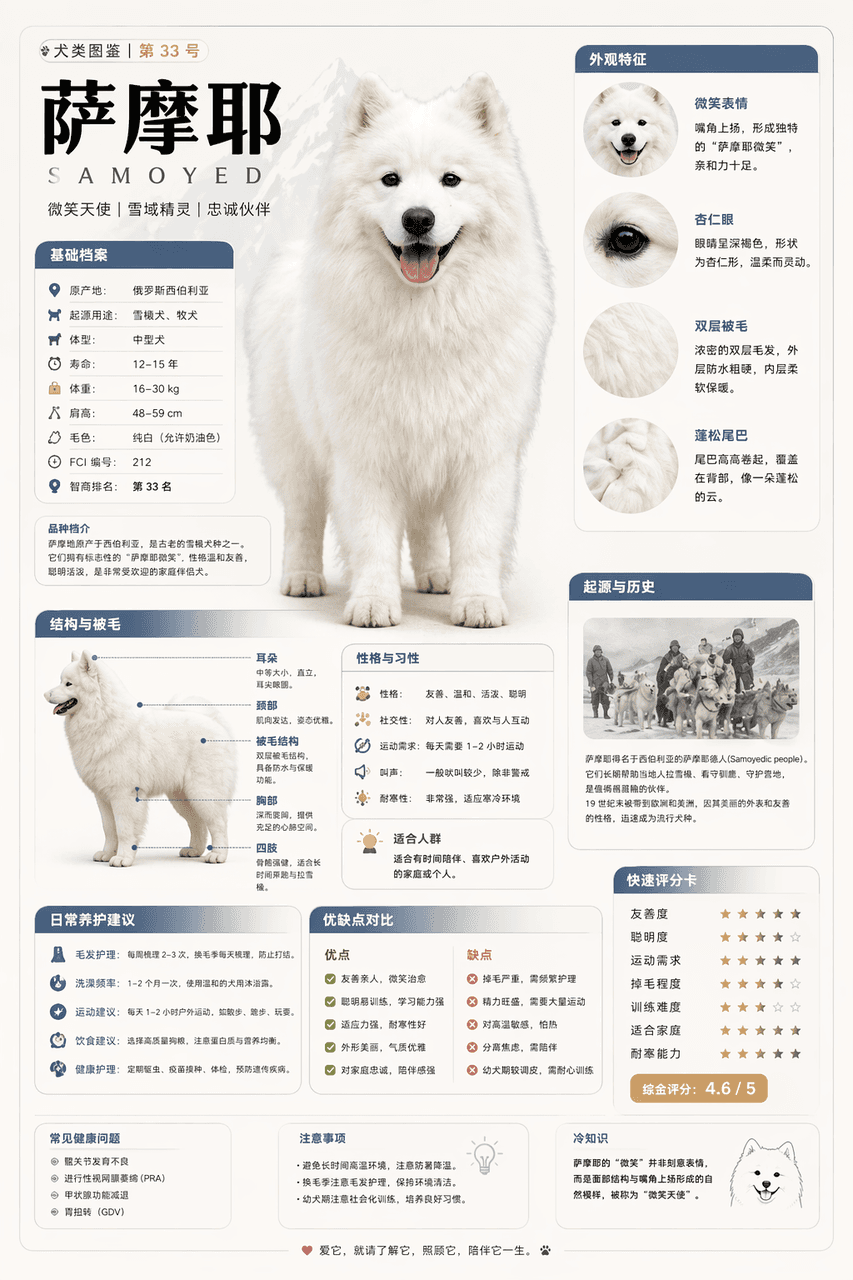
提示詞
請根據【薩摩耶】生成一張高質量豎版「科普百科圖」。 這張圖不是普通海報,也不是單純插畫,而是一張兼具“圖鑑感、百科感、資訊結構感、收藏感”的模組化科普資訊圖。整體風格參考高階博物圖鑑、現代百科書頁、生活方式知識卡和社交媒體高傳播資訊圖的結合。 請讓畫面包含: 一個清晰漂亮的主題主視覺 若干區域性特徵放大細節 多個圓角模組化資訊分割槽 清楚的標題層級與重點標籤 簡潔但豐富的百科內容 視覺化評分、要點總結或Top 5模組 內容欄目請根據主題自動適配,優先從這些方向中選擇併合理組合: 基礎檔案、分類資訊、外觀特徵、習性/生態、形成機制/結構組成、生長或使用條件、養護或維護建議、風險與注意事項、適合人群或適用場景、優缺點對比、快速評分卡。 視覺要求: 淺色乾淨背景,柔和配色,輕陰影,精緻小圖示,圓角資訊框,整潔排版,資訊密度高但不擁擠,閱讀體驗好。整體必須像真正可以釋出、閱讀、收藏、系列化生產的科普百科卡,而不是廣告圖。 請不要做成普通商業宣傳海報。要突出“知識整理 + 模組資訊 + 圖鑑式展示”的特徵。(有參考X知識圖解)
如何使用此提示
在生成之前閱讀完整的 知識圖解 提示並確定主題、風格、相機、燈光和構圖要求。
將括號或參數式佔位符替換為您的產品、角色、品牌、場景、調色板或寬高比要求。
開啟 https://www.gptimagehub.com/zh-TW/generate?promptId=cmogxszbj00s9xt5g6fi777wf,產生圖像,然後根據需要使用更具體的主題、文字、佈局或負面約束來最佳化提示。
提示常見問題解答
知識圖解 提示符號最適合用來做什麼?
此提示最適用於您需要可重複使用結構、詳細視覺方向和一致輸出品質的 資訊圖與教育 影像。
我可以在生成之前編輯提示嗎?
是的。完整的提示文字在此頁面上可見,因此您可以在生成之前更改主題、產品名稱、顏色、構圖、相機術語、長寬比和樣式註釋。
出現此提示時我應該使用哪種型號?
使用提示元資料中顯示的模型作為預設起點。如果另一個影像模型支援相同的寬高比和指令風格,您可以調整提示並比較結果。