
UI / UX 设计
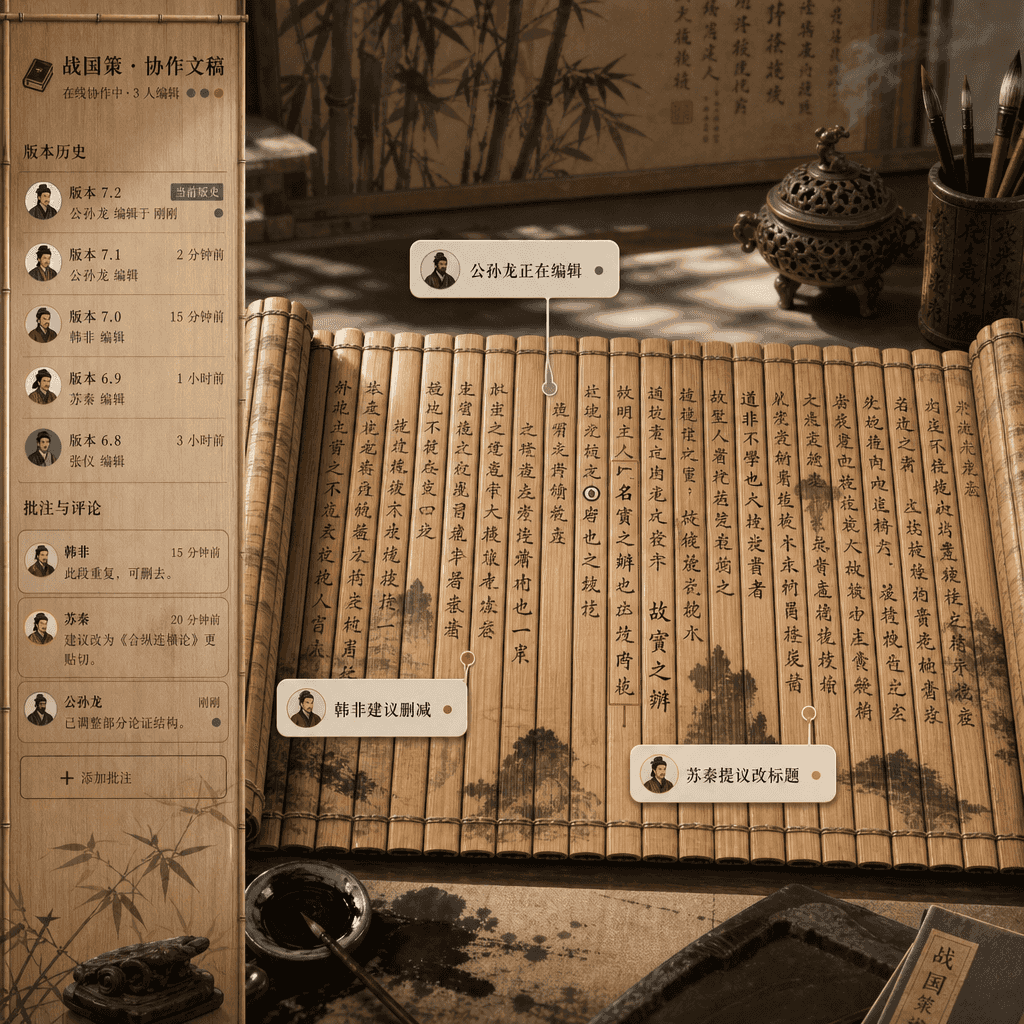
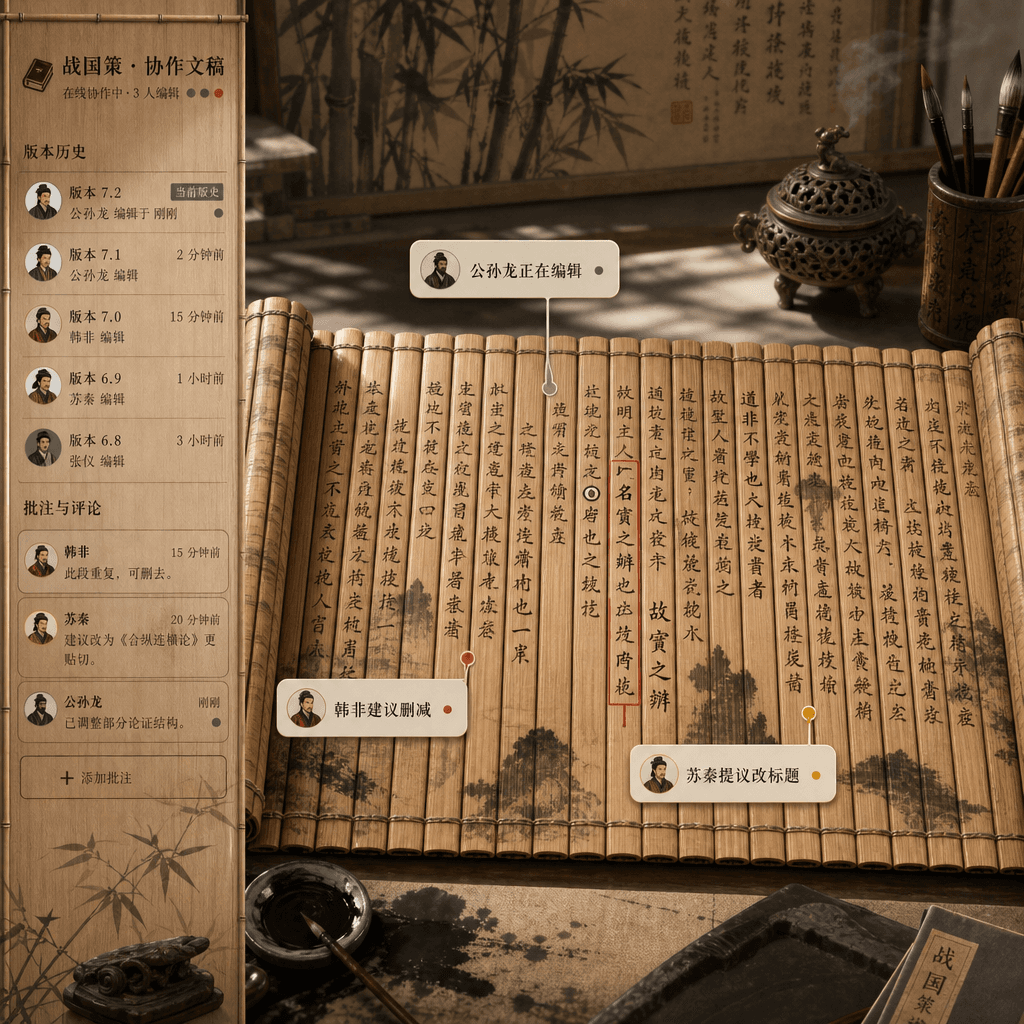
“战国时代的多人协作文档界面”
“战国时代的多人协作文档界面”,竹简文书与在线文档产品设计荒诞融合,画面像实时协作编辑器界面,但底层是展开的竹简和毛笔墨迹,不同作者的评论气泡标注“公孙龙正在编辑”“韩非建议删减”“苏秦提议改标题”,侧边栏是版本历史与批注,整体充满学术严谨感和互联网办公幽默,比例 16:9。
来源:image2官方推荐完整版出图提示词合集!复制即用
提示词
“战国时代的多人协作文档界面”,竹简文书与在线文档产品设计荒诞融合,画面像实时协作编辑器界面,但底层是展开的竹简和毛笔墨迹,不同作者的评论气泡标注“公孙龙正在编辑”“韩非建议删减”“苏秦提议改标题”,侧边栏是版本历史与批注,整体充满学术严谨感和互联网办公幽默,比例 16:9。
如何使用此提示
1
查看完整提示
在生成之前阅读完整的 “战国时代的多人协作文档界面” 提示并确定主题、风格、相机、灯光和构图要求。
2
自定义变量
将括号或参数式占位符替换为您的产品、角色、品牌、场景、调色板或宽高比要求。
3
生成并迭代
打开 https://www.gptimagehub.com/zh-CN/generate?promptId=cmogxkp7600ifxt5gyd7s8g76,生成图像,然后根据需要使用更具体的主题、文本、布局或负面约束来优化提示。
提示常见问题解答
“战国时代的多人协作文档界面” 提示符最适合用来做什么?
此提示最适用于您需要可重用结构、详细视觉方向和一致输出质量的 ui / ux 设计 图像。
我可以在生成之前编辑提示吗?
是的。完整的提示文本在此页面上可见,因此您可以在生成之前更改主题、产品名称、颜色、构图、相机术语、长宽比和样式注释。
出现此提示时我应该使用哪种型号?
使用提示元数据中显示的模型作为默认起点。如果另一个图像模型支持相同的宽高比和指令风格,您可以调整提示并比较结果。