海报与插画

“把 2026 年做成一本可翻页的视觉年鉴封面”

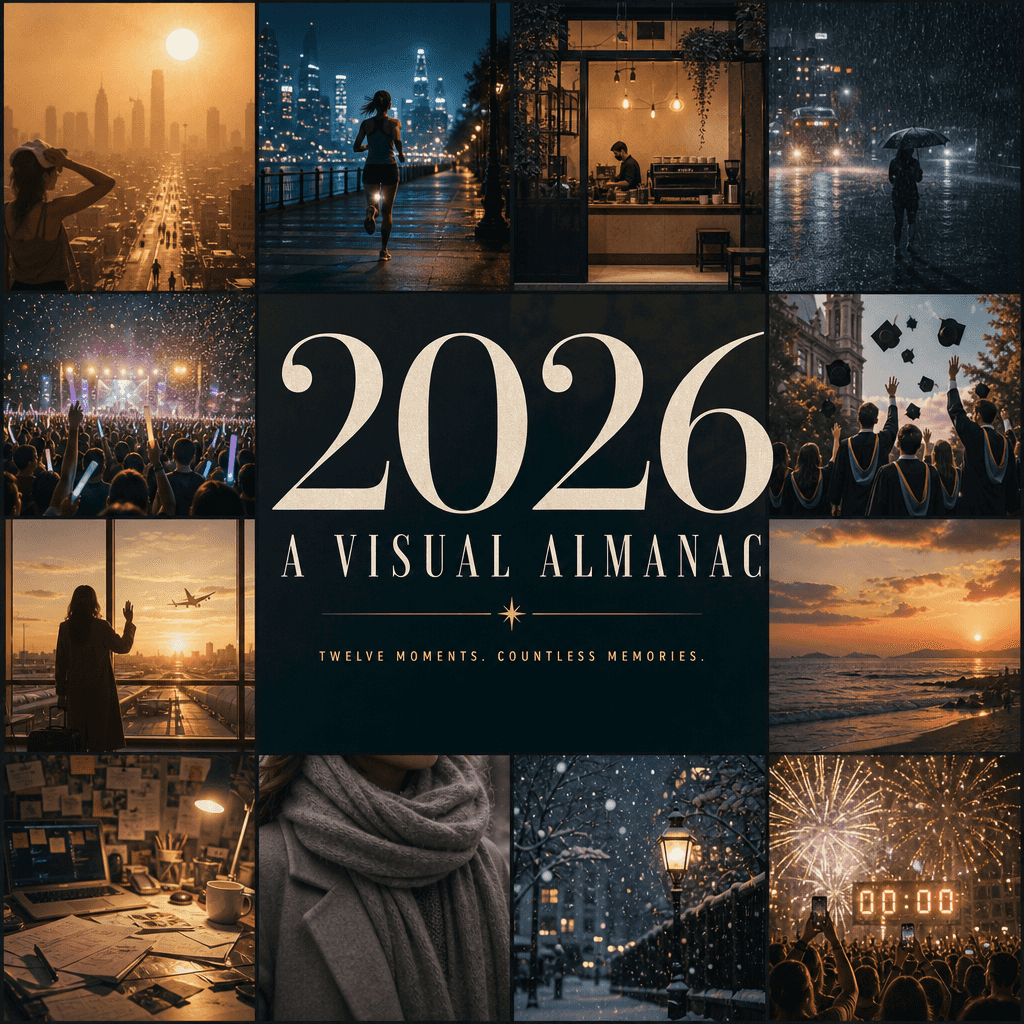
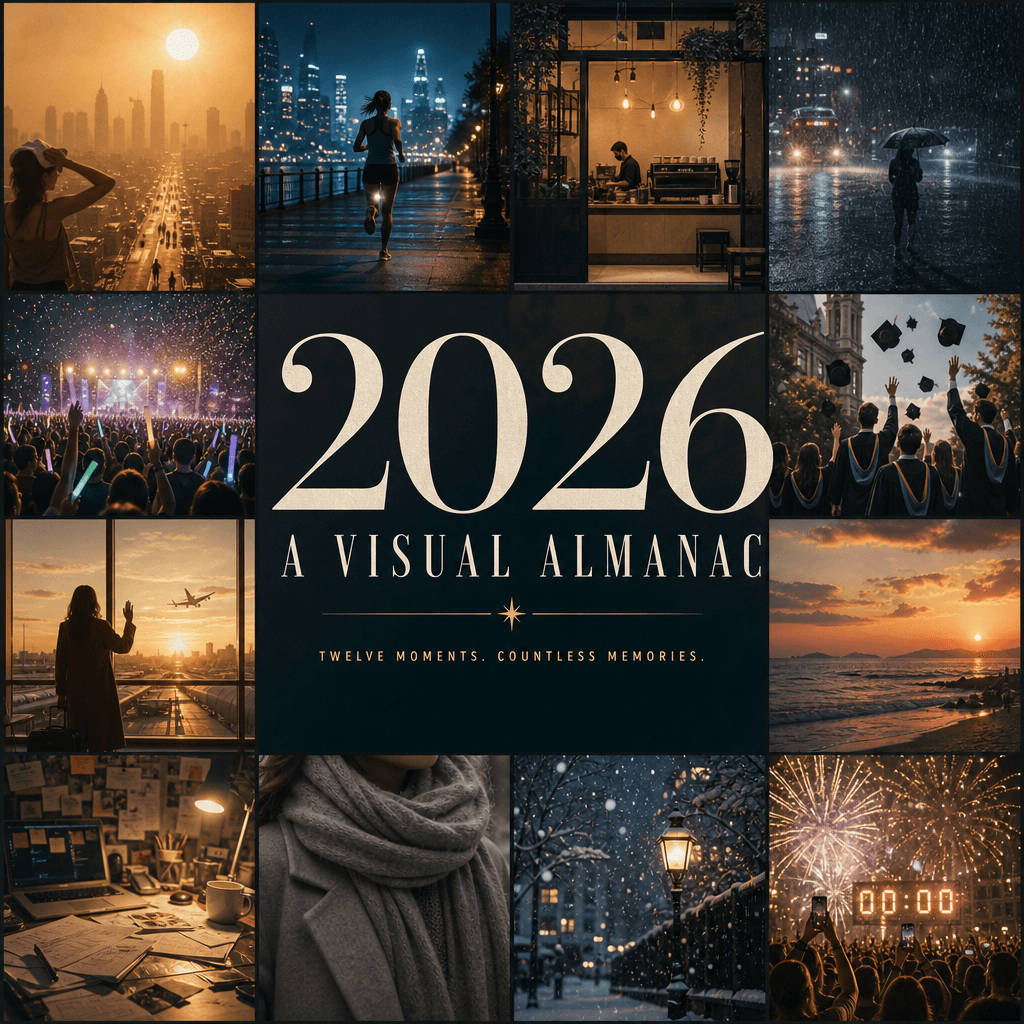
“把 2026 年做成一本可翻页的视觉年鉴封面”,年度总结海报与编辑设计融合,画面由十二个小窗组成,分别代表一年中最鲜明的视觉记忆:城市热浪、夜跑、咖啡店开门、暴雨、演唱会荧光棒、毕业照、机场告别、海边日落、书桌凌乱、冬天围巾、第一场雪、跨年倒计时,中央标题“2026 / A VISUAL ALMANAC”压住全部画面,副标题极简,整体像一本高端文化年鉴封面,信息丰富、情绪完整,比例 4:5。

提示词

“把 2026 年做成一本可翻页的视觉年鉴封面”,年度总结海报与编辑设计融合,画面由十二个小窗组成,分别代表一年中最鲜明的视觉记忆:城市热浪、夜跑、咖啡店开门、暴雨、演唱会荧光棒、毕业照、机场告别、海边日落、书桌凌乱、冬天围巾、第一场雪、跨年倒计时,中央标题“2026 / A VISUAL ALMANAC”压住全部画面,副标题极简,整体像一本高端文化年鉴封面,信息丰富、情绪完整,比例 4:5。

How to use this prompt

1
Review the full prompt

Read the complete “把 2026 年做成一本可翻页的视觉年鉴封面” prompt and identify the subject, style, camera, lighting, and composition requirements before generating.

2
Customize variables

Replace bracketed or argument-style placeholders with your product, character, brand, scene, color palette, or aspect ratio requirements.

3
Generate and iterate

Open https://www.gptimagehub.com/zh-CN/generate?promptId=cmogxl04z00ltxt5gnm2qrr76, generate the image, then refine the prompt with more specific subject, text, layout, or negative constraints if needed.

Prompt FAQ

What is the “把 2026 年做成一本可翻页的视觉年鉴封面” prompt best used for?

This prompt is best used for 海报与插画 images where you want a reusable structure, detailed visual direction, and consistent output quality.

Can I edit the prompt before generating?

Yes. The full prompt text is visible on this page so you can change subjects, product names, colors, composition, camera terms, aspect ratio, and style notes before generation.

Which model should I use with this prompt?

Use the model shown in the prompt metadata as the default starting point. If another image model supports the same aspect ratio and instruction style, you can adapt the prompt and compare results.

其他模板