
分析照片并生成复刻它的详细 JSON 提示词
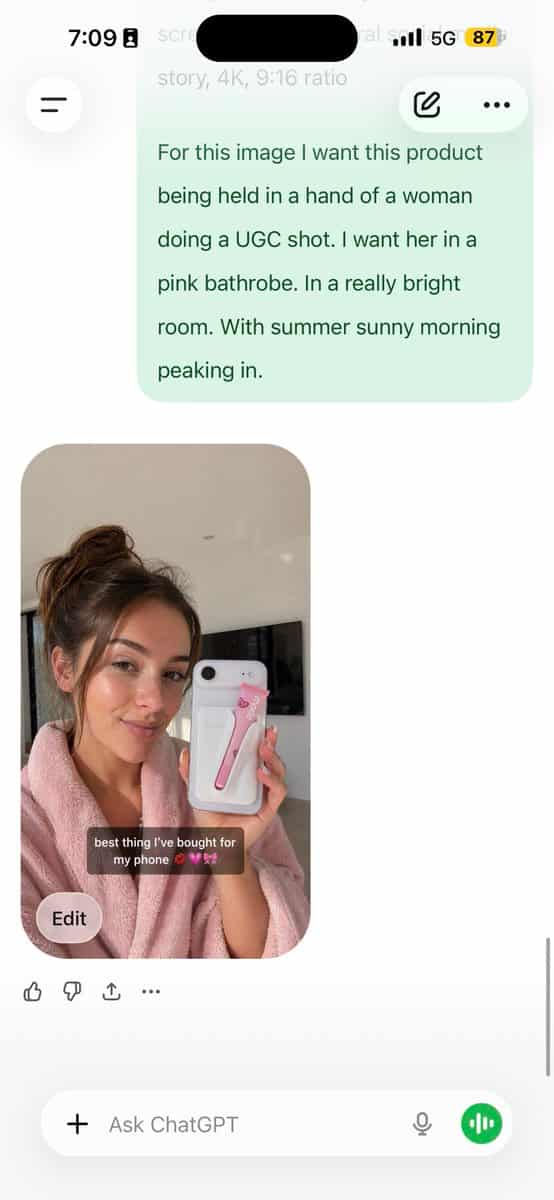
分析这张照片,并给我一个能复刻它的详细 JSON 提示词。拆解照片中的调色和每一种精确颜色。 (使用 Opus,不要用 Sonnet。Opus 的视觉分析更强,能写出更详细的 JSON。) 把这段 JSON 粘贴到 ChatGPT。 上传你的产品图片,并输入提示词: 使用这段 JSON 作为参考,生成一个人拿着我的产品的画面。 把生成的照片保存为你的角色参考图。 之后每次生成都附上这张参考图,以保持面部一致性。 这样你就拥有了一个适用…
提示词
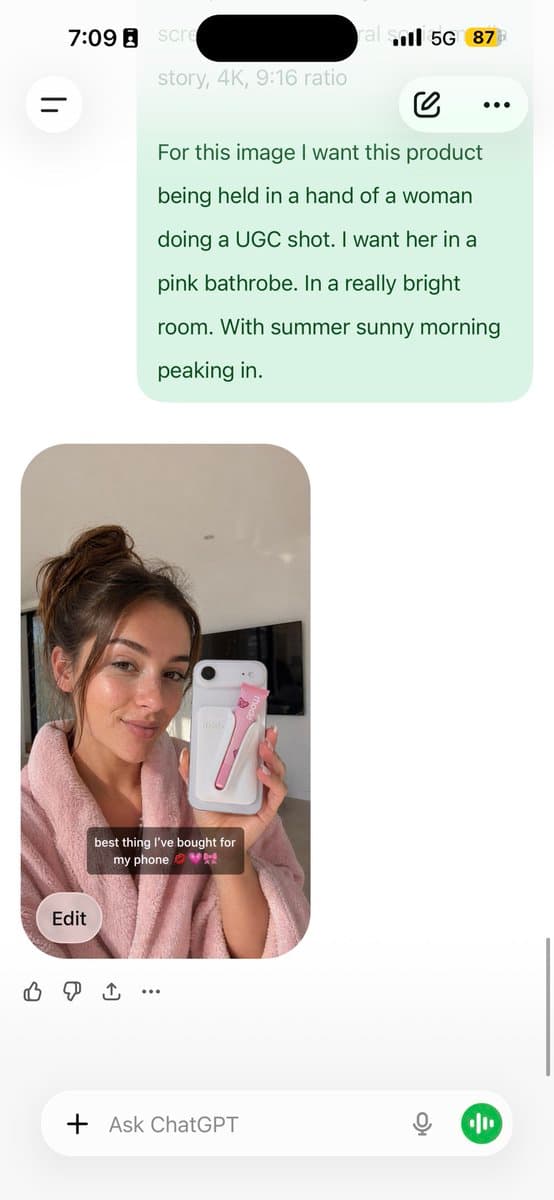
分析这张照片,并给我一个能复刻它的详细 JSON 提示词。拆解照片中的调色和每一种精确颜色。 (使用 Opus,不要用 Sonnet。Opus 的视觉分析更强,能写出更详细的 JSON。) 把这段 JSON 粘贴到 ChatGPT。 上传你的产品图片,并输入提示词: 使用这段 JSON 作为参考,生成一个人拿着我的产品的画面。 把生成的照片保存为你的角色参考图。 之后每次生成都附上这张参考图,以保持面部一致性。 这样你就拥有了一个适用于任何产品的一致 UGC 模特。 JSON 控制光线和调色,GPT image-2 负责角色,你负责产品摆放。 AI 照片最明显的问题是颜色扁平和颗粒感强;这个方法能同时去掉两者。 5 分钟完成设置,之后可以无限变体。
如何使用此提示
在生成之前阅读完整的 分析照片并生成复刻它的详细 JSON 提示词 提示并确定主题、风格、相机、灯光和构图要求。
将括号或参数式占位符替换为您的产品、角色、品牌、场景、调色板或宽高比要求。
打开 https://www.gptimagehub.com/zh-CN/generate?promptId=cmogws0lq001jzpdymr6rmtxn,生成图像,然后根据需要使用更具体的主题、文本、布局或负面约束来优化提示。
提示常见问题解答
分析照片并生成复刻它的详细 JSON 提示词 提示符最适合用来做什么?
此提示最适用于您需要可重用结构、详细视觉方向和一致输出质量的 人像与摄影 图像。
我可以在生成之前编辑提示吗?
是的。完整的提示文本在此页面上可见,因此您可以在生成之前更改主题、产品名称、颜色、构图、相机术语、长宽比和样式注释。
出现此提示时我应该使用哪种型号?
使用提示元数据中显示的模型作为默认起点。如果另一个图像模型支持相同的宽高比和指令风格,您可以调整提示并比较结果。