
Terminal perdagangan saham Mesir kuno
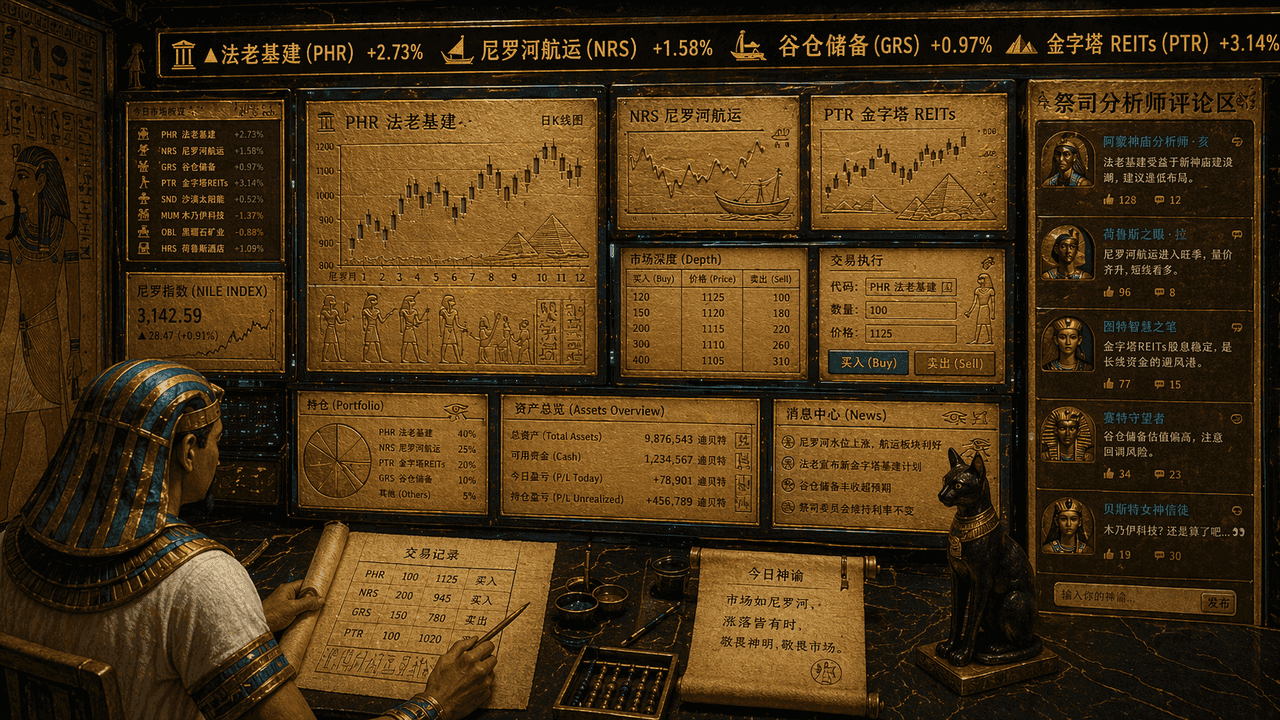
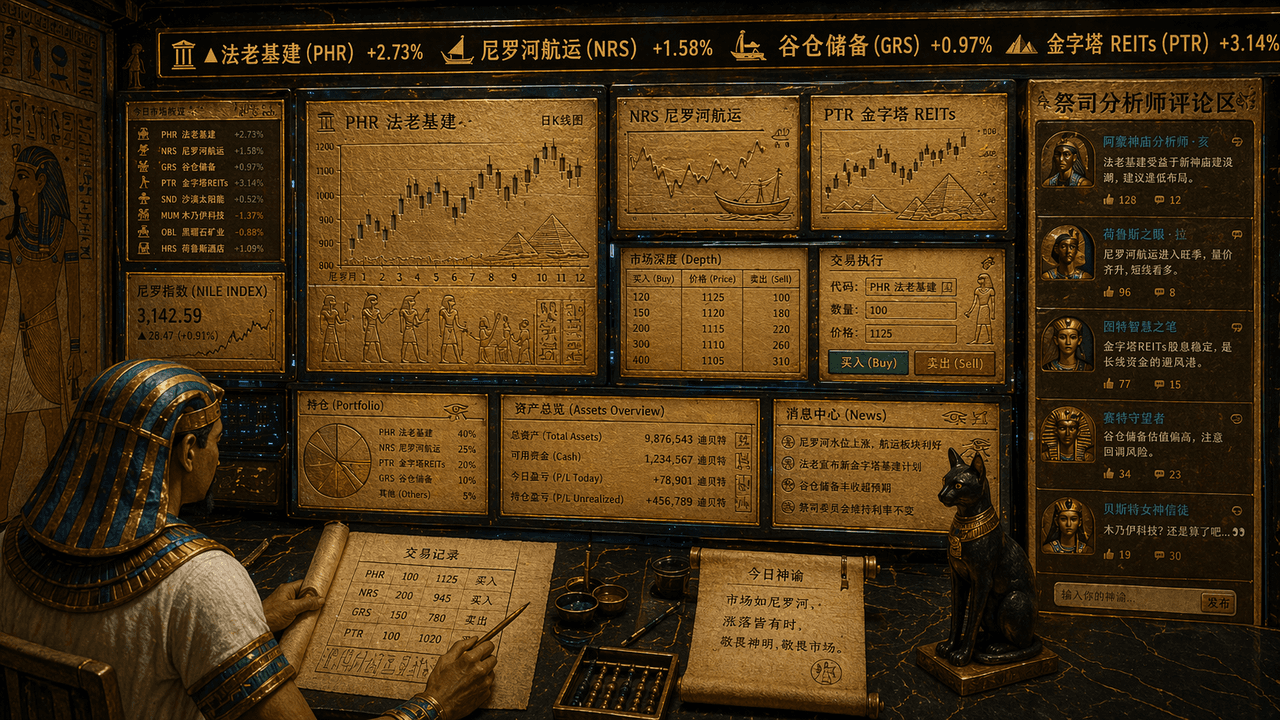
"Terminal perdagangan saham orang Mesir kuno", perpaduan absurd antara elemen mural kuil dan UI perdagangan keuangan. Layarnya tampak seperti stasiun kerja perdagangan multi-layar, tetapi semua grafik, garis K, dan simb…
Cepat
"Terminal perdagangan saham orang Mesir kuno", perpaduan absurd antara elemen mural kuil dan UI perdagangan keuangan. Layarnya tampak seperti stasiun kerja perdagangan multi-layar, tetapi semua grafik, garis K, dan simbol saham terukir pada antarmuka papan tulis emas dan papirus. Scroll ticker atas "Infrastruktur Firaun, pelayaran Nil, cadangan lumbung, REIT piramida", pedagang adalah gambar seorang pegawai yang mengenakan hiasan kepala, dan area komentar analis pendeta ditampilkan di sisi kanan. Skema warna keseluruhannya adalah pasir emas, biru merak, dan obsidian. Gayanya serius namun memiliki rasa senang yang kontras, dengan rasio 16:9.
Cara menggunakan perintah ini
Baca perintah Terminal perdagangan saham Mesir kuno secara lengkap dan identifikasi persyaratan subjek, gaya, kamera, pencahayaan, dan komposisi sebelum membuatnya.
Ganti placeholder dalam tanda kurung atau gaya argumen dengan persyaratan produk, karakter, merek, adegan, palet warna, atau rasio aspek Anda.
Buka https://www.gptimagehub.com/id/generate?promptId=cmogxj3il00h5xt5g9yas5tr0, buat gambarnya, lalu sempurnakan perintah dengan subjek, teks, tata letak, atau batasan negatif yang lebih spesifik jika diperlukan.
Pertanyaan Umum yang cepat
Untuk apa perintah Terminal perdagangan saham Mesir kuno paling baik digunakan?
Perintah ini paling baik digunakan untuk gambar lainnya yang menginginkan struktur yang dapat digunakan kembali, arah visual yang mendetail, dan kualitas keluaran yang konsisten.
Bisakah saya mengedit prompt sebelum membuat?
Ya. Teks perintah lengkap terlihat di halaman ini sehingga Anda dapat mengubah subjek, nama produk, warna, komposisi, istilah kamera, rasio aspek, dan catatan gaya sebelum pembuatan.
Model mana yang harus saya gunakan dengan perintah ini?
Gunakan model yang ditampilkan dalam metadata perintah sebagai titik awal default. Jika model gambar lain mendukung rasio aspek dan gaya instruksi yang sama, Anda dapat menyesuaikan perintah dan membandingkan hasilnya.