
Tutorial Upscale Chat AI Mode Gelap
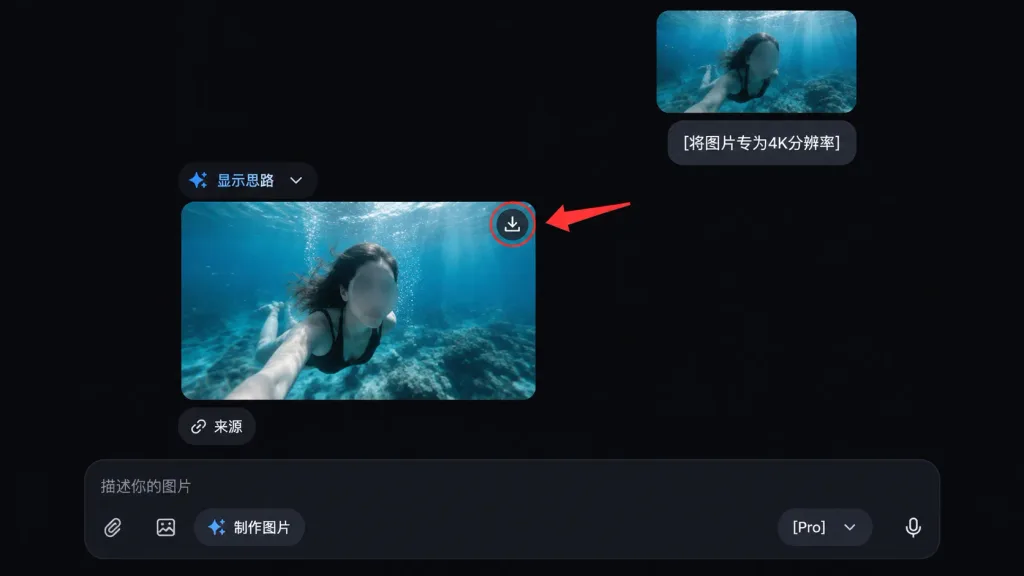
Mockup antarmuka obrolan AI mode gelap yang menampilkan tutorial peningkatan resolusi foto dengan petunjuk visual. Ubah teks atau kontrol untuk menyesuaikan panduan.
Prompt
A clean dark-mode AI chat interface tutorial mockup showing the underwater photo from the reference photo being upscaled. Exclude all external app chrome, side panels, and window details from the reference photo, using only the underwater image content. - Layout: Exactly two rounded-corner image previews of the underwater photo within the chat feed. One smaller uploaded-image preview near the upper right, and one larger generated-result preview below it, slightly left of center. Maintain the face-obscuring gray blur on the person in both previews. - Chat Elements: One user message bubble beside the upper preview containing the text "[将图片专为4K分辨率]". An assistant message label reading "显示思路" with a small blue sparkle icon and a dropdown chevron. A small rounded "来源" button placed directly beneath the larger image preview. - Callout: A download icon on the top-right corner of the larger preview, circled with a single red outline. One thick red arrow pointing from the right toward the circled download icon. - Bottom Input Bar: A dark rounded message input bar at the bottom with placeholder text "描述你的图片", attachment icons, a "制作图片" pill button, a "[Pro]" model dropdown, and a microphone icon. - Style: Sleek modern AI chat interface dark theme, deep black background, subtle neutral gray UI elements, rounded corners, clean 16:9 screenshot composition.
Yang bisa Anda ubah
Sebelum membuat gambar, ganti bagian prompt ini dengan subjek atau teks Anda sendiri.
[将图片专为4K分辨率]placeholder[Pro]placeholder“显示思路”teks dalam tanda kutip“来源”teks dalam tanda kutip“描述你的图片”teks dalam tanda kutip“制作图片”teks dalam tanda kutip
Detail prompt
- Kategori
- Desain UI / UX
- Model
- GPT IMAGE 2
- Biaya per gambar
- 1K: 43 kredit · 2K: 86 kredit · 4K: 143 kredit
- Rasio aspek
- 16:9
- Ditambahkan