
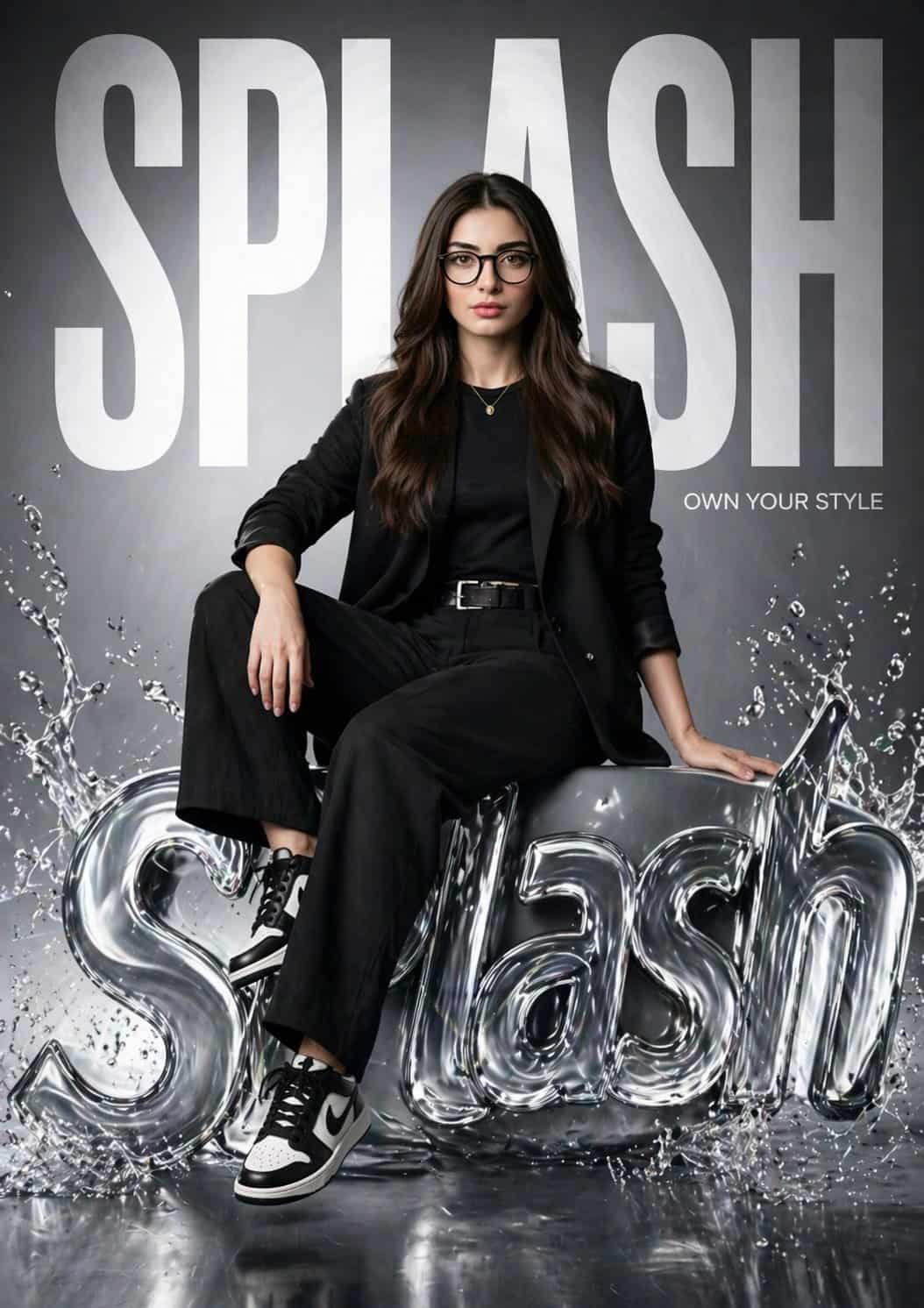
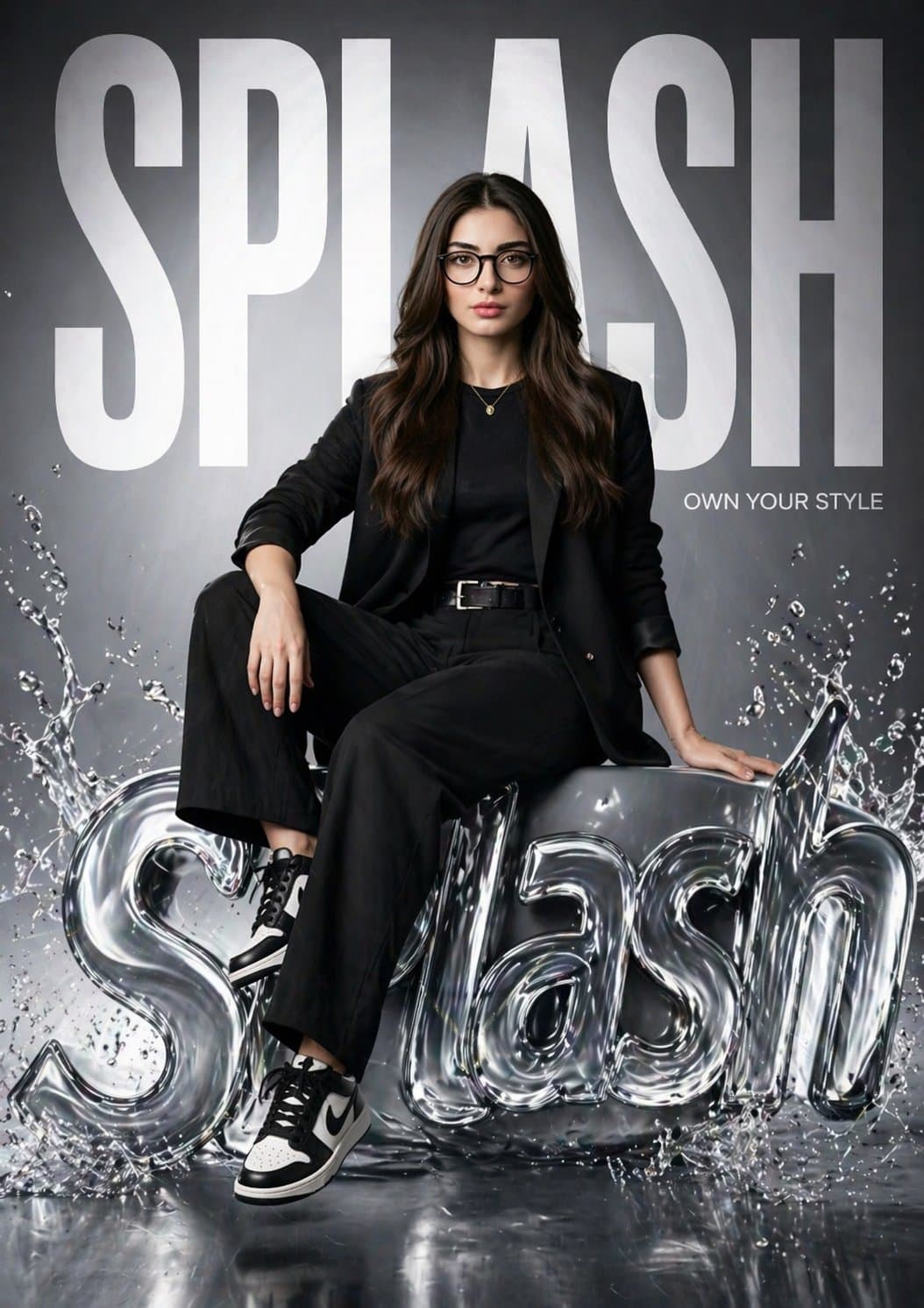
Poster Kampanye Hyper-Realistis Merek Fashion SPLASH
Buat poster fesyen hiper-realistis untuk “SPLASH” yang menampilkan gadis yang sama dari gambar referensi (jaga agar wajahnya 100% identik). Dia duduk dengan percaya diri di atas logo 3D SPLASH mengkilap bergaya cair den…
Cepat
Buat poster fesyen hiper-realistis untuk “SPLASH” yang menampilkan gadis yang sama dari gambar referensi (jaga agar wajahnya 100% identik). Dia duduk dengan percaya diri di atas logo 3D SPLASH mengkilap bergaya cair dengan efek percikan air. Satu kaki rileks, satu lagi ditekuk, pose editorial kuat. Latar belakang memiliki teks “SPLASH” tebal besar yang memenuhi bingkai, sebagian di belakangnya. Tambahkan tagline kecil: “Miliki Gaya Anda.” Pakaian: street-fashion hitam modern (blazer, atasan pas, celana panjang, sepatu kets). Pencahayaan: studio sinematik, lampu tombol lembut + lampu pelek, sorotan reflektif pada logo cair. Gaya: kampanye merek mewah (Zara / H&M), lingkungan bersih mengkilap. Kamera: Lensa 85mm, kedalaman bidang dangkal, 8K, sangat detail, fotorealistik.
Cara menggunakan perintah ini
Baca perintah Poster Kampanye Hyper-Realistis Merek Fashion SPLASH secara lengkap dan identifikasi persyaratan subjek, gaya, kamera, pencahayaan, dan komposisi sebelum membuatnya.
Ganti placeholder dalam tanda kurung atau gaya argumen dengan persyaratan produk, karakter, merek, adegan, palet warna, atau rasio aspek Anda.
Buka https://www.gptimagehub.com/id/generate?promptId=cmogwv7v9005hzpdyaswm36y4, buat gambarnya, lalu sempurnakan perintah dengan subjek, teks, tata letak, atau batasan negatif yang lebih spesifik jika diperlukan.
Pertanyaan Umum yang cepat
Untuk apa perintah Poster Kampanye Hyper-Realistis Merek Fashion SPLASH paling baik digunakan?
Perintah ini paling baik digunakan untuk gambar logo dan branding yang menginginkan struktur yang dapat digunakan kembali, arah visual yang mendetail, dan kualitas keluaran yang konsisten.
Bisakah saya mengedit prompt sebelum membuat?
Ya. Teks perintah lengkap terlihat di halaman ini sehingga Anda dapat mengubah subjek, nama produk, warna, komposisi, istilah kamera, rasio aspek, dan catatan gaya sebelum pembuatan.
Model mana yang harus saya gunakan dengan perintah ini?
Gunakan model yang ditampilkan dalam metadata perintah sebagai titik awal default. Jika model gambar lain mendukung rasio aspek dan gaya instruksi yang sama, Anda dapat menyesuaikan perintah dan membandingkan hasilnya.